Product
Put your model in a new pose, not a new photoshoot
Pose Swap regenerates a model photo in a new pose while keeping the same garments, hair, face, and body from the reference image — no reshoot, model, or studio required. Pick a reference photo, choose one or more poses from a searchable, filterable pose library, and generate each at 1K, 2K, or 4K resolution.
Pose Swap regenerates a model photo in a new pose while keeping the same garments, hair, face, and body from the reference image — no reshoot, model, or studio required. Pick a reference photo, choose one or more poses from a searchable, filterable pose library, and generate each at 1K, 2K, or 4K resolution.
What can Pose Swap do?
Searchable, filterable pose library
Browse by category, gender, framing, camera angle, lens, lighting, style, and scene to find the exact shot.
Bring your own reference model
Upload a reference image, reuse a recent upload, or pick an Alovia model — up to 5 references stored at a time.
Garment and identity preserved
The pose changes; the garment, hair, face, and body of the reference model stay exactly as they appear in the source photo.
Multiple poses in one submission
Select several poses at once — Alovia generates each one as a separate image.
Priced by resolution, per pose
Each pose costs 5 credits at 1K, 10 at 2K, or 20 at 4K.
High-resolution output
Output at 1K, 2K, or 4K, ready for catalog or print use.
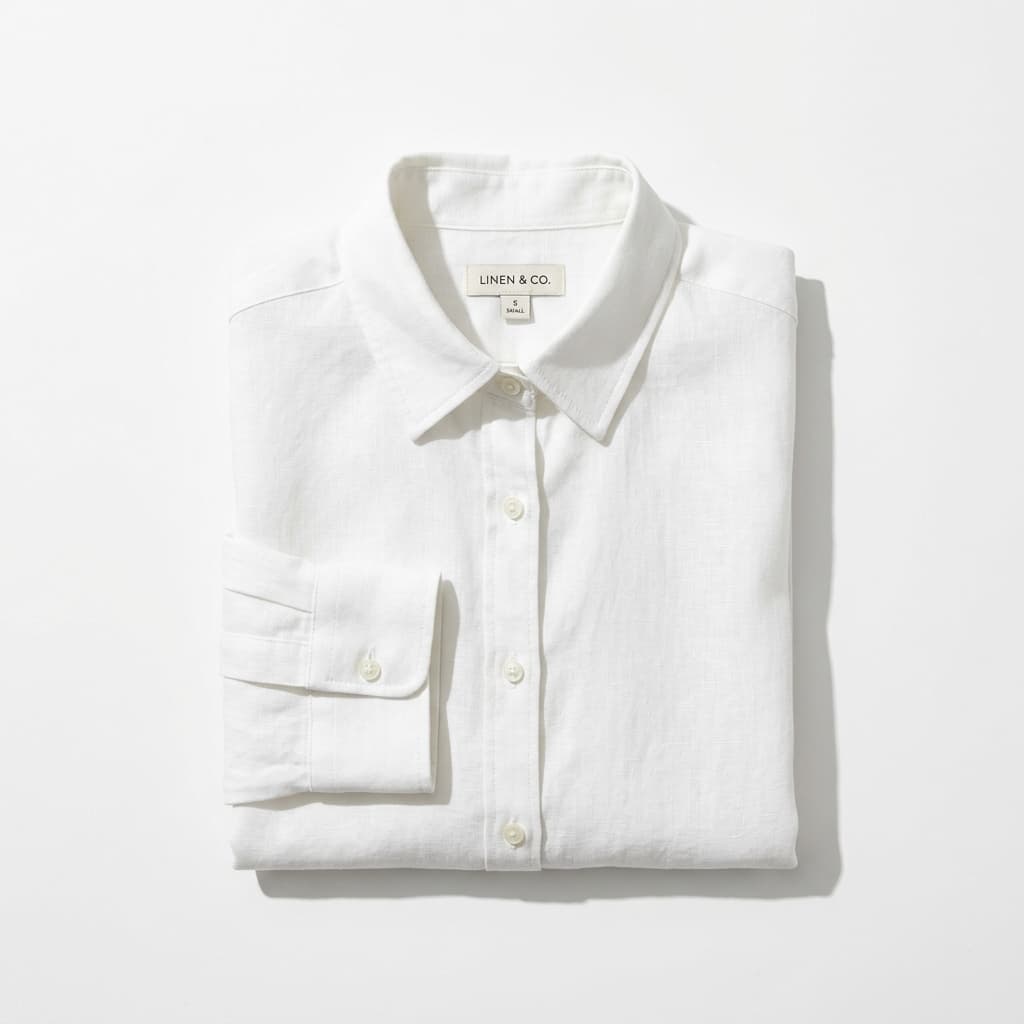
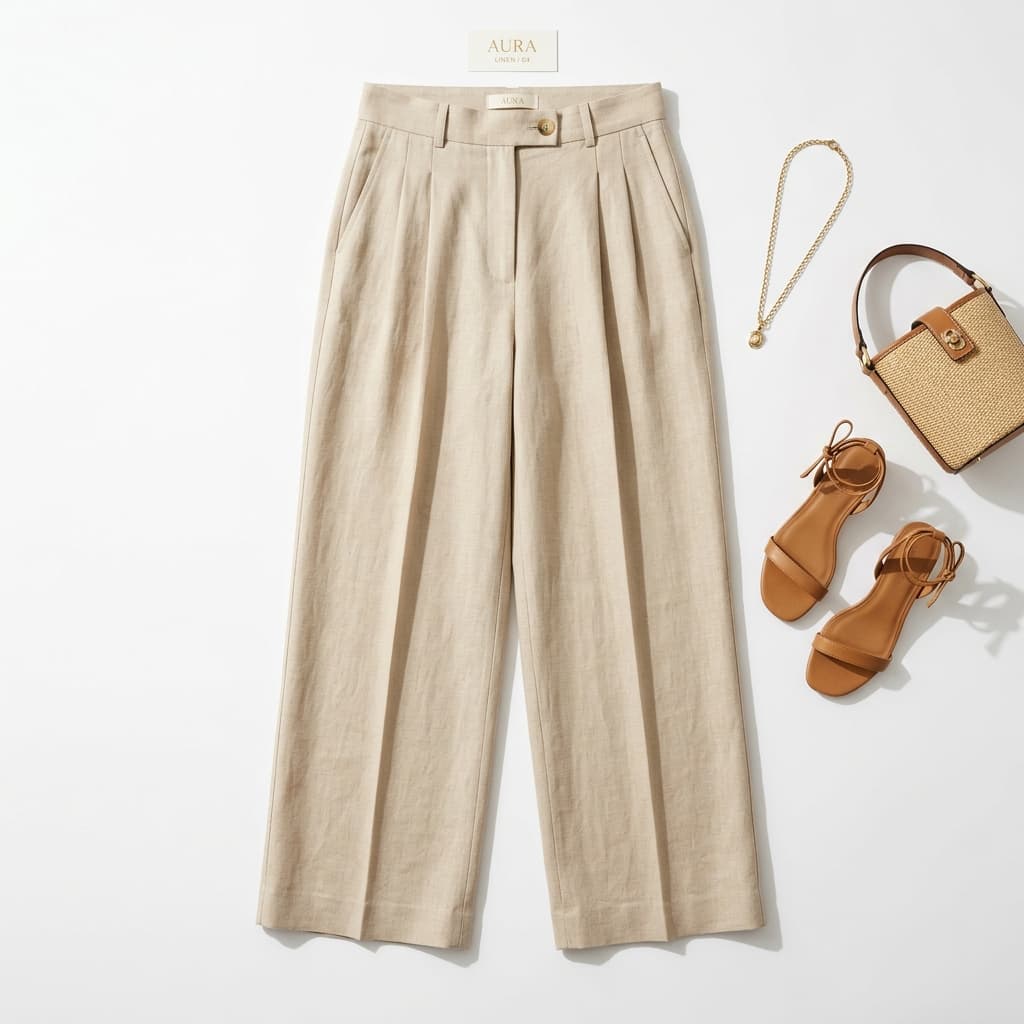
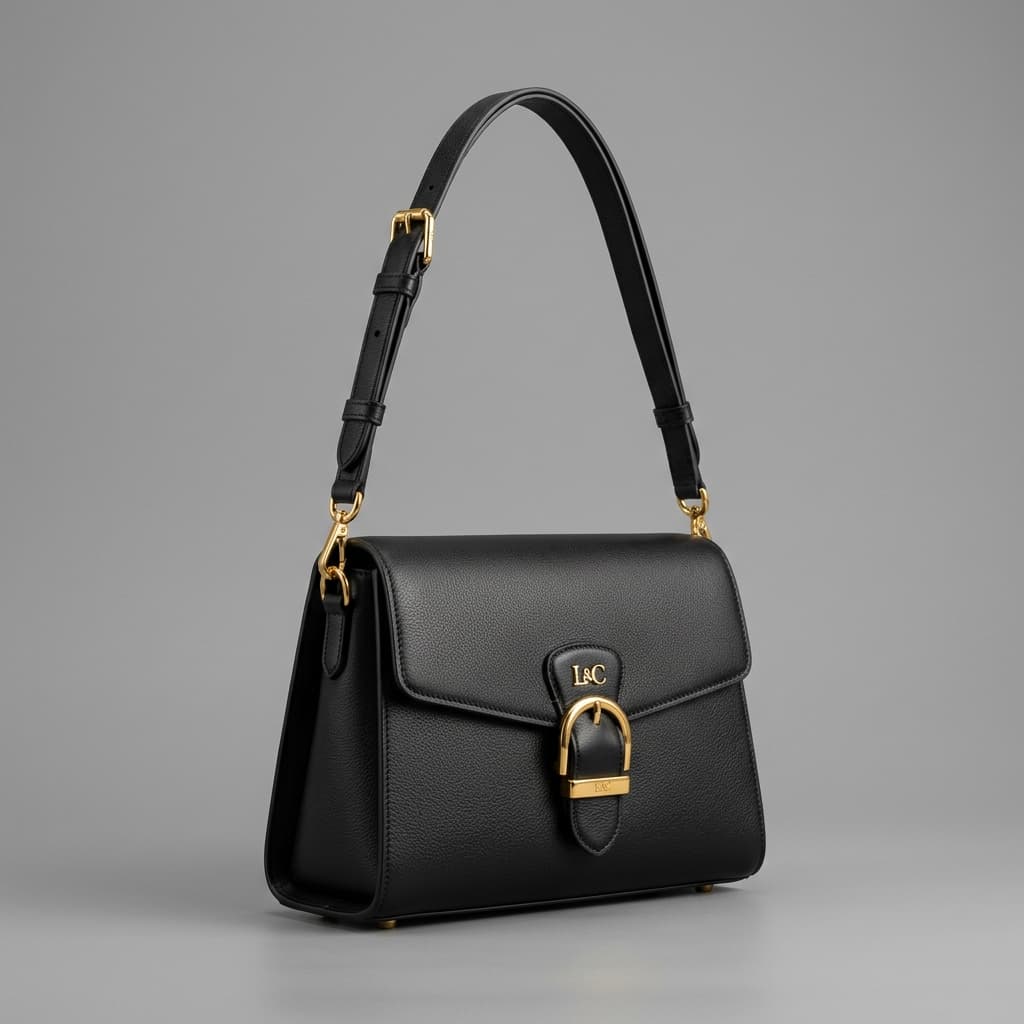
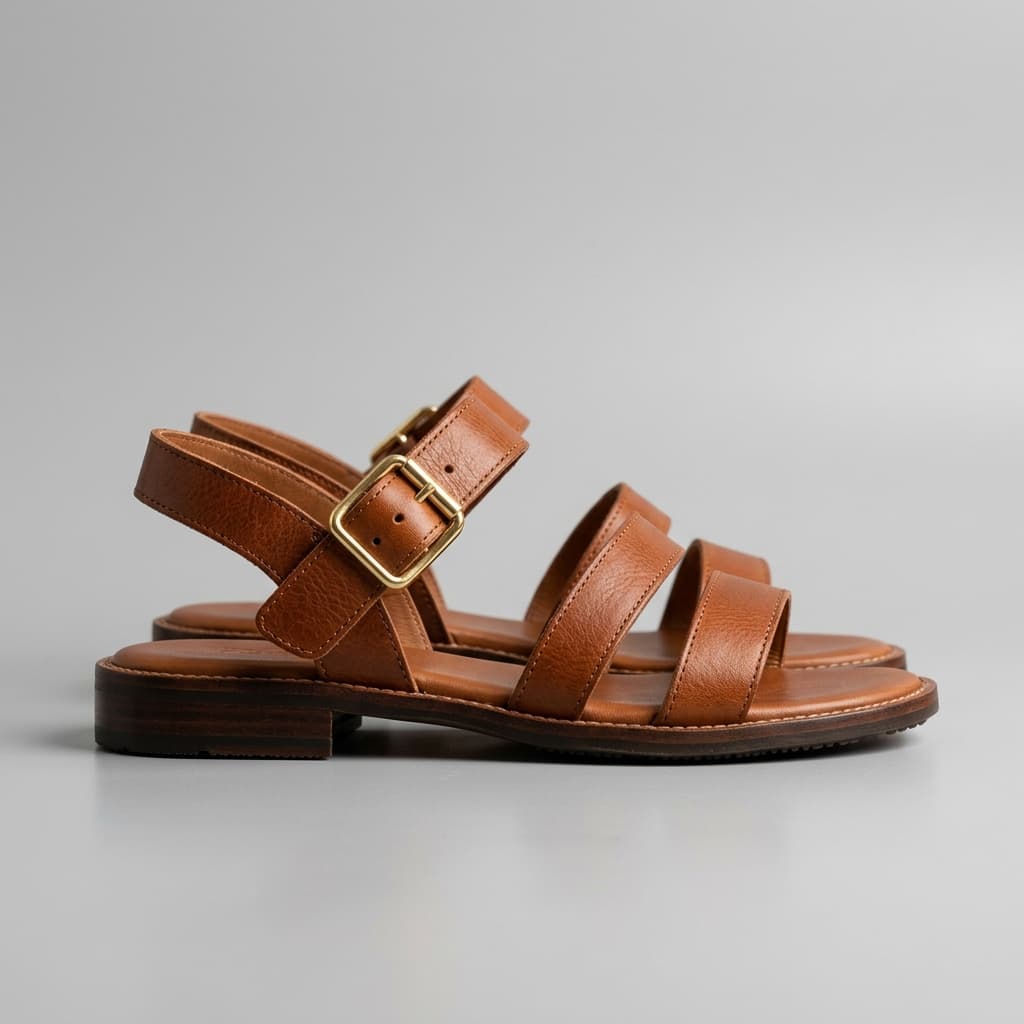
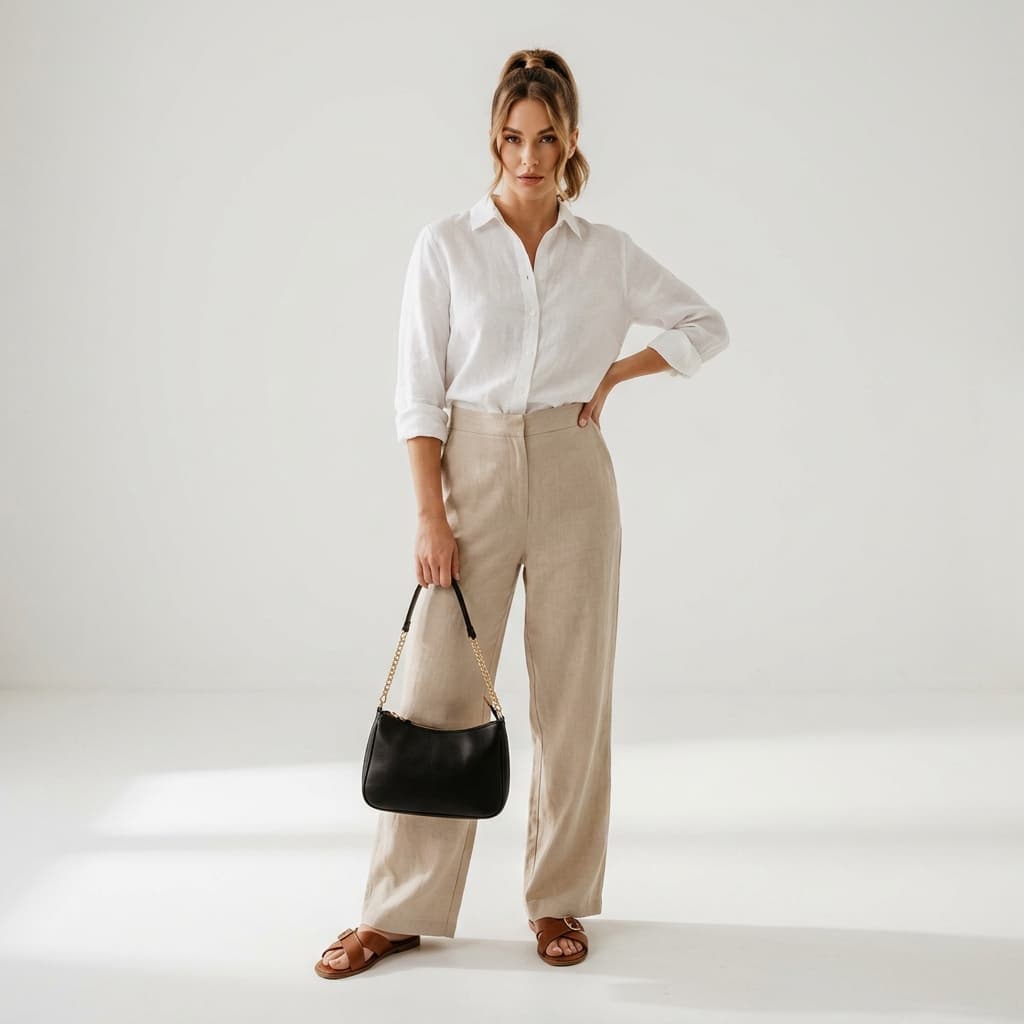
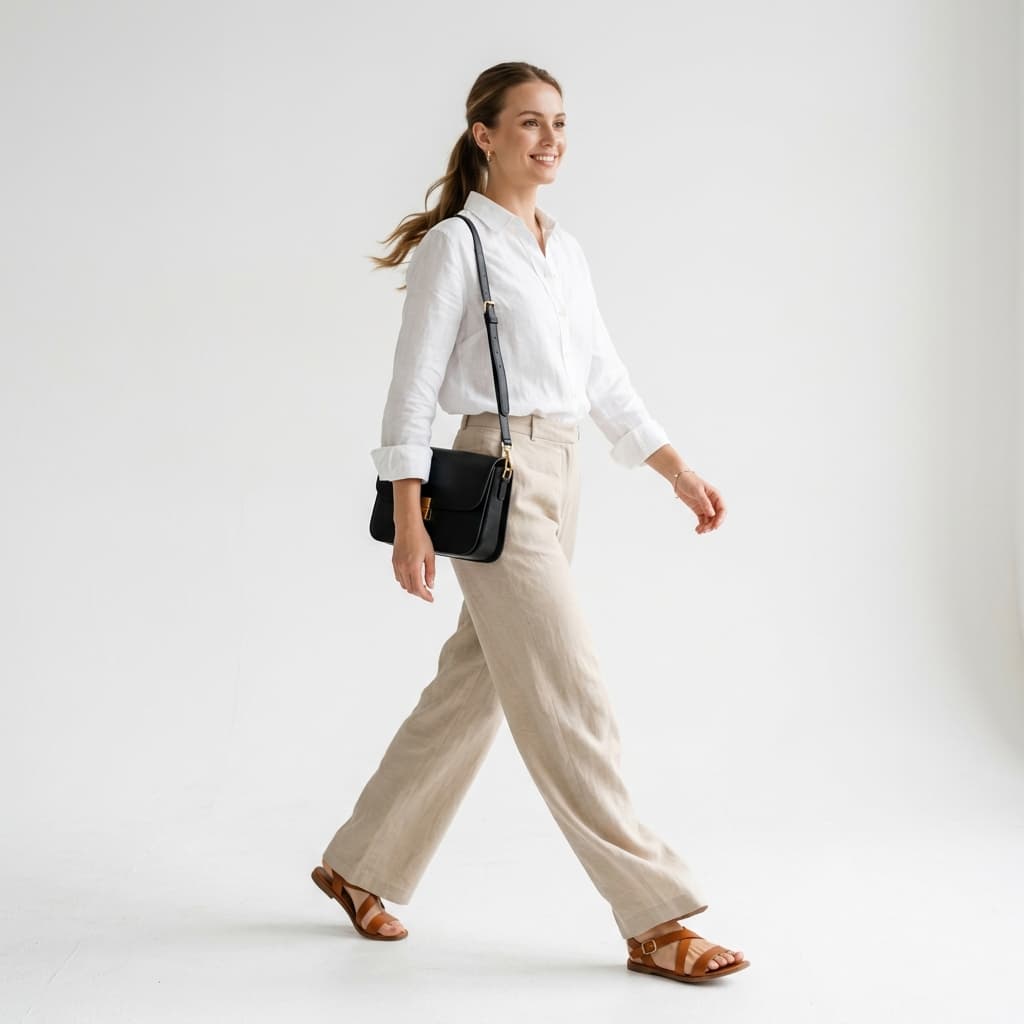
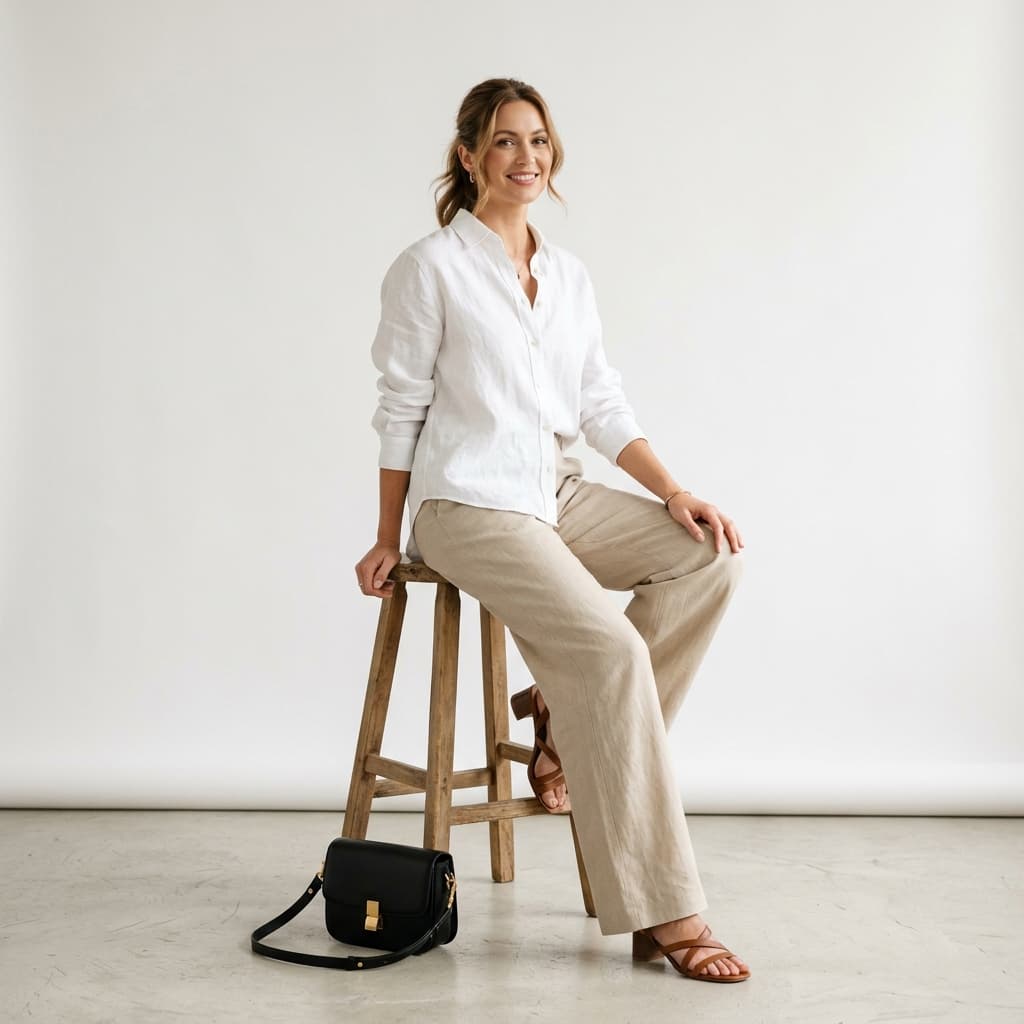
The same outfit, in three poses
One set of product photos, regenerated across three poses. No second shoot and no second upload.
How does Pose Swap work?
1. Choose a reference model
Upload your own image, reuse a recent upload, or pick an Alovia model.
2. Pick one or more poses
Search and filter the pose library by category, angle, framing, and style.
3. Generate each pose
Alovia renders every selected pose while keeping the garment, hair, face, and body unchanged.
Where do brands use Pose Swap?
How to Replace a Fashion Photoshoot
Generate on-model photography straight from flat-lay photos instead of booking a studio, model and photographer, then arrange it into a finished catalog.
How to Generate AI Fashion Models from Product Photos
Generate photorealistic on-model photos from a flat lay. Filter the model library by gender, ethnicity and age, or upload your own reference model.
Replace Plastic Mannequins With Realistic AI Models
Generate photorealistic on-model photos from flat-lay images instead of shooting on a plastic form. Filter models by gender, ethnicity and age group.
Frequently asked questions about Pose Swap
What is AI pose swap and how does it work?
Pose Swap takes a reference model image and re-renders it in a new pose while keeping the garment, hair, face, identity, and body measurements exactly as they appear in the source photo — only the pose changes.
What can I use as the reference image?
Upload your own reference photo — up to 5 stored at a time — reuse a recent upload, or pick one of Alovia's own models. The reference sets the garment, hair, face, and body that carry through to every pose.
Can I generate several poses from one submission?
Yes. Select multiple poses from the library in a single submission and Alovia generates a separate image for each one — no need to resubmit the reference each time.
How many credits does pose swap cost?
Each pose is priced by output resolution: 5 credits at 1K, 10 at 2K, and 20 at 4K. Cost multiplies by however many poses you select in the submission.
Can I change the background or scene when swapping poses?
Yes — optionally override the default studio background with another scene from the library, such as an outdoor location or a styled interior, independent of which pose you pick.
Can I change the garment during a pose swap?
No — pose swap only changes the pose. The garment, hair, face, and body from your reference photo are preserved exactly; to change the garment, generate a new reference through virtual try-on or AI Fashion Models first.
How is pose swap different from virtual try-on?
Virtual try-on starts from a flat-lay product photo and puts the garment on a model for the first time. Pose swap starts from an existing model photo and only changes the pose — the garment stays whatever is already in that reference image.
Do I need a photo of a model already wearing the garment to use pose swap?
Yes — pose swap needs a reference photo to start from, whether that's an Alovia model, one of your own past generations, or an image you upload. It re-poses that photo rather than creating a new outfit from a flat lay.
What works alongside Pose Swap?
AI Fashion Models
Generate realistic on-model fashion photos from a plain flat lay — pick a model and a pose, and get catalog-ready imagery in minutes. No photographer.
Catalog Generator
Turn a creative brief and flat-lay photos into a finished lookbook, campaign or B2B line sheet, exported as a PDF or a shareable flipbook link.
Virtual Try-On
Generate on-model photos from a single flat lay to show how a garment fits and drapes — no physical photoshoot and no sample garment required.
Ready to try Pose Swap?
Turn your products into buyer-ready catalogs — no photoshoot required.
Sources
- Baymard Institute — Apparel benchmark sites with no human-model image, or only one (21%). Source dated 2025-02-25.
- ProShot Media — Full-service agency product photography, per image ($100–$300+). Source dated 2025-08-28.
Last updated: