AI Virtual Try-On Studio — Fabric Draping for E-Commerce
Virtual try-on turns a flat product photo into a photorealistic on-model image. Alovia drapes the garment onto an AI model, calculating folds, shadows, and stitching, and can layer a top, bottom, footwear, and accessories into one render. This page shows pre-generated results for a sample outfit, with no studio and no account needed to view them.
Virtual Try-On Studio
Demo mode — preset garments & one model. A full account unlocks more models, custom uploads, and high-resolution exports.
Outfit Components
Select, upload or remove clothing items for the virtual dressing simulation.
Reference Model
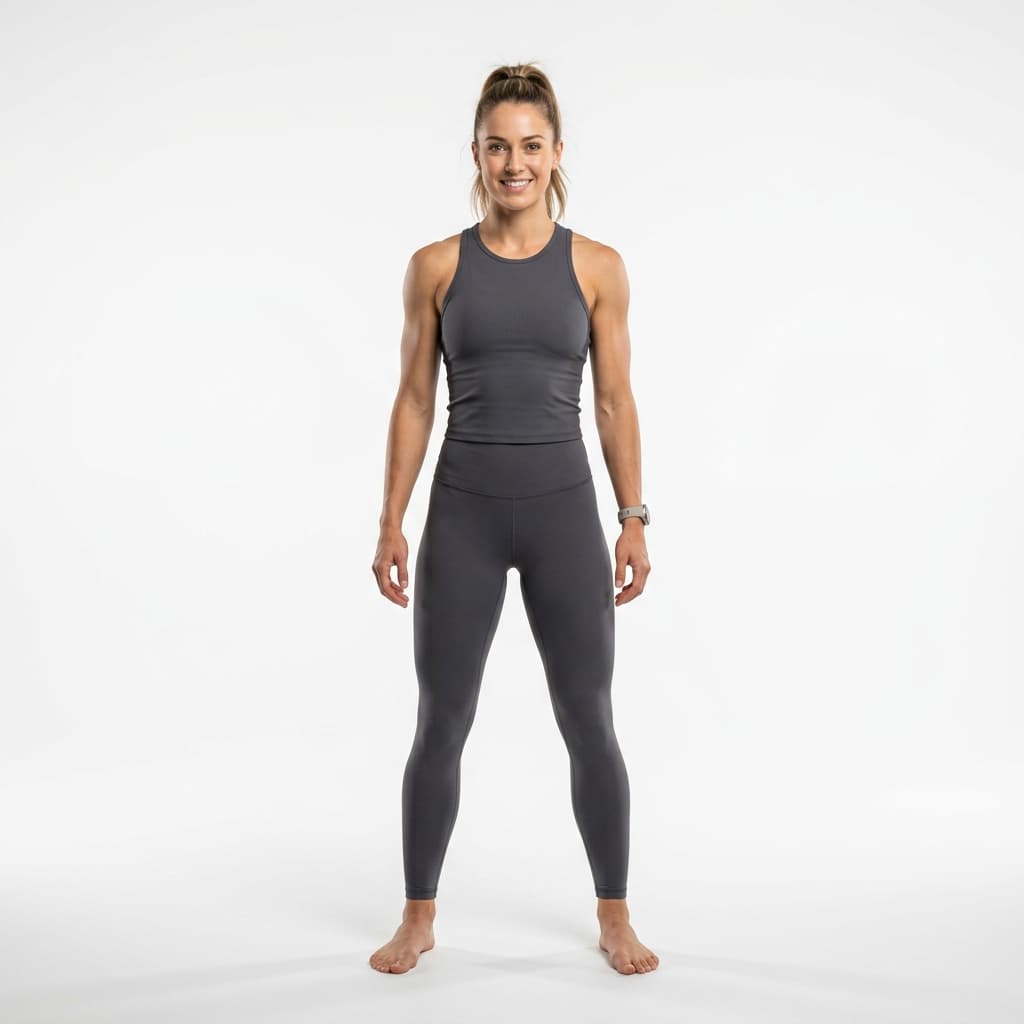
Select the mannequin model to dress.
Configuration & Generate
Customize output resolution and backdrop scene context.
Generation Results
AI Visual Transcription
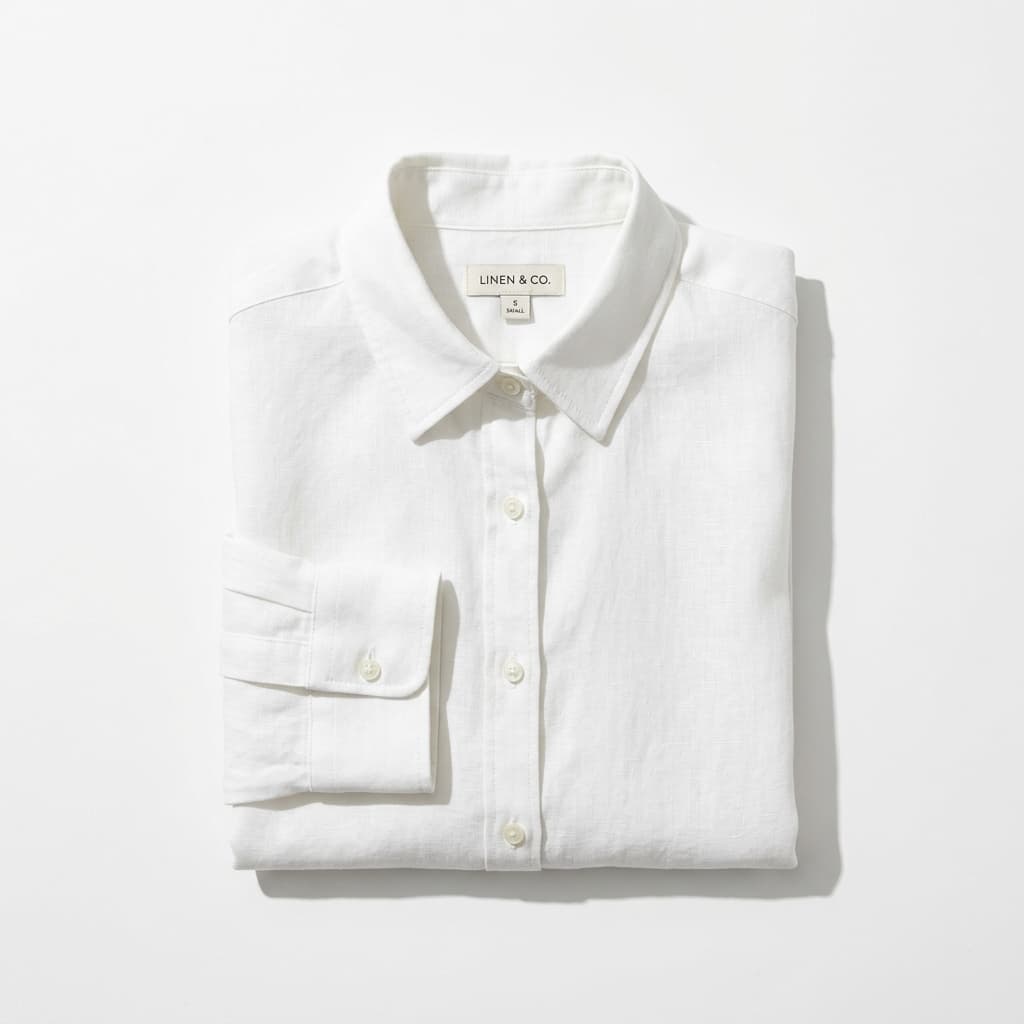
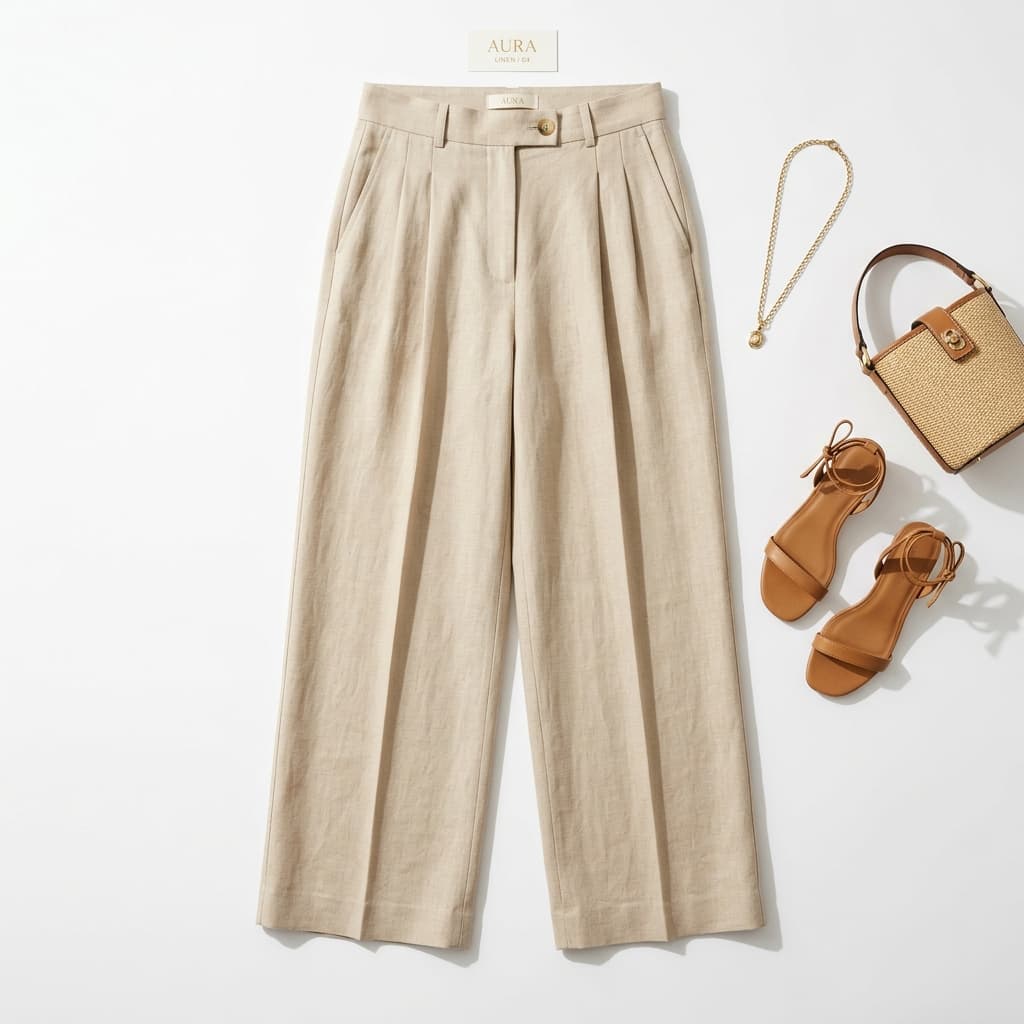
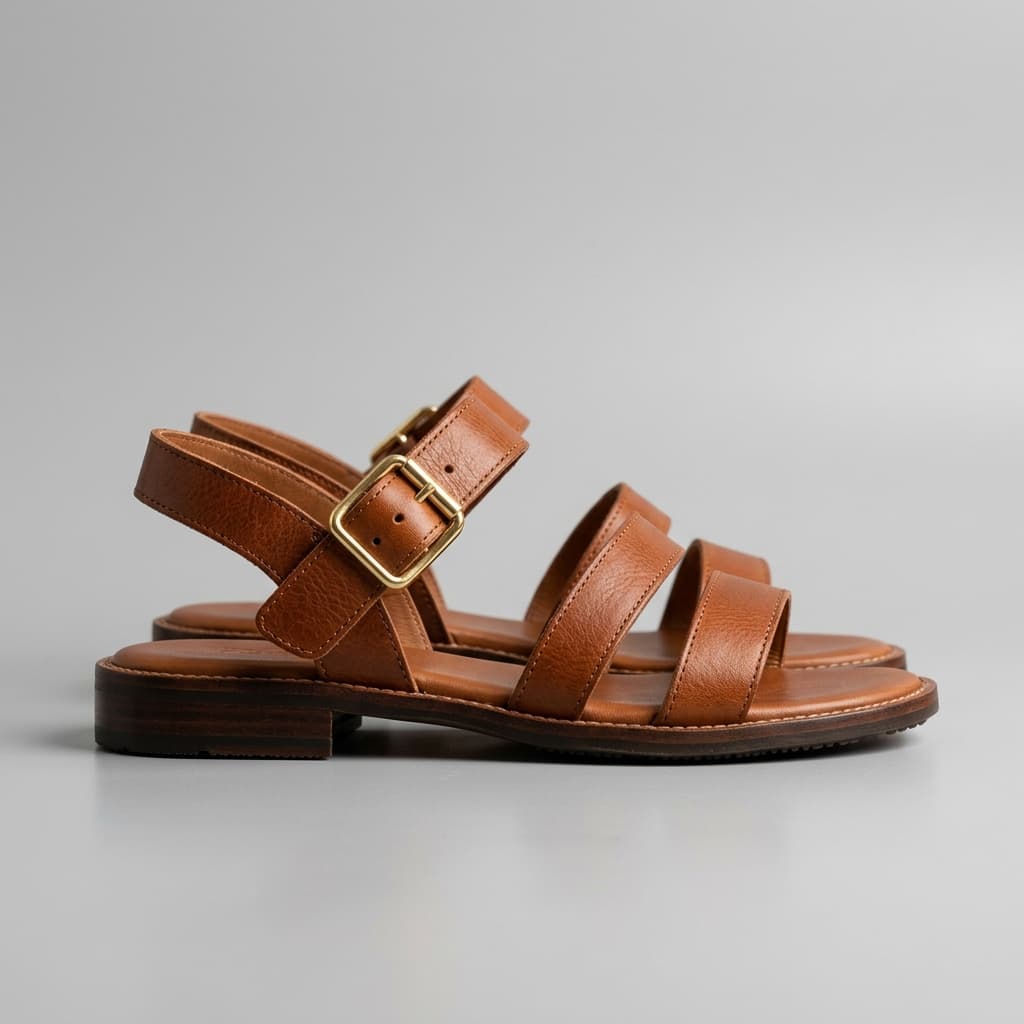
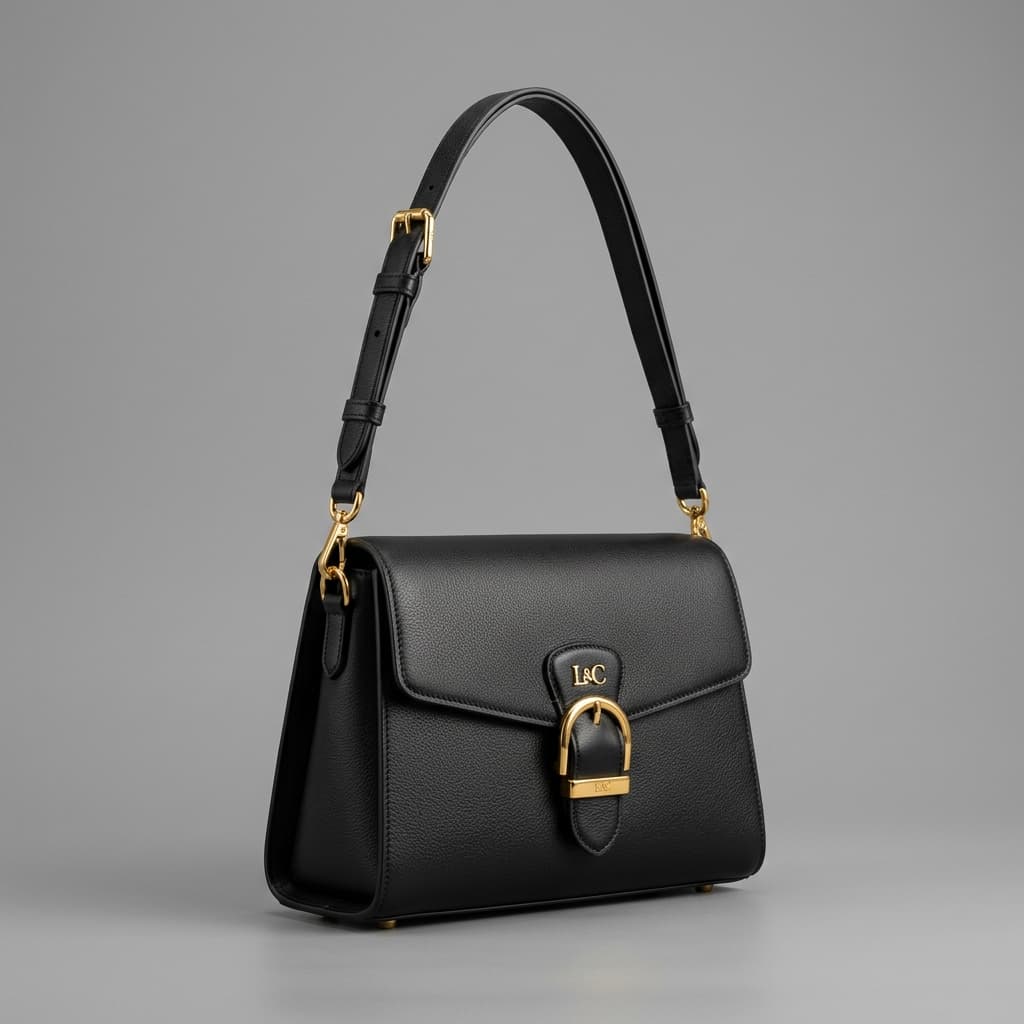
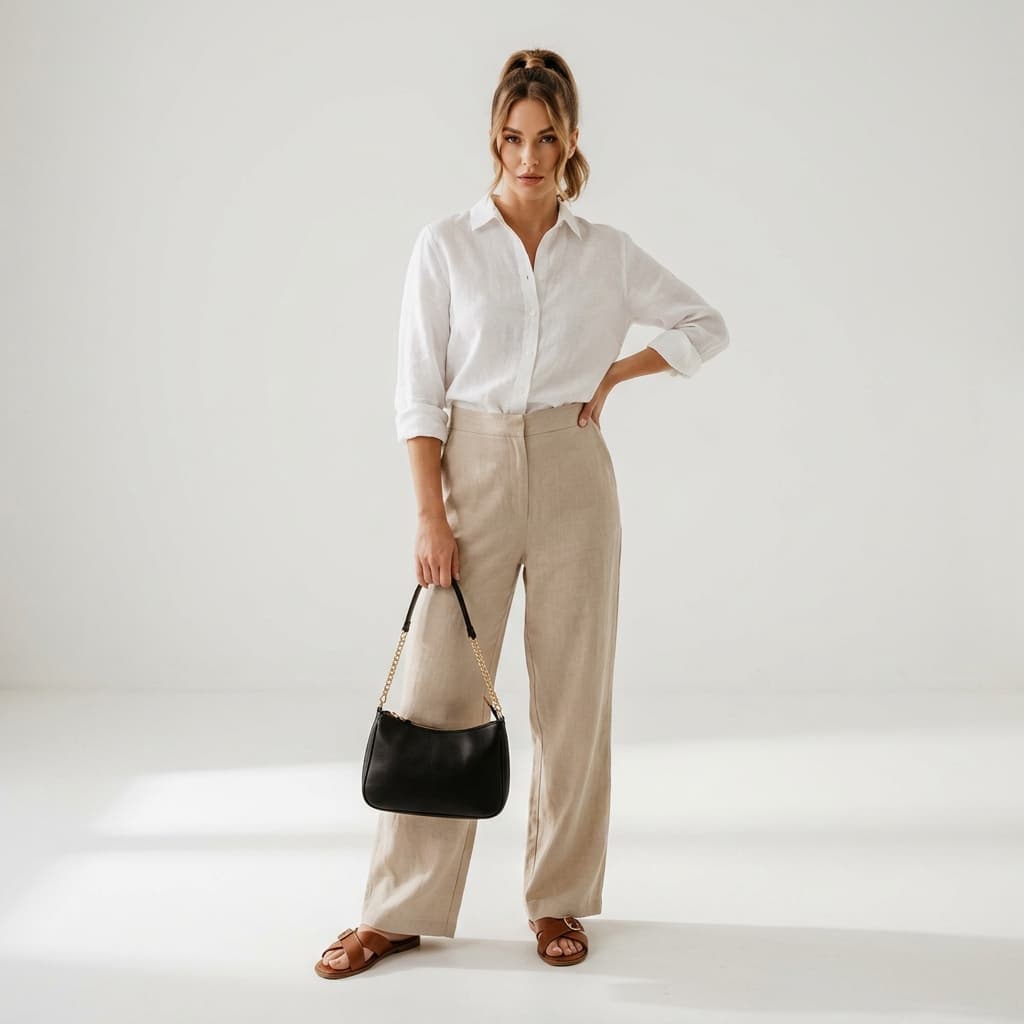
Input Garment Profile: High-resolution flat-lay clothing catalog photos including a White Linen Shirt (Top), Beige Linen Trousers (Bottom), Brown Leather Sandals (Footwear), and a Black Leather Handbag (Accessories).
AI Try-On Synthesis Workflow: Alovia AI try-on pipeline isolates garments from input photos, segments outline details, fits fabric collision meshes onto the skeleton coordinates of model Emma (24, Brunette), and applies neural stitching. Sleeve folds, trouser creases, shoe straps, and button closures are rendered realistically.
Output Result Showcase: The model Emma is depicted standing and posing confidently wearing the combined linen outfits. Fabrics drape dynamically under soft box studio lighting in a minimalist background, casting realistic shadows relative to garment folds and skin boundaries.
AI Try-On Output — Visual Description
Input Garment Profile: High-resolution flat-lay clothing catalog photos including a White Linen Shirt (Top), Beige Linen Trousers (Bottom), Brown Leather Sandals (Footwear), and a Black Leather Handbag (Accessories).
AI Try-On Synthesis Workflow: Alovia AI isolates garments from input photos, segments outline details, fits fabric collision meshes onto the skeleton coordinates of the selected model, and applies neural stitching. Sleeve folds, trouser creases, shoe straps, and button closures are rendered realistically under studio lighting.
Output Result: The model is depicted standing confidently wearing the combined linen outfit. Fabrics drape dynamically with full texture fidelity under soft box studio lighting in a minimalist backdrop, casting realistic shadows relative to garment folds and skin boundaries.
AI Virtual Try-On for Fashion Catalogs
Turn flat-lay product photos into on-model catalog imagery without a studio shoot — layer multiple garments on a digital model and render in browser.
No Studio Required
Generate an on-model try-on result from a flat-lay — no studio, model booking, or photographer needed.
Multi-Garment Layering
Layer top, bottom, footwear, and accessories onto a single model in one render.
Consistent Output
Prints, seams, and button alignments stay consistent across different background scenes.
How AI Virtual Try-On Works — Step by Step
Upload Garments: Upload flat-lay, ghost mannequin, or hanging catalog photos for Top, Bottom, Footwear, and Accessories slots. Alovia automatically segments backgrounds and isolates fabric.
Choose Model & Scene: Select a digital model twin from a range of diverse options, pick your output resolution, and choose a background scene — studio, urban, villa, or café.
Generate & Download: Alovia maps skeletal landmark coordinates, drapes each garment, renders fabric creases and shadows, then delivers the result to download.
Virtual Try-On — Frequently Asked Questions
How does AI virtual try-on work?
Alovia decomposes flat clothing photos into dynamic 3D meshes, maps them onto the model’s skeleton coordinates, then renders realistic wrinkles, folds, and lighting shadows — unlike basic overlay tools that simply stretch an image over a body.
How can virtual try-on help sales and returns?
Virtual try-on lets buyers visually confirm garment fit and drape before purchasing, which addresses a common cause of size-related returns. Alovia does not publish its own conversion or return-rate figures.
Can I upload my own product photos to try on?
Yes. Register a free Alovia account to upload custom flat-lay, ghost mannequin, or hanging apparel images and generate photorealistic try-on results on a range of professional digital model twins.
Will my fabric prints stay accurate across different background scenes?
Yes. Alovia’s spatial neural architecture locks print ratios, button alignments, and seam details across all scene backgrounds — rendering consistently in studios, beaches, or urban streets without any distortion.
I just opened a boutique — can I get professional photos without a studio?
Yes. Upload any flat apparel photo and Alovia automatically segments the garment, fits it onto a digital model, and upscales to 4K — producing photorealistic catalog images with no live model or studio required.
Does Alovia support bulk catalog processing for large brands?
Yes. The Enterprise API supports high-volume batch processing and integrates with ERP and e-commerce backends.