AI Fashion Campaign Studio

Generate Themed AI Fashion Campaigns From Product Photos — In Under 10 Seconds

Alovia Campaign Studio is your central visual engine. Upload your product flat-lays, choose an AI twin model, and generate themed campaign photography (e.g. Father's Day, Santorini Summer). Use these images anywhere: social media, Shopify listings, or feed them directly into our Lookbook and B2B Line Sheet builders.

No credit card required · Cancel any time

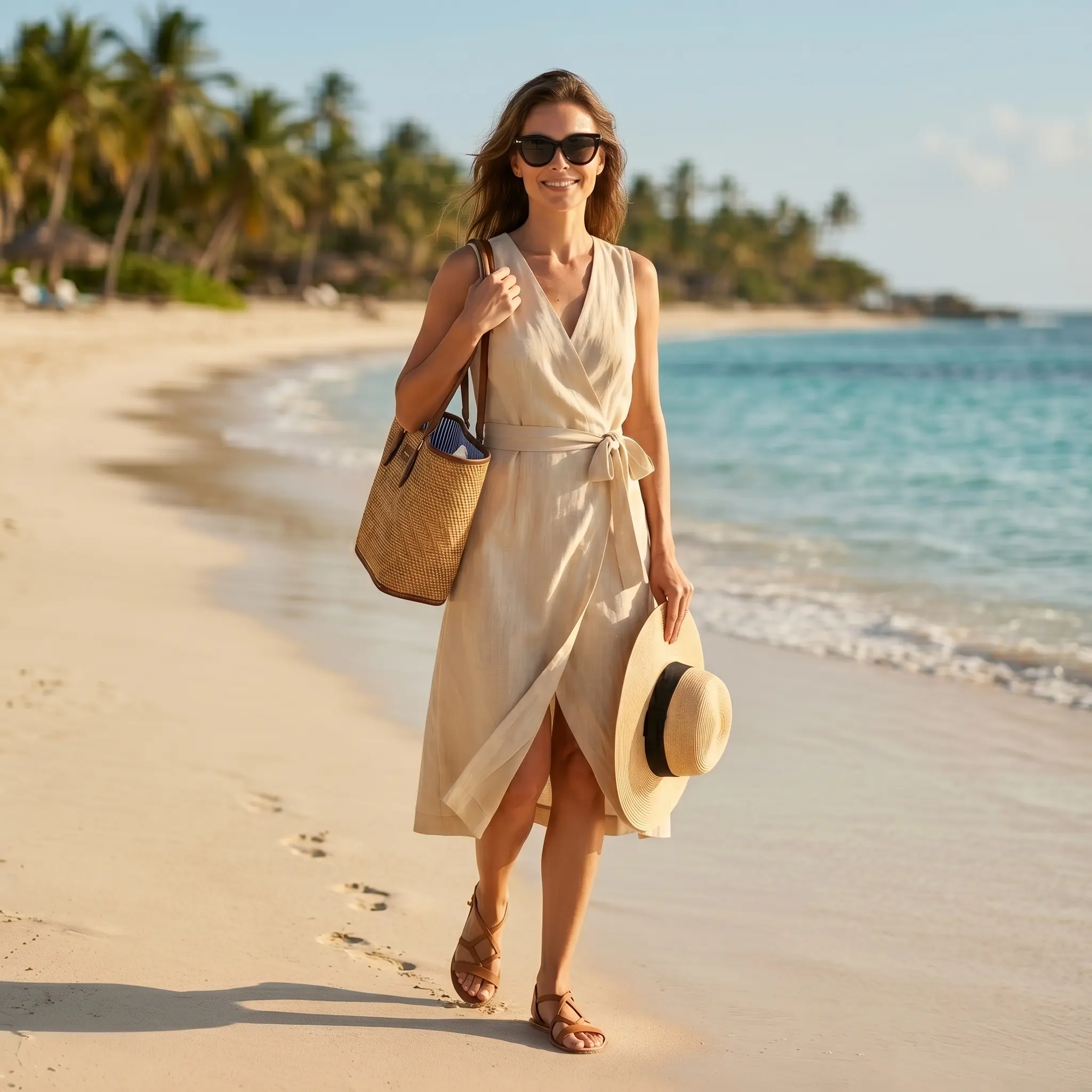
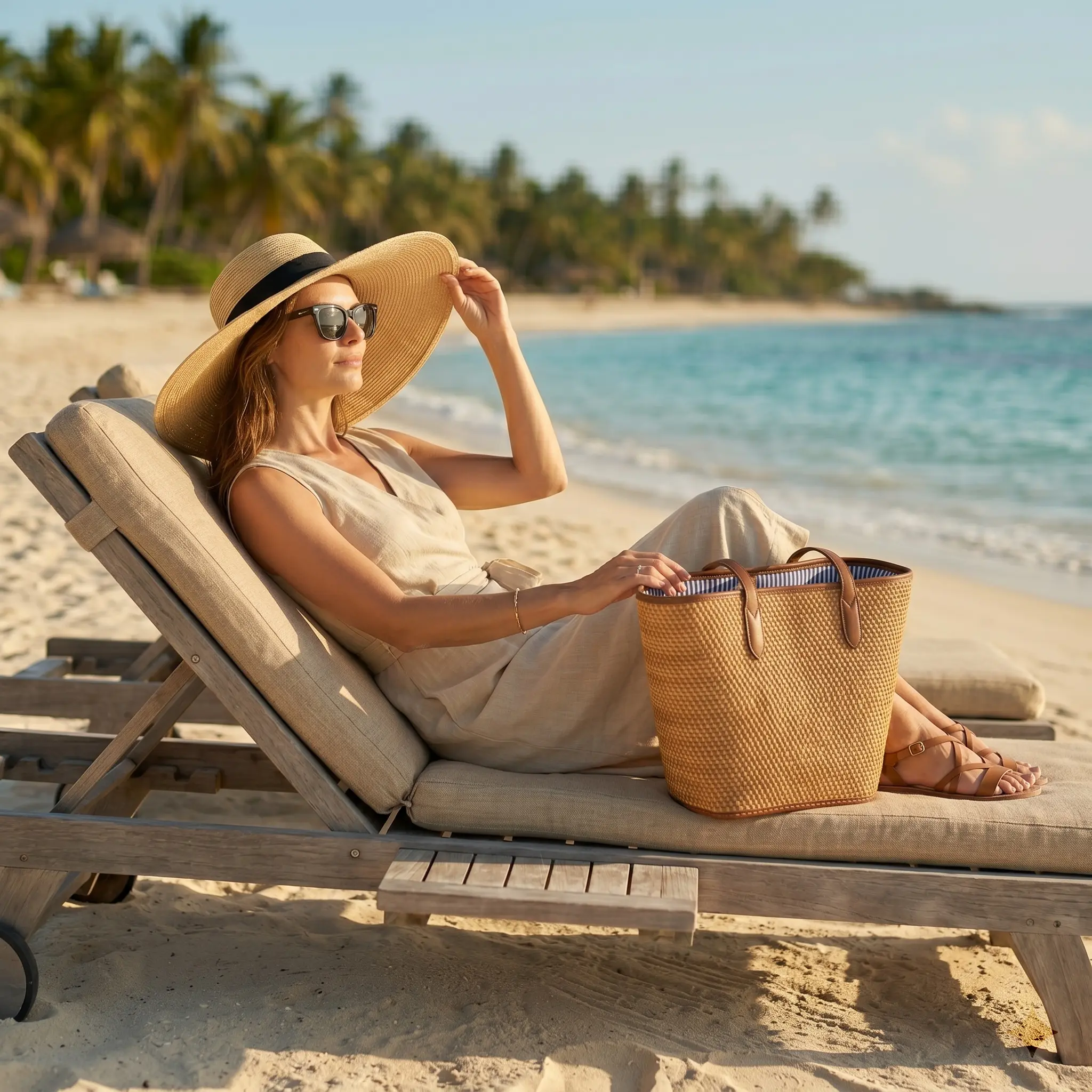
Alovia AI campaign image 1 — AI Fashion Campaign Studio
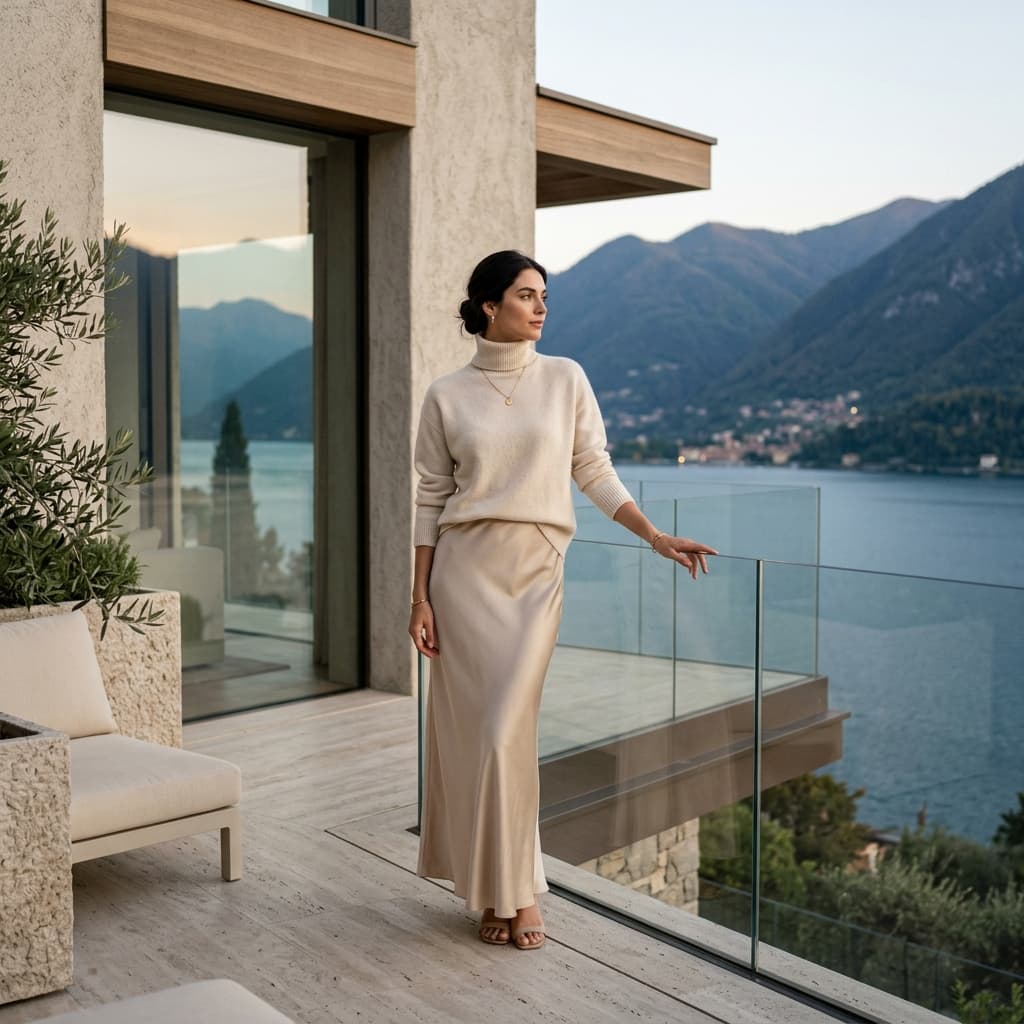
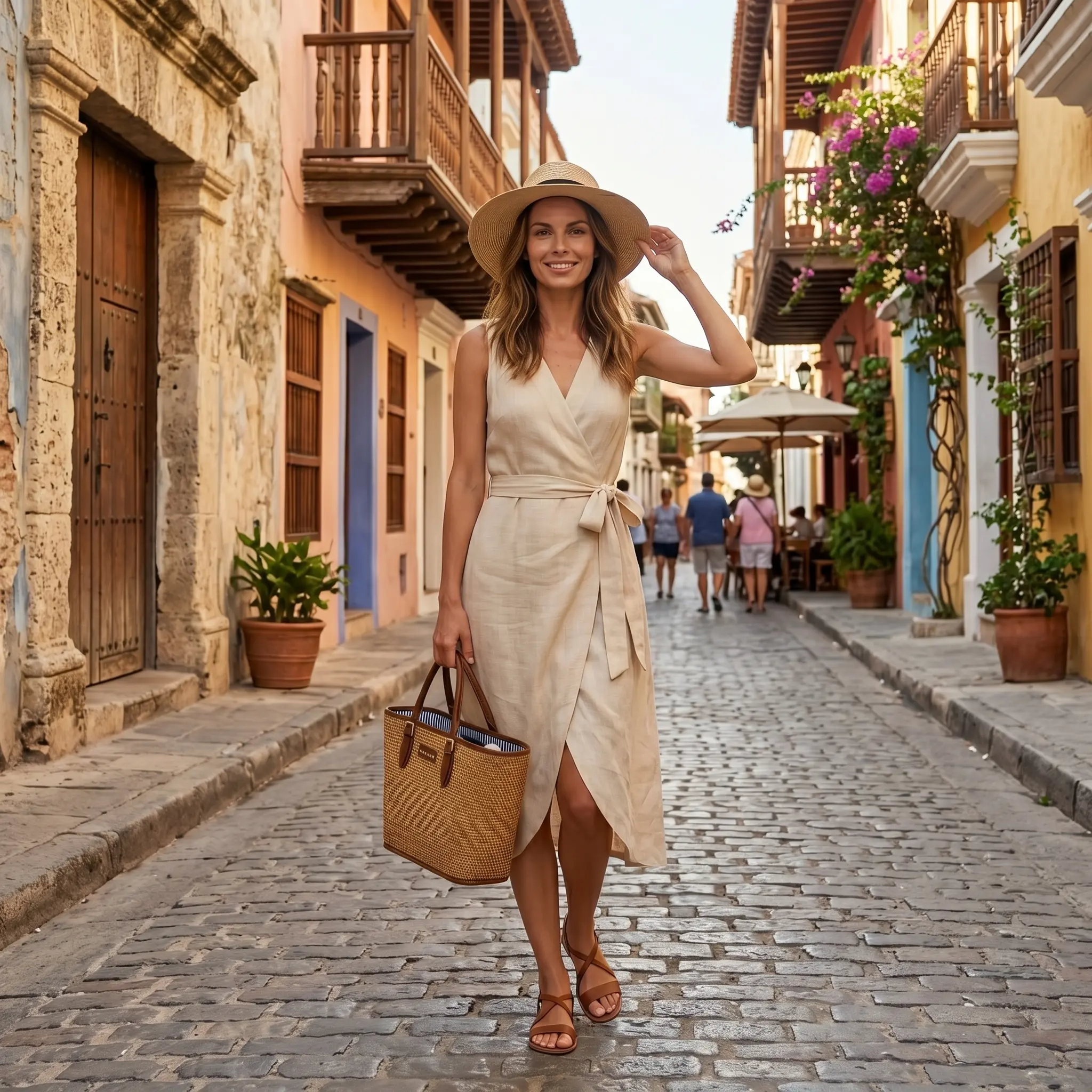
Alovia AI campaign image 2 — AI Fashion Campaign Studio
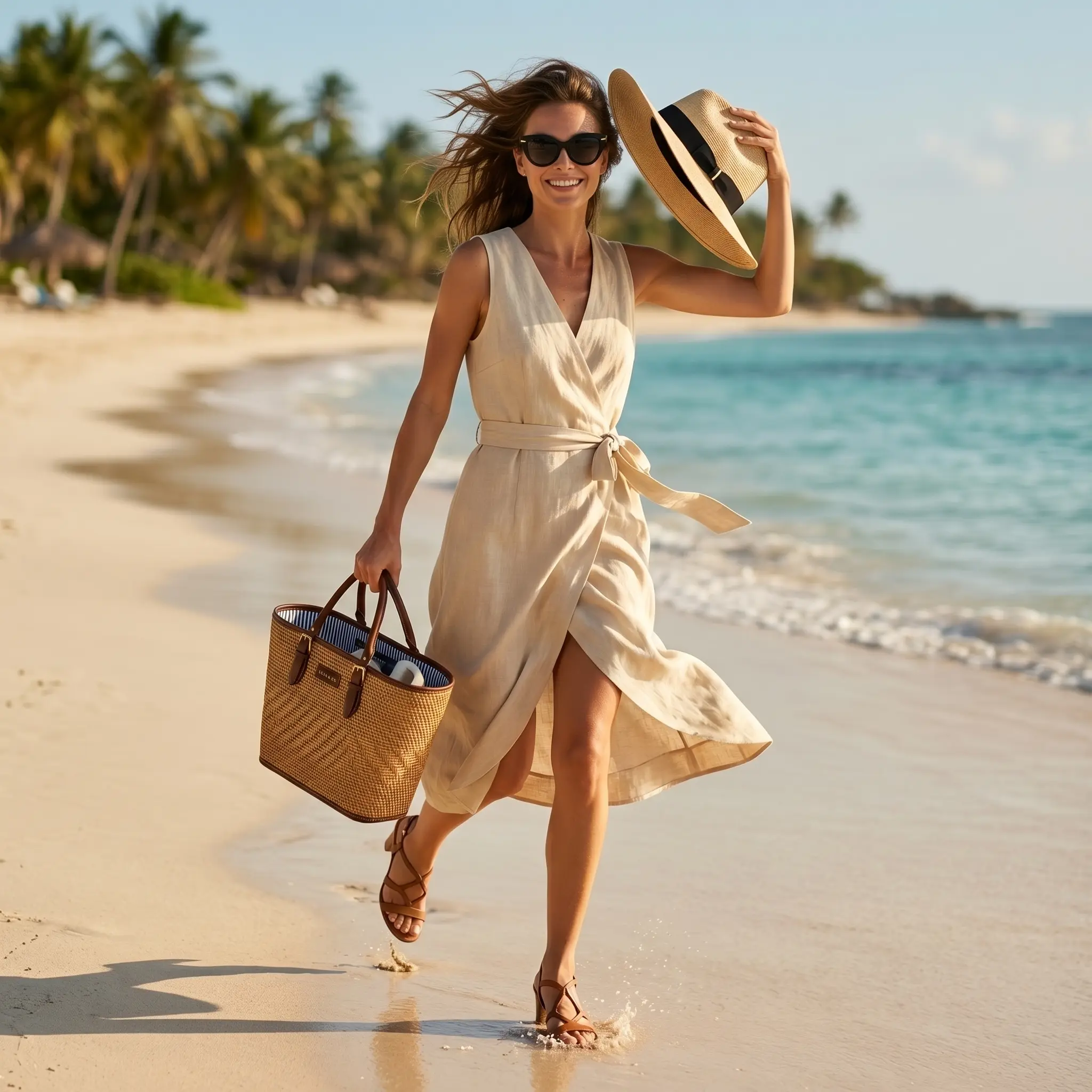
Alovia AI campaign image 3 — AI Fashion Campaign Studio
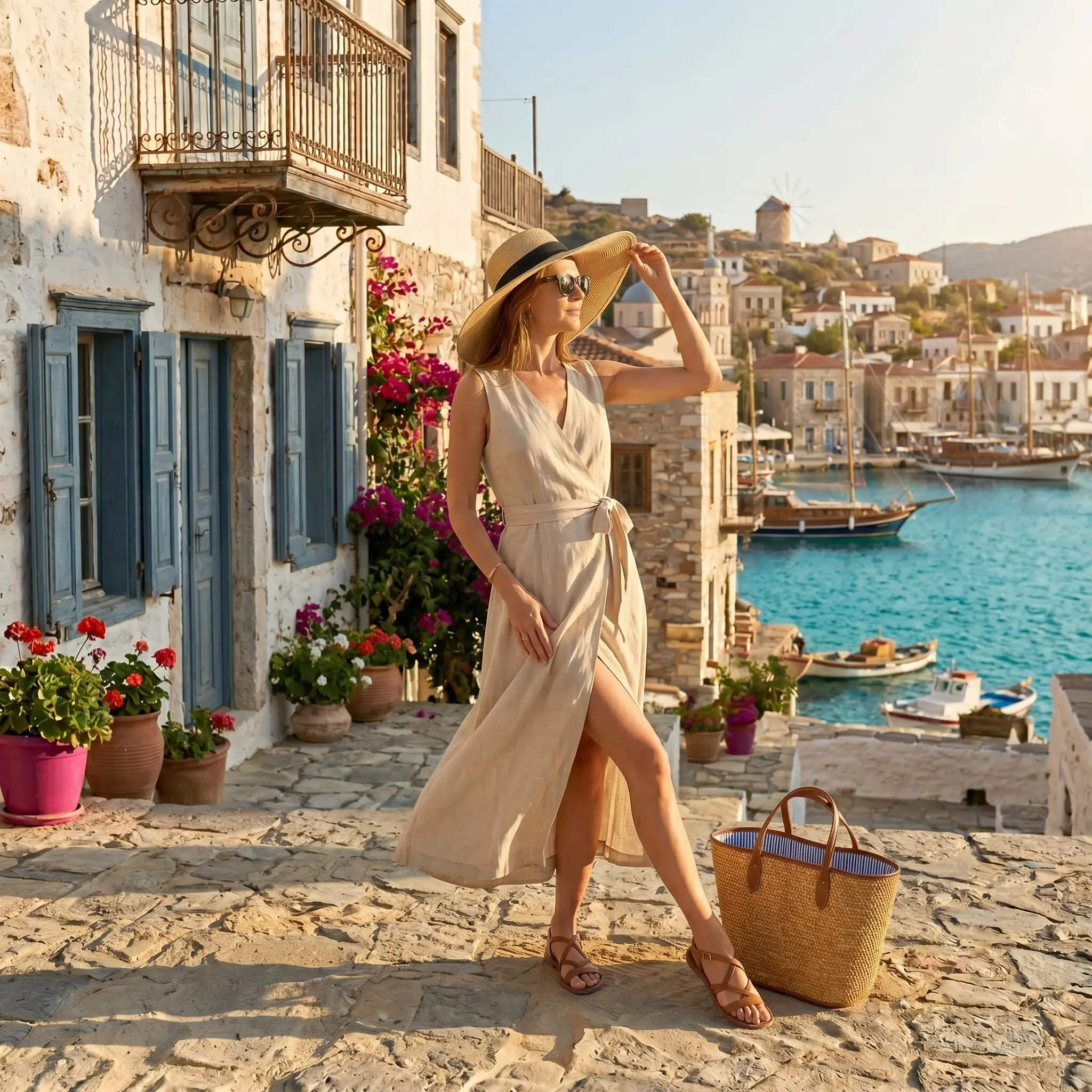
Alovia AI campaign image 4 — AI Fashion Campaign Studio
End-to-End Workflow

From concept to published catalog

  1. Describe Your Concept

    Name your collection, set the season and brand tone, and define the visual direction — all in plain language. No creative brief templates, no agency briefings.

  2. Generate On-Model Campaign Images

    Alovia renders photorealistic campaign photography from your product images in under 10 seconds per image. Choose your AI twin model, pose, and themed environment — seam and fabric accuracy guaranteed.

  3. Export for Social, Ads, and E-Commerce

    Download individual images or full campaign sets at 4K UHD resolution in PNG or WebP. Use them directly on Instagram, TikTok, Meta Ads, Google Shopping, Shopify, and marketplace listings.

  4. Compile a Lookbook or B2B Line Sheet

    Transfer the same generated imagery into a Lookbook (editorial consumer layout) or a B2B Line Sheet (wholesale buyer format) with structured SKU data, pricing, and MOQ — all from the same images, no reshoot required.

  5. Edit the Design Yourself

    Drag, resize, and reposition images; edit text; swap templates; and apply your brand colours — all within Alovia's built-in design editor. No InDesign licence or designer required.

  6. Export as a High-Resolution PDF

    Download a print-ready PDF of your Lookbook or Line Sheet — formatted for trade show presentations, buyer meetings, press packs, and digital distribution at razor-sharp resolution.

  7. Publish as an Interactive Flipbook — and Update Anytime

    Publish your catalog as a shareable page-flip Flipbook link — no app required. The design stays fully editable: refresh imagery, swap layouts, or update pricing whenever your collection changes.

From flat-lay to campaign-ready in three steps

Alovia Campaign Studio vs the alternatives

A factual look at how Campaign Studio compares to a traditional seasonal photoshoot and a generic AI image generator across six key metrics.

Comparison of Alovia Campaign Studio, traditional alternative, and generic AI image generator across key operational metrics.
MetricAlovia Campaign StudioTraditional PhotoshootGeneric AI Generator
Concept-to-image timeUnder 10 seconds per image; full campaign in under 15 minutes3–5 weeks (booking, shoot, retouching)Seconds — but garment fidelity is unreliable
Cost per campaignCompute credits only; no minimum spend$5,000–$15,000+ per seasonal shootLow compute cost; hidden cost in manual correction of distorted garments
Garment and brand consistencyDeterministic fabric physics: seams, prints, and weave locked across all imagesHigh — when samples are accurate and retouching is thoroughPoor — logos warp, prints smear, stitch lines hallucinate
Lookbook and line-sheet outputBuilt-in: generate imagery and compile an editable Lookbook or Line Sheet in one workflowRequires separate InDesign/design-agency engagement after the shootImage generation only — no layout, PDF, or catalog tooling included
Export formats4K PNG/WebP for social; print-ready PDF for catalogs; shareable Flipbook linkRetouched JPEGs delivered by photographer; PDF layout billed separatelyStandard image export only; no PDF or interactive catalog format
Editable and updatableFully editable design editor; refresh imagery or layouts anytime the collection changesStatic deliverables; any update requires a new shoot or paid retouching sessionImages can be regenerated; no persistent editable catalog or layout layer

Frequently Asked Questions

Everything you need to know before your first campaign.

How do I create campaign images from my concept in Alovia?
Start by describing your collection concept — the name, season, brand tone, and visual direction — in plain language inside Campaign Studio. Then upload your product images (flat-lay, ghost-mannequin, or studio shot), choose an AI twin model from the library, and select a themed environment. Alovia generates photorealistic on-model campaign images in under 10 seconds per image. There is no brief template, no agency briefing, and no studio booking required. The entire process from concept to first rendered image takes under five minutes.
Can I export the generated campaign images for social media and ads?
Yes. Every image generated in Campaign Studio is immediately downloadable at 4K UHD resolution in PNG or WebP format. Images are sized and formatted for use across Instagram, TikTok, Meta Ads Manager, Google Shopping, Shopify product pages, and marketplace listings such as ASOS and Zalando. You retain full commercial ownership of every output — use them anywhere, with no attribution requirement and no usage clock running against you.
Can I turn the generated campaign images into a lookbook or a B2B line sheet?
Yes. Once your campaign images are generated, you can transfer them directly into Alovia's Lookbook Builder (for consumer spreads) or B2B Line Sheet Builder (for wholesale pricing grids, SKU data, and MOQ callouts). The Line Sheet editor lets you customize product specifications (fabric, sizes, materials) and publish a shoppable interactive flipbook with an integrated wholesale inquiry and order form, completing your campaign-to-order pipeline.
Can I edit the lookbook or line sheet design myself after generating it?
Yes. Both the Lookbook and Line Sheet layouts are fully editable inside Alovia's built-in design editor. You can drag and reposition images, edit headline and body text, swap layout templates, apply your brand colours and typography, and insert or remove pages. No InDesign licence, no external design tool, and no designer is required. The editor is built for brand owners and marketing teams, not design professionals.
Can I export the finished lookbook or line sheet design as a PDF?
Yes. Every Alovia Lookbook and Line Sheet exports as a print-ready, high-resolution PDF. The output is formatted for professional buyer presentations, trade show leave-behind packs, press kits, and digital distribution. Imagery renders at sharp print resolution, typographic hierarchy is preserved, and your brand logo and colourway are correctly applied throughout the document.
Can I publish my catalog as an interactive flipbook?
Yes. Alovia converts any finished Lookbook or Line Sheet into a shareable interactive Flipbook — a page-turning digital catalog accessible via a URL, with no app download required. The Flipbook renders on mobile, tablet, and desktop with consistent fidelity. You can password-protect the link, embed it on your website, send it to wholesale buyers by email, or display it via QR code at trade shows. Shoppable hotspots and product links can be embedded directly in the Flipbook pages.
Can I update or re-edit my catalog after publishing it?
Yes. Your Alovia catalog is never locked. You can return to the design editor at any time to refresh imagery, update pricing or MOQ terms, swap layout templates, or add new collection pieces. Flipbook links reflect the updated version automatically when you republish — buyers who saved your link always see current, accurate catalog information. This is a fundamental advantage over static PDF workflows, where every update requires a new file and a new distribution round.
How much does AI campaign photography cost compared to a traditional fashion photoshoot?
A traditional seasonal campaign — accounting for model agency fees, location or studio rental, photographer day rates, styling, hair and makeup, and post-production retouching — typically runs $5,000 to $15,000 per shoot. Alovia Campaign Studio generates a full seasonal campaign for a fraction of that cost in compute credits, with no minimum spend and no hidden fees. The cost advantage compounds further when you factor in the Lookbook, Line Sheet, and Flipbook outputs that would each require separate design and production budgets in a traditional workflow.
Will the AI maintain fabric pattern, print, and seam consistency across all campaign images?
Fabric and garment fidelity is Alovia's core technical differentiator. Generic AI image generators warp logos, distort ribbed knits, hallucinate stitch lines, and smear printed patterns across poses. Alovia uses deterministic fabric physics mapping that locks every garment boundary — seams, hems, buttons, prints, and weave structures — before the rendering pass begins. The result is structural consistency across every pose, lighting condition, and background. What you upload is what buyers see on the model.
How fast can I go from a flat-lay photo to a finished campaign image?
Alovia renders a high-resolution campaign image in under 10 seconds. A complete 20-piece seasonal campaign — across different AI twin models (like Mia, Zoe, Zara, Kai, Leo, or Alex) and themed environments (such as Santorini Summer or Quiet Luxury) — can be finished in under 15 minutes. Compare that with the 3-to-5-week planning, travel, and retouching cycle of a traditional photoshoot.
Who owns the images Alovia generates — and can I use them commercially?
You retain full commercial ownership of every image generated with your product assets. Alovia does not claim any rights to outputs produced on your account. Generated images are licensed for use across all commercial channels: e-commerce product pages, paid social advertising, print campaigns, wholesale buyer presentations, and trade show materials. Your brand's intellectual property is yours.

Built for fashion brands who need studio-grade imagery, editable catalogs, and buyer-ready PDFs — without the studio, the designer, or the three-week wait.

Built for every stage of your fashion business

DTC Seasonal Campaign Launch

Replace expensive sample-based photoshoots with AI campaigns for every SKU in your catalog. Generate the campaign imagery, compile it into an editorial Lookbook, and publish the Flipbook — all before your collection even lands in the warehouse. Launch on drop day, not three weeks after.

Wholesale Showroom and Trade Show Line Sheet

Generate on-model images for your full collection and immediately transfer them into a structured B2B Line Sheet with SKU data, MOQ, and tiered pricing. Export a print-ready PDF for buyer meetings and publish an interactive Flipbook link for digital follow-up — both ready before you leave for the show.

Social Media and Marketplace Content

Stand out on Instagram, TikTok, and marketplaces like ASOS and Zalando where on-model imagery consistently outperforms flat-lay in click-through and conversion. Generate platform-optimised campaign images for every channel from a single product upload — in the time it takes to brief a photographer.

A/B Testing Campaign Themes Before Production

Test multiple seasonal visual directions — Summer, Quiet Luxury, Holiday, Valentine's Day — against each other before committing to a single art direction. Generate full theme variants in under an hour, gather team or customer feedback, and proceed to production with confidence.

Photorealistic AI fashion model generated by Alovia on a Santorini beach, demonstrating fabric-consistent drape and summer collection detailing.
High-fidelity AI twin model generated by Alovia inside a minimalist luxury villa, showcasing premium fabric texture and elegant apparel fit.

What early beta adopters say

Real feedback from fashion founders and directors using our catalog builder.

"We were highly skeptical about using AI models for swimwear because pattern placement and fabric drape are notoriously hard to render accurately. Alovia's deterministic fabric physics completely blew us away — the prints don't warp, and the details are identical to our actual production samples. It cut our campaign lookbook budget by over 80%."
SK
Sarah K.Founder, Sole & Sea Swimwear
"Atelier Noir focuses on quiet luxury and tailored apparel. With Alovia, we generated high-fidelity campaign imagery and B2B line sheets in under 30 minutes. The ability to update prices and SKUs on our published flipbooks instantly without having to resend PDFs to retail buyers has completely transformed our wholesale workflow."
MB
Marc B.Creative Lead, Atelier Noir

From flat-lay to published catalog — today.

Concept, campaign images, Lookbook, Line Sheet, PDF, Flipbook. The entire production chain in one platform. No studio. No photographer. No designer. No waiting.

Let's Get Started Right Now!

No credit card required · Cancel any time