Alovia AI fashion video generator for ads, reels, and product pages
Alovia turns a flat-lay or apparel photo into a short catwalk video of a model wearing the garment, for product pages, reels, and paid ads — no studio, no model booking, no photoshoot. This page plays pre-generated clips so you can judge the motion and fabric behaviour first. Clips cost 25 credits for five seconds, 50 for ten.
AI Video Studio
This workspace demonstrates Alovia's video diffusion engine using a pre-rendered sample (Beige Knitwear Cardigan). In the production Alovia Enterprise Dashboard, brands upload their own custom garments, select from diverse global models, customize motion profiles, and export videos.
Source & Motion Selection
Select the reference garment image and motion profile.
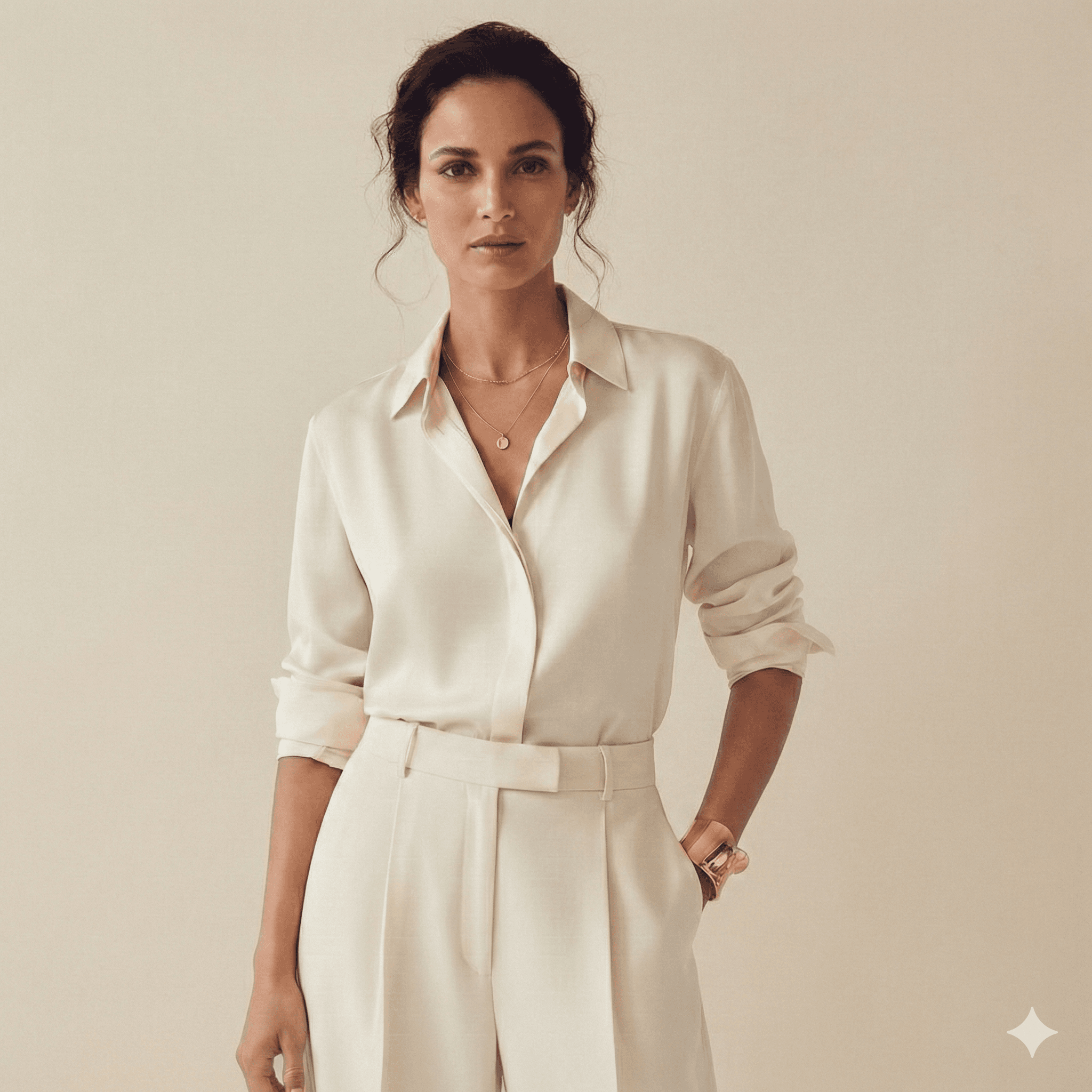
AI Video Configurations
Adjust parameters to balance synthesis quality and rendering speed.
Generated Video Output
AI Visual Transcription & Semantic Synthesis Description
Input Garment Profile: High-resolution studio photo of the Beige Knitwear Knit Cardigan & Skirt Set. Details include premium vertical ribbed wool patterns, soft-stretch cream knit fibers, full-length cozy cardigan, and classic button system with authentic fabric density.
AI Video Synthesis Workflow: Alovia Video Diffusion v2 processes the flat 2D garment, segments fabric layouts using deep spatial maps, generates dynamic runway locomotion using full-body skeletal coordinates, and renders temporal cross-frame consistency with optical flow field alignment.
Output Catwalk Video: A photorealistic AI-generated fashion model walks confidently in a well-lit runway setting. The camera applies a smooth cinematic dolly tracking shot. The garment flows naturally, displaying realistic creases, fabric sway, and soft shadows relative to skeletal joint movement.
AI Fashion Video Generation — Fast, Affordable, Photorealistic
Generate a catwalk video from a single flat-lay photo — no studio, model, or photographer.
No Studio Required
Generate a catwalk video from a flat-lay photo — no studio, model, or photographer.
Fashion Motion Styles
Runway catwalk, dynamic walk, or studio spin motion.
MP4 Video Export
Download-ready MP4 clips generated from a single flat-lay photo.
How Alovia Video Works
- 1
Upload Outfit Picture: Upload a standard flat-lay, mannequin, or on-model catalog photo to Alovia Studio.
- 2
Select Motion Profile: Choose from runway catwalk, dynamic walk, or studio spin patterns for your apparel style.
- 3
Temporal Rendering: AI processes multi-frame optical flows, maintaining garment print consistency across video frames.
Video Generation FAQ
Are fabric folds and print details kept realistic?
Yes. Alovia Video Diffusion preserves exact fabric textures, button systems, and knit patterns, adjusting shadows and creases based on walking direction.
What video format do I get?
Videos export as MP4. The aspect ratio is set automatically.
Can I use my own models and garments?
Yes. With an active Alovia account you can upload your own garments and choose from diverse global model personas for your collections.
How the System Works (Technical Process)
Alovia is engineered as a robust generative fashion video network. Step-by-step algorithmic breakdown:
- 1
Semantic Garment Segmentation: The platform isolates garment layers, mapping fabric opacity, buttons, and hemlines. Developers automate this step via Alovia's REST API.
- 2
Skeletal Joint Trajectory & Motion Calibration: Alovia maps joint movements dynamically, projecting fabric drape constraints to produce realistic motion vectors.
- 3
High-Fidelity Temporal Rendering & Upscaling: The video diffusion pipeline synthesizes fluid motion, using optical flow to prevent print skewing, then upscales the result.
Frequently Asked Questions
Direct answers on Alovia's AI video generation capabilities.
How can I convert clothes on my e-commerce site to video without physical models?
Using Alovia, you can instantly turn flat-lay, ghost mannequin, or hanging apparel images into HD walking videos. The generative engine extracts garment pattern details and drapes them onto high-fidelity digital models — no studio photoshoot needed.
How do I reduce photoshoot costs with AI fashion video generation?
Traditional lookbook production costs money in studio space and model hires. Alovia lets you generate catwalk videos digitally instead. Upload your catalog image, choose a motion profile, and export MP4 videos.
I just opened a boutique — how do I get professional videos without a mannequin?
Upload any flat apparel photo. Alovia constructs walking joint motion vectors and performs upscaling to produce photorealistic model videos without any live model setup.
Are stitch patterns and knitwear textures preserved in the generated video?
Yes. Alovia's temporal diffusion preserves ribbing, cardigan buttons, and delicate prints intact across all walking frames — no warping, no artifacting.

Frequently asked questions about AI fashion video generation
What is Alovia video generation?
Alovia video generation converts flat garment photos, ghost mannequin shots, and apparel flat-lays into on-model catwalk videos. Fashion brands use it to produce lookbook and catalog videos without a studio photoshoot.
How much does AI fashion video generation cost?
Alovia’s video generation costs 25 credits for a 5-second clip and 50 credits for a 10-second clip. Enabling audio doubles the cost (50 credits for a 5-second clip with audio, 100 for a 10-second clip with audio). The demo on this page is free to try with no account required.
How can I convert clothes on my e-commerce site to video format without physical models?
Using Alovia’s AI video generation for fashion e-commerce, you can turn flat-lay, ghost mannequin, or hanging apparel images into high-definition walking videos. Alovia extracts your garment’s pattern details and drapes them onto digital fashion models, bypassing the physical studio photoshoot step.
How do I lower professional model photoshoot costs using AI fashion video generation?
Traditional lookbook production costs money in photography gear, studio space, and model hires. Alovia lets you generate photorealistic catwalk videos digitally instead. Simply upload your catalog picture, customize skeletal parameters, and export MP4 videos.
I just opened a new boutique, how can I convert my clothes to professional videos without a mannequin or a model?
If you’ve recently launched a new boutique, Alovia can synthesize professional runway videos. By uploading standard flat apparel photos, Alovia’s Generative Video system constructs skeletal walking joint motion trajectory vectors and performs upscaling to produce photorealistic model movements without requiring a live model setup.
Are fabric textures, prints, and stitch patterns preserved at high fidelity?
Yes. Alovia uses deep temporal diffusion to preserve high-resolution texture details. Stitching lines, cardigan buttons, knitted ribbing, and delicate prints stay intact without warping or artifacting across walking frames.