Feature
Set one scene for a collection, from a season or a campaign theme
Scene generation sets the backdrop and lighting for a whole collection in one step: pick a season (like Spring/Summer 2027) or a campaign theme (like Black Friday), or write your own, and every look shares that same setting. It is part of generation, not a separate background remover or photo editor.
Scene generation sets the backdrop and lighting for a whole collection in one step: pick a season (like Spring/Summer 2027) or a campaign theme (like Black Friday), or write your own, and every look shares that same setting. It is part of generation, not a separate background remover or photo editor.
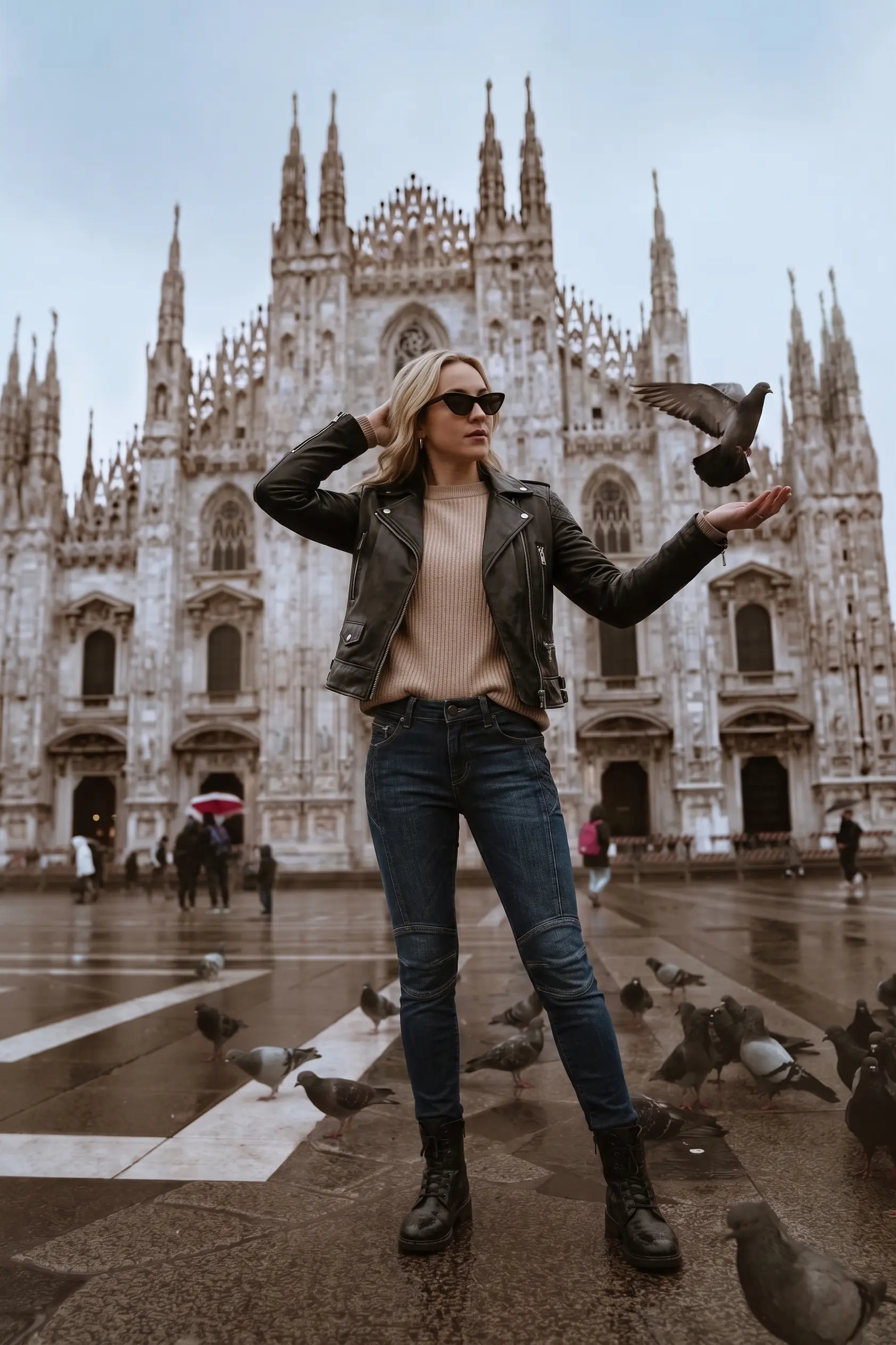
Garment, model and location composed into one shot
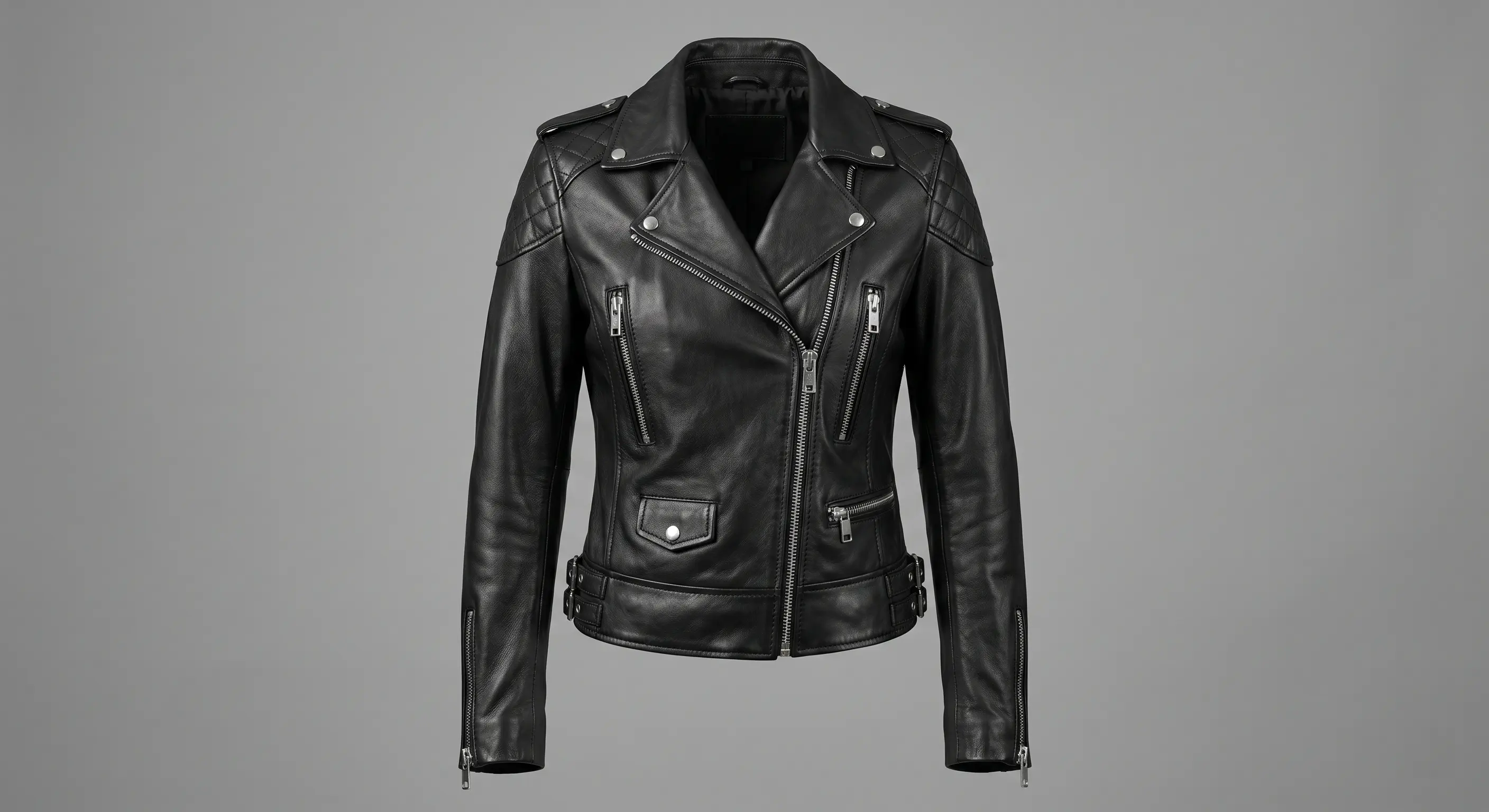
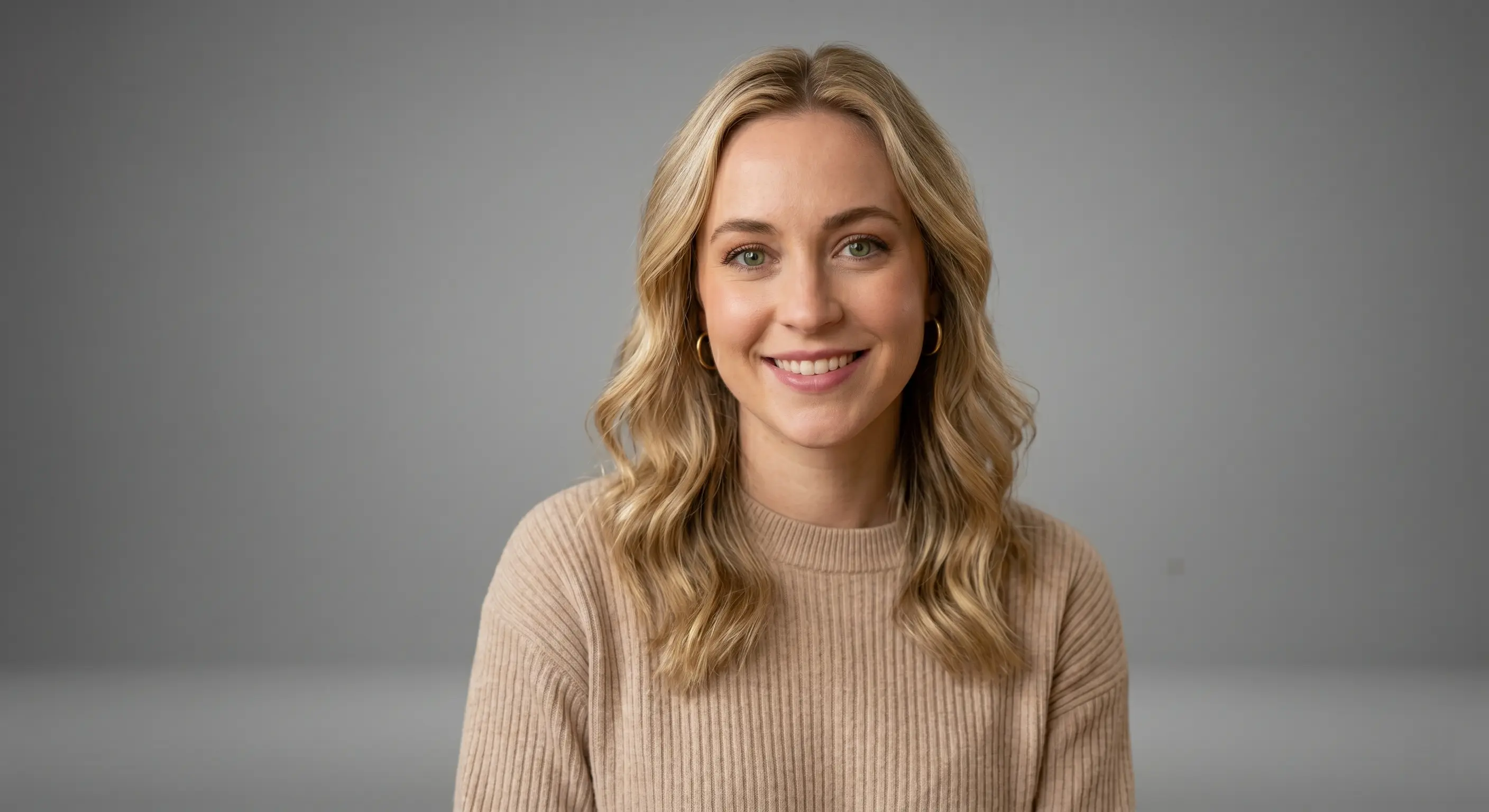
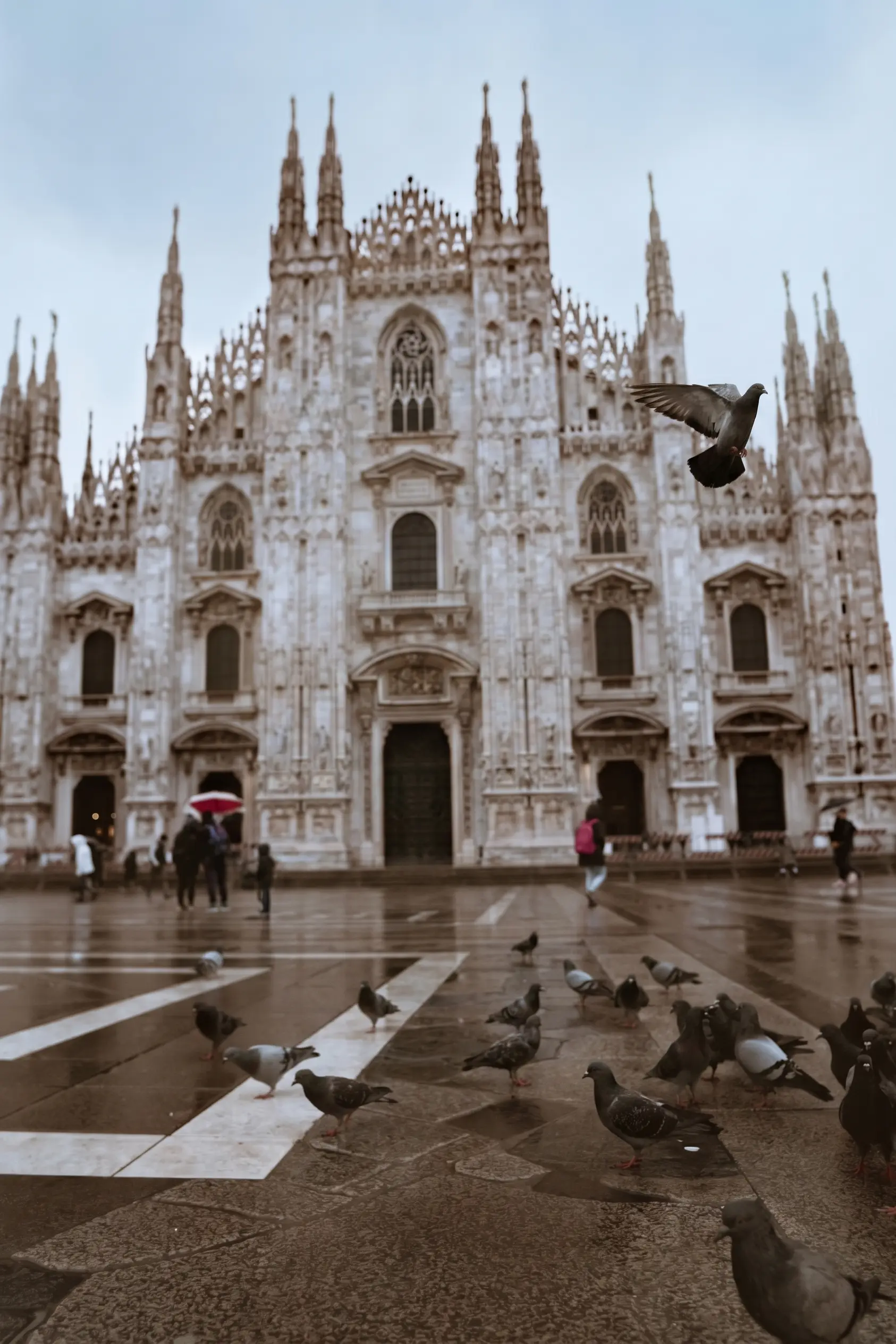
The jacket, the model and the location arrive as three separate images and leave as one photograph, with the location kept frame-for-frame.
What can Scene & Background Generation do?
Season or campaign — pick one
The creative brief asks for exactly one: a season (Spring/Summer, Resort, Holiday) or a sales campaign theme. The two are mutually exclusive by design, so a collection always has one consistent setting.
18 built-in campaign themes, 27 season atmospheres
Choose from ready-made options across Seasonal & Holidays, Retail Events, and Aesthetics & Styles (campaigns), or Spring/Summer, Fall/Winter, Resort, Holiday and more (seasons) — each writes a starting scene description for you.
Fully editable scene text
The generated description drops into a "Customize Scene Prompt" textarea as plain, editable text — rewrite it as far as you want before generating.
One scene, every look
The scene and lighting block merges with your brand tone and applies to every look in the campaign, which is what keeps a full collection looking shot in one place — see the Catalog Generator (/products/catalog-generator) for the full campaign workflow.
How does Scene & Background Generation work?
1. Open the creative brief
Start a campaign and choose either a season or a campaign theme for the collection.
2. Customize the scene prompt
Edit the ready-made scene description in the textarea, or leave it as generated.
3. Generate the collection
Every look is generated against that shared scene and lighting, keeping the collection visually consistent.
What are the technical specs for Scene & Background Generation?
| Spec | Detail |
|---|---|
| Scene presets | 45 total — 18 campaign themes, 27 season atmospheres |
| Season or campaign, never both | Mutually exclusive by design — switching to a campaign theme clears any season selected |
| Scene per campaign | Set once per campaign; every look in the collection shares it |
| Editable scene text | Customize Scene Prompt is fully editable free text |
| What a preset sets | Location, light, colour palette, fabric weight and mood; not the model's identity |
| Not a background remover | Generation-time setting, not a tool for removing or swapping an existing background |
How do brands rate Scene & Background Generation?
“In the surf and streetwear market, trends change almost every week. Our biggest challenge was that by the time we finished shooting, arranging, and formatting a new collection, we had already missed the most valuable selling days. Alovia completely solved our speed-to-market problem. Using the ready-made seasonal and promotional templates in the Catalog Studio, we can now instantly create complete product line sheets and lookbooks. Instead of scrambling to arrange a last-minute photoshoot for a fast launch, we update our digital catalog in seconds and publish it immediately. It's a very practical, agile solution to one of the most frustrating bottlenecks in fast-paced retail.”

Isabella Wright
Head of E-commerce, SYDNEY SURF & STREET
“Scaling digital campaigns across international markets used to mean juggling endless photoshoots, waiting weeks for post-production, and struggling to coordinate seasonal line sheets with our wholesale partners. With Alovia, that bottleneck is completely gone. We now generate hyper-realistic, diverse lookbook visuals and structured B2B linesheets aligned directly with our e-commerce sales calendar—all in a matter of minutes. It has eliminated the massive traditional studio expenses, slashed our time-to-market, and allowed us to deliver a seamless, high-end visual experience that keeps our digital commerce operations agile and ahead of the curve.”

Chloe Taylor
Head of Digital Commerce
What works with Scene & Background Generation?
Catalog Generator
Turn a creative brief and flat-lay photos into a finished lookbook, campaign or B2B line sheet, exported as a PDF or a shareable flipbook link.
AI Fashion Models
Generate realistic on-model fashion photos from a plain flat lay — pick a model and a pose, and get catalog-ready imagery in minutes. No photographer.
How to Replace a Fashion Photoshoot
Generate on-model photography straight from flat-lay photos instead of booking a studio, model and photographer, then arrange it into a finished catalog.
Product Photos Without a Model, Mannequin, or Studio
Photograph clothes without a live model by generating on-model imagery from a flat-lay photo — no mannequin, studio booking or model casting needed.
Frequently asked questions about Scene & Background Generation
Can I use a different scene for each look in the same collection?
No. Scene is set once per campaign — either a season or a campaign theme — and every look shares it, which is what keeps a collection consistent.
Is this a background remover or photo editor?
No. Scene generation is a generation-time setting, not a tool for removing or swapping the background of an existing photo.
Can I write my own scene instead of picking a preset?
Yes. The season or campaign selection fills in a starting description, but the "Customize Scene Prompt" field is fully editable free text.
How many built-in scene presets are there in total?
45 across the two modes: 18 campaign themes (Seasonal & Holidays, Retail Events, and Aesthetics & Styles) and 27 season atmospheres spanning Spring/Summer through Holiday collections across 2025, 2026, and 2027, plus a handful of evergreen and capsule options.
Does scene generation work for line sheets, or only lookbooks?
Both. The season/campaign selector lives in the same creative brief used for every campaign, regardless of whether the layout you eventually export is a lookbook or a wholesale line sheet.
Can I combine a season and a campaign theme in the same collection?
No. The two modes are mutually exclusive by design — switching to a campaign theme clears any season you had selected, and vice versa, so a collection always has exactly one setting, never a mix of both.
Does a scene preset change anything about the model, or just the backdrop?
It sets the setting, not the person. Every built-in description is written around location, light, colour palette, and — for the season presets — fabric weight and mood. None of them describe the model's identity, which is controlled separately by which model you pick.
What does one of the built-in campaign presets actually describe?
The Black Friday preset, for example, generates: "Ultra-luxury Black Friday campaign. Cinematic low-key lighting, deep obsidian and charcoal studio environment, sleek dark architectural elements, subtle glossy background highlights, sophisticated high-end retail atmosphere." Every preset works the same way — a full scene description you can edit before generating.
Ready to try Scene & Background Generation?
Set a season or campaign scene once, then generate every look in the collection against it.
Sources
- Baymard Institute — Apparel sites that don't show products on a human model (21%). Source dated 2026-07-28.
- ProShot Media Group — Full-service creative agency product photography, per image ($100–$300+). Source dated 2026-07-28.
Last updated: