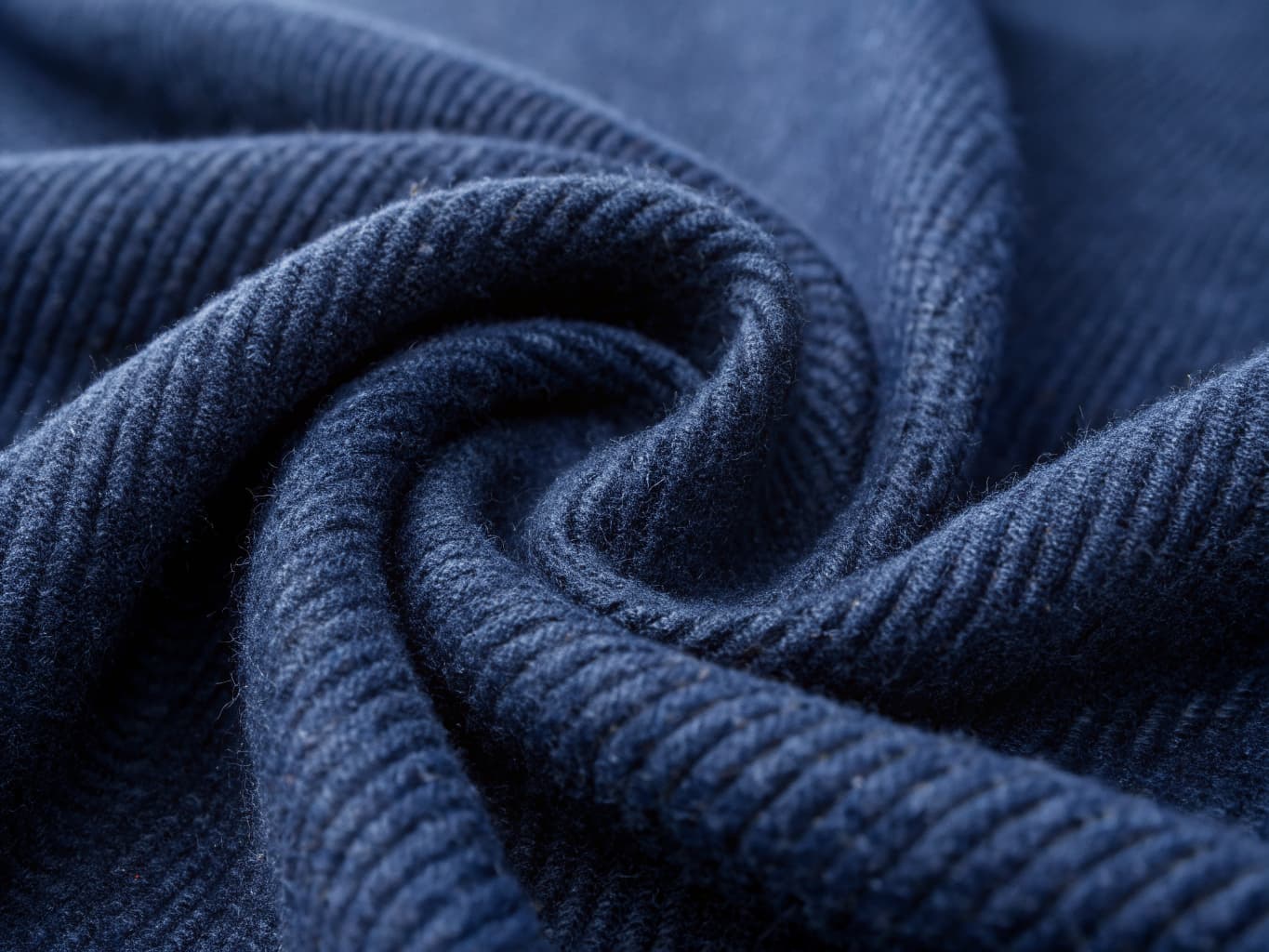
AI Image Upscaling for Fashion: Print-Ready 4K
Not all images in a fashion brand's archive are created equal. Legacy product photos shot at lower resolutions, images captured on smartphone cameras, or older catalog images often lack the resolution needed for current e-commerce standards, large-format print, or high-quality digital advertising.
Traditionally, the only solution was to reshoot. Today, AI upscaling offers a faster, cheaper alternative that can transform low-resolution fashion images into print-ready, high-definition assets.
Last updated: July 15, 2026.
The stakes here go beyond aesthetics. Salsify's 2025 Consumer Research report, based on a survey of 1,910 U.S. and U.K. shoppers, found that 77% rate product images and videos "very" or "extremely" important to completing a sale — statistically tied with product titles and descriptions, and just behind pricing and availability. The same report found 71% of shoppers have returned an item because the product content didn't match what they received (Salsify 2025 Consumer Research Executive Summary). Resolution is one of the few image variables a brand can fix after the fact — without a reshoot.
What is AI Image Upscaling?
AI image upscaling uses deep learning models to intelligently increase image resolution — adding genuine detail rather than simply stretching existing pixels (which produces blur and artifacts).
Where traditional image enlargement algorithms guess what the missing pixels should look like by averaging surrounding pixels, AI upscaling models have been trained on millions of images and can predict what high-resolution detail should look like based on the image's content. The result is a sharper, more detailed image that looks like it was captured at higher resolution.
One of the most cited techniques behind this approach is Real-ESRGAN, developed by researchers at Tencent's ARC Lab and published at the ICCV 2021 workshops. Its key innovation was training on synthetically degraded images that simulate real-world problems — compression artifacts, sensor noise, blur, resizing chains — rather than the clean, simple downsampling earlier models assumed, which is why it generalizes to real photos instead of only working on lab-perfect test images (Real-ESRGAN: Training Real-World Blind Super-Resolution with Pure Synthetic Data, arXiv:2107.10833). It uses a generative adversarial network — a generator produces the upscaled image while a discriminator is trained to spot anything that looks fake — which pushes the output toward convincing, natural texture instead of the over-smoothed results older upscaling methods produced.
For fashion photography specifically, this means:
- Fabric textures that reveal individual weave details
- Sharper edge definition on garment silhouettes
- Fine details like buttons, zippers, and stitching becoming clearly visible
- Color accuracy maintained without degradation
The Problem: Resolution Requirements Are Increasing
E-commerce platforms, digital advertising networks, and print production all have increasing minimum resolution requirements — and the platform-level numbers are more specific, and more demanding, than most sellers assume.
E-commerce product imagery: Most major platforms now recommend 2000×2000px minimum for product images, with zoom features requiring 3000–4000px for best experience.
The published, channel-specific numbers tell a more precise version of that story, and the direction across all of them is the same: minimums are rising, and "recommended" runs well above "minimum." Google Merchant Center currently enforces a minimum of 100×100 pixels for most products and 250×250 pixels for apparel on the image_link attribute, but that floor is rising: starting January 31, 2027, the minimum jumps to 500×500 pixels across all categories and marketing methods, and Merchant Center began surfacing warnings for non-compliant images in April 2026. Google's own guidance recommends going well beyond either minimum — "images around 1500×1500 pixels or above to ensure best performance in all listing formats" — with a ceiling of 64 megapixels or 16MB per file (Google Merchant Center Help: product data specification update; Google Merchant Center Help: Image link [image_link]). Shopify recommends square product images at 2048×2048px for a polished, professional appearance, and supports uploads up to 5000×5000px (25 megapixels) and 20MB, with PNG as the preferred format followed by JPEG (Shopify Help Center: Product media types). Amazon requires a minimum of 1,000 pixels on the longest side to enable the zoom feature shoppers rely on to inspect fabric and stitching, with 2,000+ pixels recommended (Seller Labs: Amazon Product Image Requirements 2026).
| Channel | Current minimum | Recommended | Upper limit |
|---|---|---|---|
| Google Merchant Center | 100×100px (250×250px apparel); 500×500px from Jan 31, 2027 | 1500×1500px+ | 64MP / 16MB |
| Shopify | No published hard minimum | 2048×2048px | 5000×5000px (25MP) / 20MB |
| Amazon | 1,000px longest side (for zoom) | 2,000px+ longest side | 10,000px longest side |
Digital advertising: Display advertising at high-DPI (retina) screens requires 2× the standard resolution for crisp display. A 300×250 ad at retina resolution needs 600×500px source imagery.
Print production: Standard print quality requires 300 DPI. A half-page magazine ad at 5×8 inches requires 1500×2400px source imagery minimum. A full-page spread requires 2400×3200px or higher.
Large-format: Window displays, tradeshow graphics, and billboard advertising require even higher resolution — often 6000×8000px or more for close-viewing applications.
How AI Fashion Upscaling Works
Upload Your Source Image
Upload your existing fashion image — product photo, model shot, campaign image, or flat-lay. Most platforms accept JPG, PNG, and WebP inputs.
Select Your Target Resolution
- 2× upscale (2K): Doubles the image dimensions. A 1000×1000px image becomes 2000×2000px.
- 4× upscale (4K): Quadruples dimensions. 1000×1000px → 4000×4000px.
For most e-commerce applications, 2K provides sufficient improvement. For print and large-format applications, 4K is recommended.
AI Enhancement
The AI processes the image, using pattern recognition to predict and add realistic high-resolution detail throughout the image. Edge sharpening algorithms restore garment silhouette crispness. Fabric texture enhancement adds realistic weave, knit, or grain detail.
Processing typically takes 30–90 seconds per image.
Export in Your Preferred Format
Download the enhanced image in JPG, PNG, or (on professional platforms) TIFF format. TIFF output supports CMYK color for print production.
Use Cases for Fashion Brands
E-Commerce Catalog Refresh: Update an existing product catalog by upscaling images shot at older, lower standards — avoiding the cost of full reshoots.
Archive Image Restoration: Fashion brands accumulate years of product imagery. Upscaling allows legacy images from older campaigns to be used in current applications that require higher resolution.
Print Material Preparation: Prepare digital images for inclusion in printed lookbooks, trade publication advertising, or retail display materials.
Zoom Feature Optimization: E-commerce zoom features require significantly higher resolution than the base display image. Upscaling allows brands to enable zoom on images that would otherwise lack sufficient resolution.
Advertising Campaign Preparation: Social advertising at retina resolution requires 2× base resolution. Display advertising for digital out-of-home requires significantly higher.
AI Upscaling vs. Manual Retouching
| Factor | AI Upscaling | Manual Retouching |
|---|---|---|
| Cost | $0.05–$0.20/image | $20–$200/image |
| Speed | 30–90 seconds | 30–120 minutes |
| Fabric texture preservation | Excellent | Depends on retoucher |
| Color accuracy | High | High |
| Batch processing | Yes | No (manual per image) |
Credit Cost and Pricing
On credit-based platforms like Alovia:
- 2K upscaling (2×): 5 credits
- 4K upscaling (4×): 10 credits
With a $49.99/month Starter plan (1,000 credits), brands can upscale 100 images to 4K or 200 images to 2K.
When to Upscale vs. Reshoot
Upscaling is the right choice when:
- The existing image is compositionally strong but lacks resolution
- The product is no longer in production (impossible to reshoot)
- Budget constraints prevent a new shoot
- Speed is a priority and the image is otherwise publish-ready
Reshooting is the right choice when:
- The existing image has fundamental quality problems (poor lighting, incorrect color)
- The product has been updated and imagery needs to reflect changes
- Styling or setting no longer matches current brand direction
Common questions about upscaling fashion images for print
Q: What is the maximum output resolution for AI image upscaling? A: Alovia's AI upscaler supports up to 4× upscaling. Starting from a 1024×1024px image, 4× upscaling produces a 4096×4096px output — suitable for high-quality print and digital use.
Q: What image formats does AI upscaling support? A: Input formats typically include JPG, PNG, and WebP. Output formats include JPG and PNG on standard plans, with TIFF output (including CMYK for print) available on professional and enterprise plans.
Q: Can AI upscaling fix blurry or poorly lit images? A: AI upscaling adds resolution but does not correct fundamental image quality problems. Blur caused by camera shake or poor focus, color casts from incorrect white balance, or severe underexposure cannot be fully corrected through upscaling alone. These issues require retouching or reshooting.
Q: Can I upscale an entire product catalog at once? A: Yes. Batch processing allows you to upload multiple images and process them in a single job, with all outputs available for download together.
Q: Will an upscaled photo look artificial or "off" to shoppers? A: Not if the source image is reasonably in focus and well-lit to begin with. Upscaling models are trained specifically to avoid the over-smoothed, waxy look that older enlargement methods produced, aiming instead for natural texture. The risk of an artificial look increases mainly when the source photo itself is badly out of focus or extremely low-resolution to start with.
Q: Do marketplaces like Amazon or Google Shopping treat AI-upscaled images differently from originals? A: Marketplace image policies are based on the technical properties of the file — resolution, background, file size, format — not on how the file was produced. An upscaled image that meets a channel's resolution and content requirements is evaluated the same as any other compliant image.
Q: How does Real-ESRGAN training on synthetically degraded images improve quality? A: Rather than training on clean downsampled images, Real-ESRGAN models learn from images that have been degraded with real-world problems: compression artifacts, sensor noise, blur, and resizing chains. This means the model generalizes better to real product photos that often contain these imperfections, rather than only working on lab-perfect test images.
Q: When is AI upscaling most valuable for fashion brands? A: Upscaling delivers the most value when you have compositionally strong images that simply lack resolution — legacy product photography, older campaign assets, or photos shot on lower-resolution cameras. For images with fundamental quality problems (poor lighting, wrong colors), upscaling can't fix these issues, and reshooting is the better choice.
Q: What percentage of shoppers say product images are important to their purchase decision? A: According to Salsify's 2025 Consumer Research, 77% of shoppers rate product images and videos "very" or "extremely" important to completing a sale — statistically tied with product titles and descriptions. Additionally, 71% of shoppers have returned an item because the product content didn't match what they received, which makes image quality a critical factor for reducing returns.
Q: How much do fashion photoshoots typically cost per day? A: A mid-range fashion photoshoot costs $5,000–$15,000 per day, with high-end campaigns exceeding $50,000. This includes photographer fees ($1,000–$2,000/day), model fees ($800–$3,000/day), studio rental, styling team, and post-production editing. AI upscaling reduces per-image costs by 90% or more compared to traditional shoots.
Conclusion
AI image upscaling is a powerful and underutilized tool for fashion brands managing large image libraries. By transforming low-resolution legacy imagery into high-quality assets without reshooting, it extends the useful life of existing photography investments.
For brands facing increasing platform resolution requirements — including Google's rising Merchant Center minimums ahead of its January 2027 deadline — preparing imagery for print production, or refreshing older catalog content, AI upscaling represents significant cost and time savings.
Try Alovia's AI Upscaler — upload a fashion image and see the difference that 4K enhancement makes.
Related: AI Virtual Try-On Guide · AI vs Traditional Cost Comparison · Try AI Upscaler →
İsmail spent years building product and technology at Altın Yıldız — Turkey's benchmark for premium menswear — before founding Alovia to bring AI-powered content creation to fashion brands worldwide.
Connect on LinkedIn →