Solution
From one SKU to hundreds, without a bigger studio budget
Scaling product photography for e-commerce means replacing a per-SKU photoshoot with AI generation, so cost stops rising with catalog size. Alovia's Catalog Generator (/products/catalog-generator) applies one creative brief across every item, and for large Shopify stores the Shopify product picker (/integrations/shopify) pulls SKUs directly in, so bulk generation doesn't mean bulk re-uploading.
Scaling product photography for e-commerce means replacing a per-SKU photoshoot with AI generation, so cost stops rising with catalog size. Alovia's Catalog Generator (/products/catalog-generator) applies one creative brief across every item, and for large Shopify stores the Shopify product picker (/integrations/shopify) pulls SKUs directly in, so bulk generation doesn't mean bulk re-uploading.
What you get when you scale product photography for e-commerce
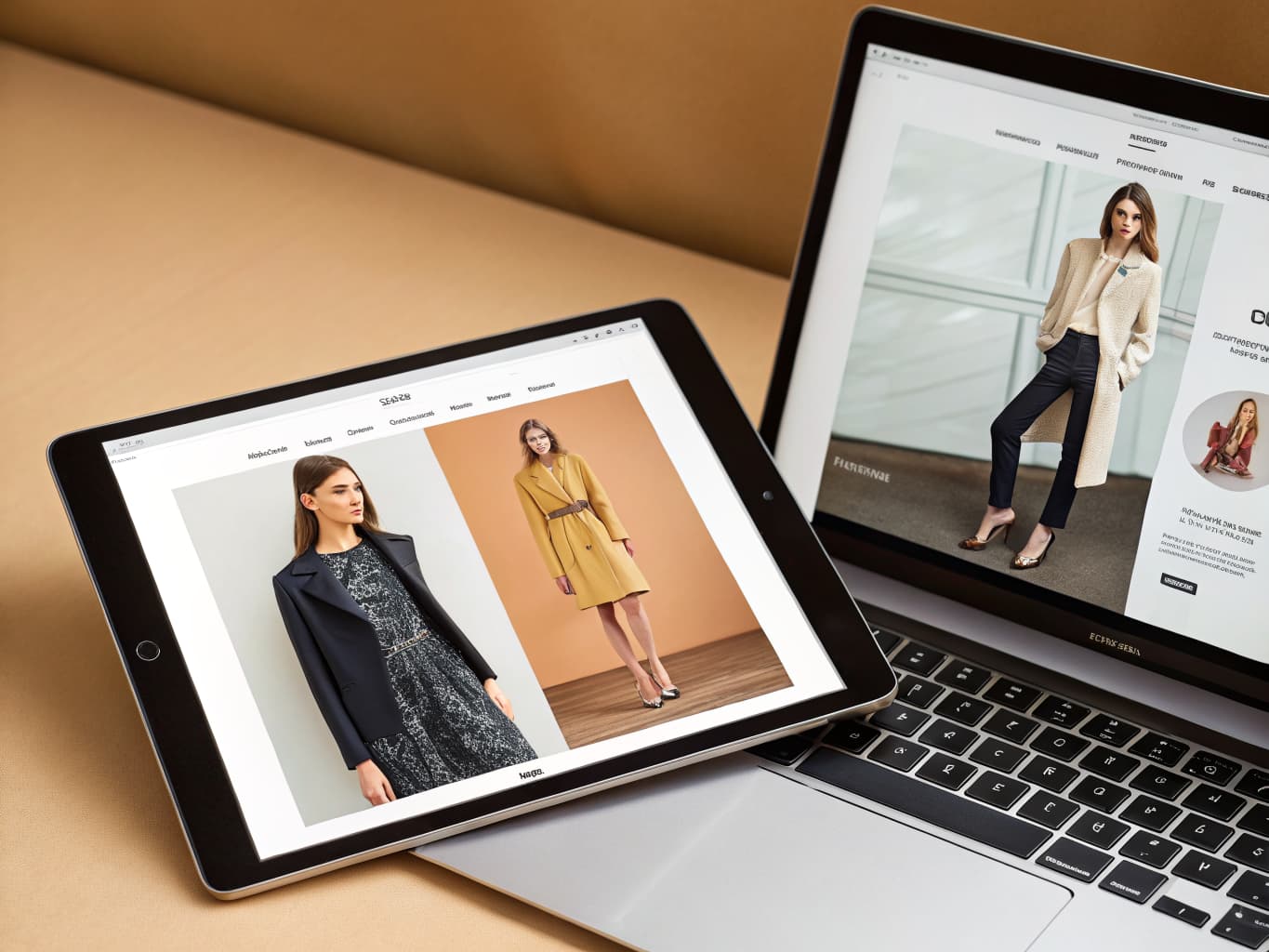
What does it cost to scale product photography for e-commerce?
| Line item | Traditional photoshoot | With Alovia | Source |
|---|---|---|---|
| Full-service agency product photography, per image | $100–$300+ | 5–20 credits, 1K to 4K | |
| Photographer, per day | $1,500–$4,000 | Not required | |
| Model, per day | $500–$2,000 | Not required | |
| Turnaround to edited delivery | 5–10 business days | Minutes | |
| Cost per look | Billed by the day, not per look | 10 credits, about $1.00 per look | |
| What you pay monthly | Not a subscription | $49.99 Starter · $149.99 Pro |
What do you need to scale product photography for e-commerce?
One creative brief, applied across every SKU
Set a collection's brief once — name, season, concept keywords, brand tone, and color story — in Catalog Generator (/products/catalog-generator). Alovia applies it to every item you add, instead of re-briefing a photographer for each new drop.
Cost stops scaling with catalog size
A full-service agency photoshoot runs $100–$300+ per image, according to ProShot Media — that cost multiplies by every SKU. Alovia's per-image generation cost is fixed in credits, so a 500-SKU catalog doesn't cost 500× a photographer's day rate.
Shopify product picker for large stores
Alovia pulls your Shopify products on demand into a picker (/integrations/shopify) — browse by title and image — so a large store's catalog doesn't need to be re-uploaded product by product to start generating.
Bulk export back into Shopify Files
Push every image in a finished catalog or lookbook layout into your Shopify Files library at once with bulk export, rather than exporting and uploading each SKU individually.
Model and brand consistency at volume
Turn on model consistency in the creative brief to keep the same AI model across hundreds of looks, the way a single real casting would — without rebooking a model for every batch.
Publish once, update without a reshoot
Digital Showroom (/products/digital-showroom) publishes the finished catalog as a shareable flipbook; editing a SKU's price, image, or copy later updates the same live link instead of requiring a new shoot and a new file.
How do you scale product photography for e-commerce?
1. Set the brief once
Define collection name, season, concept keywords, brand tone, and color story a single time in the Catalog Builder — this brief applies to every SKU you add, not just the first one.
2. Import products at scale (Shopify stores)
If you run a Shopify store, use the Shopify product picker (/integrations/shopify) to pull products in on demand instead of re-uploading each one; other platforms upload flat-lay photos directly.
3. Generate photography for every item
AI Fashion Models (/products/ai-fashion-models) generates on-model photography per SKU, applying the same brief, model, and scene settings across the whole batch.
4. Export or bulk-push the results
Download a PDF for the full catalog, or bulk-export every generated image into your Shopify Files library at once — no per-image manual export for large batches.
What do brands who scale product photography for e-commerce say?
“Our wholesale process was constantly delayed by static PDF linesheets that took days for our team to format. If a color variant or MOQ changed, it meant another bottleneck before we could pitch to international buyers. Alovia completely modernized our B2B sales. Using the studio, we now generate dynamic, up-to-date linesheets and high-quality campaign presentations in seconds. Our distributors get a professional, instantly adaptable catalog without waiting for traditional physical shoots, and it has noticeably shortened our wholesale order cycles.”

Leonard Kho
Head of Wholesale & B2B Sales
“In the surf and streetwear market, trends change almost every week. Our biggest challenge was that by the time we finished shooting, arranging, and formatting a new collection, we had already missed the most valuable selling days. Alovia completely solved our speed-to-market problem. Using the ready-made seasonal and promotional templates in the Catalog Studio, we can now instantly create complete product line sheets and lookbooks. Instead of scrambling to arrange a last-minute photoshoot for a fast launch, we update our digital catalog in seconds and publish it immediately. It's a very practical, agile solution to one of the most frustrating bottlenecks in fast-paced retail.”

Isabella Wright
Head of E-commerce, SYDNEY SURF & STREET
Questions about how to scale product photography for e-commerce
How do I scale product photography without scaling the photography budget?
Replace the per-SKU photoshoot with generation: a full-service shoot runs $100–$300+ per image (ProShot Media), a cost that multiplies by catalog size. Alovia's Catalog Generator (/products/catalog-generator) applies one creative brief across every SKU, so the per-image cost is fixed in credits instead of rising with volume.
Does this work for a large Shopify catalog specifically?
Yes — the Shopify product picker (/integrations/shopify) pulls your existing products in on demand, so a large store doesn't need every SKU re-uploaded by hand before generation can start, and bulk export pushes finished images back into Shopify Files at once.
Is there a limit to how many SKUs I can generate at once?
There's no hard SKU cap in the product itself; generation is credit-metered per image, so the practical limit is your plan's credit balance, not a batch-size restriction.
Can I keep the same AI model across hundreds of looks?
Yes — turn on model consistency in the creative brief and Alovia keeps the same model across every generated look in the batch, the way one real casting would across a whole collection.
Does Alovia sync my Shopify catalog automatically at scale?
No — Shopify is the only platform with an Alovia connector, and even there it's a picker you use on demand plus bulk export, not an automatic two-way sync of inventory, prices, or orders.
How is scaling photography different from scaling a catalog document itself?
Photography scale is per-SKU image generation; catalog scale is arranging all of it into one document. Catalog Generator (/products/catalog-generator) does both — generate each item's photo, then it lays every item into one branded layout automatically.
Can I publish and update a large catalog without a new shoot every time?
Yes — Digital Showroom (/products/digital-showroom) publishes the catalog as a live flipbook link; edit a SKU's price, image, or copy afterward and the same link reflects the change, no reshoot or resend required.
What if I'm not on Shopify?
Upload flat-lay or product photos directly — the Shopify product picker is a convenience for Shopify stores specifically, not a requirement; every other platform's workflow starts from an uploaded photo the same way.
Does generating at volume affect image quality?
No — each image is generated individually at your chosen resolution (up to 4K), whether you generate one SKU or run a batch of hundreds; volume doesn't lower the per-image output settings.
How does this compare to other AI catalog tools at scale?
See Best AI Catalog Generators (/best/best-ai-catalog-generator) for a broader comparison of catalog-generation tools, including where each one does and doesn't fit a large-store workflow.
Ready to scale product photography for e-commerce?
Turn your products into buyer-ready catalogs — no photoshoot required.
Sources
- ProShot Media — Full-service agency product photography, per image ($100–$300+). Source dated 2025-08-28.
- Baymard Institute — Apparel benchmark sites with no human-model image, or only one (21%). Source dated 2025-02-25.
Last updated: