Solution
Show fit before the sale, not after the return
Reducing clothing returns with virtual try-on means showing shoppers the exact product on their own body before they buy, not just a stock model. Add Alovia's try-on widget to a product page so shoppers upload their own photo and preview fit before purchase, one lever alongside sizing charts and reviews, not a guaranteed fix.
Reducing clothing returns with virtual try-on means showing shoppers the exact product on their own body before they buy, not just a stock model. Add Alovia's try-on widget to a product page so shoppers upload their own photo and preview fit before purchase, one lever alongside sizing charts and reviews, not a guaranteed fix.
What you get when you reduce clothing returns with virtual try-on
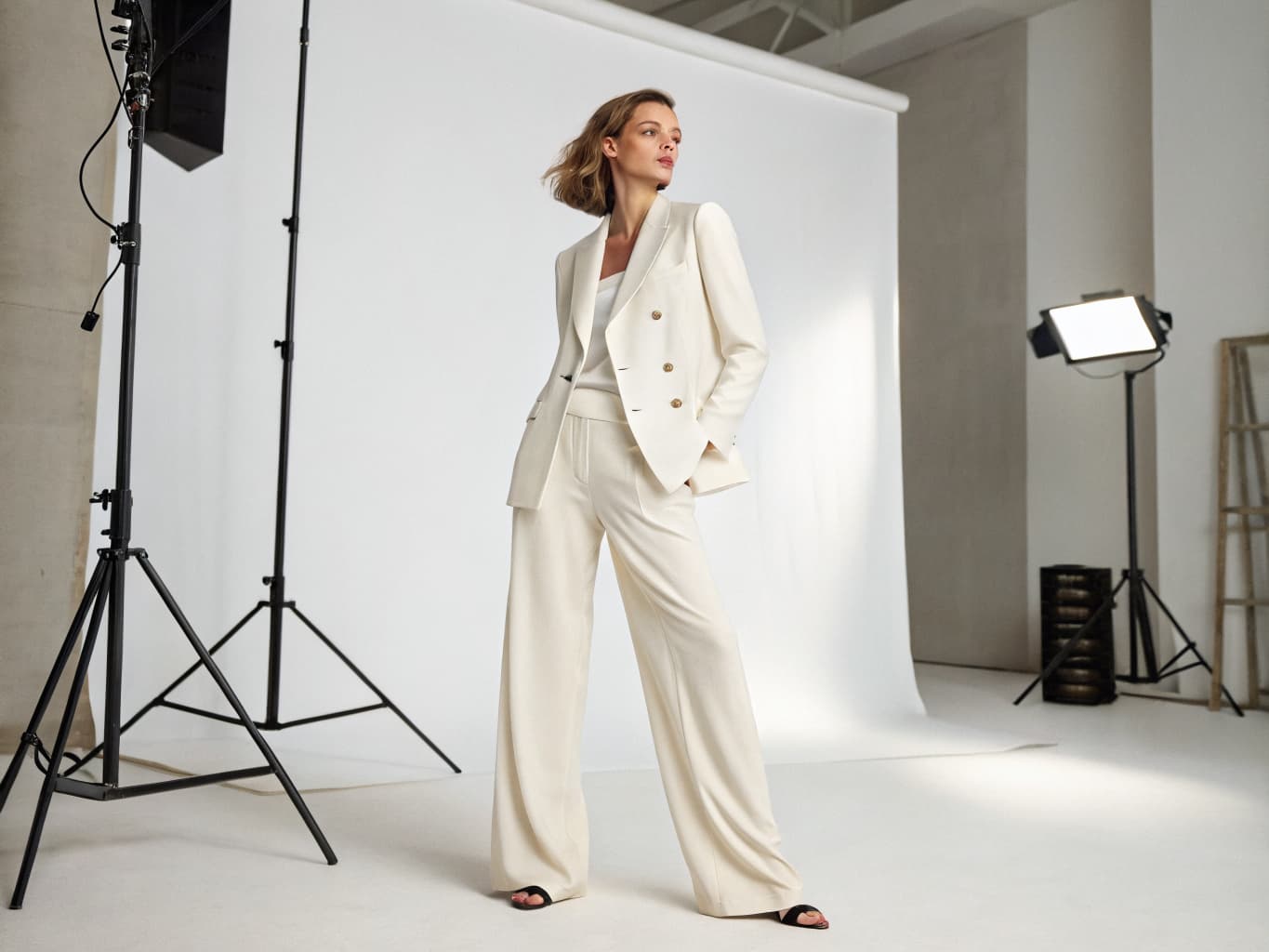
What does it cost to reduce clothing returns with virtual try-on?
| Line item | Traditional photoshoot | With Alovia | Source |
|---|---|---|---|
| Full-service agency product photography, per image | $100–$300+ | 5–20 credits, 1K to 4K | |
| Photographer, per day | $1,500–$4,000 | Not required | |
| Model, per day | $500–$2,000 | Not required | |
| Turnaround to edited delivery | 5–10 business days | Minutes | |
| Cost per look | Billed by the day, not per look | 10 credits, about $1.00 per look | |
| What you pay monthly | Not a subscription | $49.99 Starter · $149.99 Pro |
What do you need to reduce clothing returns with virtual try-on?
Personalized fit preview, not just a nicer product photo
This shows the shopper their own body in the garment, not a stock model wearing it. Add Alovia's try-on widget (see /integrations/virtual-try-on-widget for the full install) to a product page and shoppers upload their own photo to see fit and drape before they buy, addressing the exact assessment gap Baymard Institute found most apparel sites get wrong.
Works from the product photo you already have
No new photoshoot is required — the widget reads the same flat-lay or product image Alovia's /products/virtual-try-on already uses to generate on-model catalog photography, so one asset serves both jobs.
Style is visualized, not guessed from a size chart alone
A shopper unsure whether a top will suit their frame, or how a dress will hang compared to the model photo, can generate a version on their own photo in about 20 seconds instead of guessing from a size chart or a stranger's review photo.
One lever, not the whole fix
Try-on visualization addresses fit and style uncertainty specifically, not returns caused by damaged shipping, the wrong item being sent, quality issues, or a simple change of mind — pair it with accurate sizing charts and real customer photos in reviews rather than relying on it alone.
No separate 'returns mode' to configure
It is the same Virtual Try-On Widget merchants install for general product-page engagement (/integrations/virtual-try-on-widget), with the same tries-per-session and daily limits, domain whitelist, and analytics dashboard — there is no returns-specific setting.
Analytics show engagement, not returns outcomes
The widget's dashboard reports views, uploads, and completed generations, not a downstream returns rate — Alovia has no visibility into what happens in your store's checkout or fulfillment system after a shopper closes the widget.
How do you reduce clothing returns with virtual try-on?
1. Install the try-on widget on product pages
Create a widget API key from your Alovia dashboard and paste the script tag before </body> on your product template — the same one-script install /integrations/virtual-try-on-widget documents for Shopify, WooCommerce, or a custom storefront.
2. Shoppers preview fit before buying
A shopper taps the floating button, uploads their own photo, and sees themselves wearing the exact product in about 20 seconds — addressing the appearance and fit assessment gap Baymard's research found most apparel sites leave open.
3. Track engagement in your dashboard
Watch widget views, photo uploads, and completed generations in the analytics tab (7/14/30/90-day ranges) to see how many shoppers use the preview before checking out.
4. Pair it with sizing charts and reviews, not instead of them
Because try-on visualization addresses fit and style uncertainty specifically, keep your existing size guide and review photos in place — they cover return causes this doesn't, like inconsistent sizing across styles or fabric feel.
Questions about how to reduce clothing returns with virtual try-on
Does Alovia publish a returns-reduction percentage for virtual try-on?
No — we haven't measured or published a specific returns-reduction number for this widget. What is documented: fit and appearance uncertainty is a well-established driver of apparel returns (Baymard Institute finds 82% of apparel ecommerce sites don't give shoppers enough information to assess sizing, checked 2025-02-25; NRF put the 2025 US online return rate at 19.3%), and letting a shopper preview a product on their own body addresses that specific gap.
What actually causes most online clothing returns?
Fit and appearance uncertainty is one major, well-documented driver — Baymard Institute finds that 82% of apparel ecommerce sites don't provide sufficient sizing information, and that 90% get at least one of its five apparel best practices wrong (sizing information and human-model imagery among them). Other causes (damaged shipping, wrong item sent, quality issues, change of mind) are unrelated to fit and aren't addressed by a try-on preview.
Which Alovia product actually powers this?
The Virtual Try-On Widget (/integrations/virtual-try-on-widget) — the same script-tag install used for general product-page engagement, generating on the shopper's own uploaded photo rather than a stock model.
Does this replace sizing charts or size guides?
No — it's one lever alongside them, not a replacement. Some return causes, like wrong item shipped, damage, quality, or a change of mind, aren't addressed by a fit preview at all.
How is this different from Alovia's AI Fashion Models catalog photography?
AI Fashion Models (/products/ai-fashion-models) generates accurate on-model catalog images so what a shopper sees online matches the real garment. The try-on widget goes further by letting the individual shopper see the product on their own body before they buy — both work on the same appearance-uncertainty problem from different angles.
Does the widget track whether a purchase was actually returned?
No. It reports widget-side engagement — views, photo uploads, completed generations — from its own analytics dashboard; it has no visibility into your store's checkout, fulfillment, or return-processing systems.
What does it cost to run?
10 credits per generation, deducted from the merchant's Alovia account, not the shopper's.
Do I need my own on-model photography to enable this?
No — feed it the product photo you already use on your listing, whether that's a flat-lay or an existing on-model shot. The same widget also works with images generated by /products/virtual-try-on if you don't have on-model photography yet.
Is this specific to one platform, like Shopify?
No — it is a single script tag that works on Shopify, WooCommerce, or a custom storefront. See /solutions/virtual-try-on-for-shopify if you specifically run a Shopify store and want the Liquid-snippet setup.
Ready to reduce clothing returns with virtual try-on?
Turn your products into buyer-ready catalogs — no photoshoot required.
Sources
- National Retail Federation — US online sales returned in 2025 (19.3%). Source dated 2025-10-15.
- Baymard Institute — Apparel ecommerce sites that don't provide sufficient sizing information (82%). Source dated 2025-02-25.
Last updated: