Solution
Studio-quality on-model photography from your own photos, without booking a studio
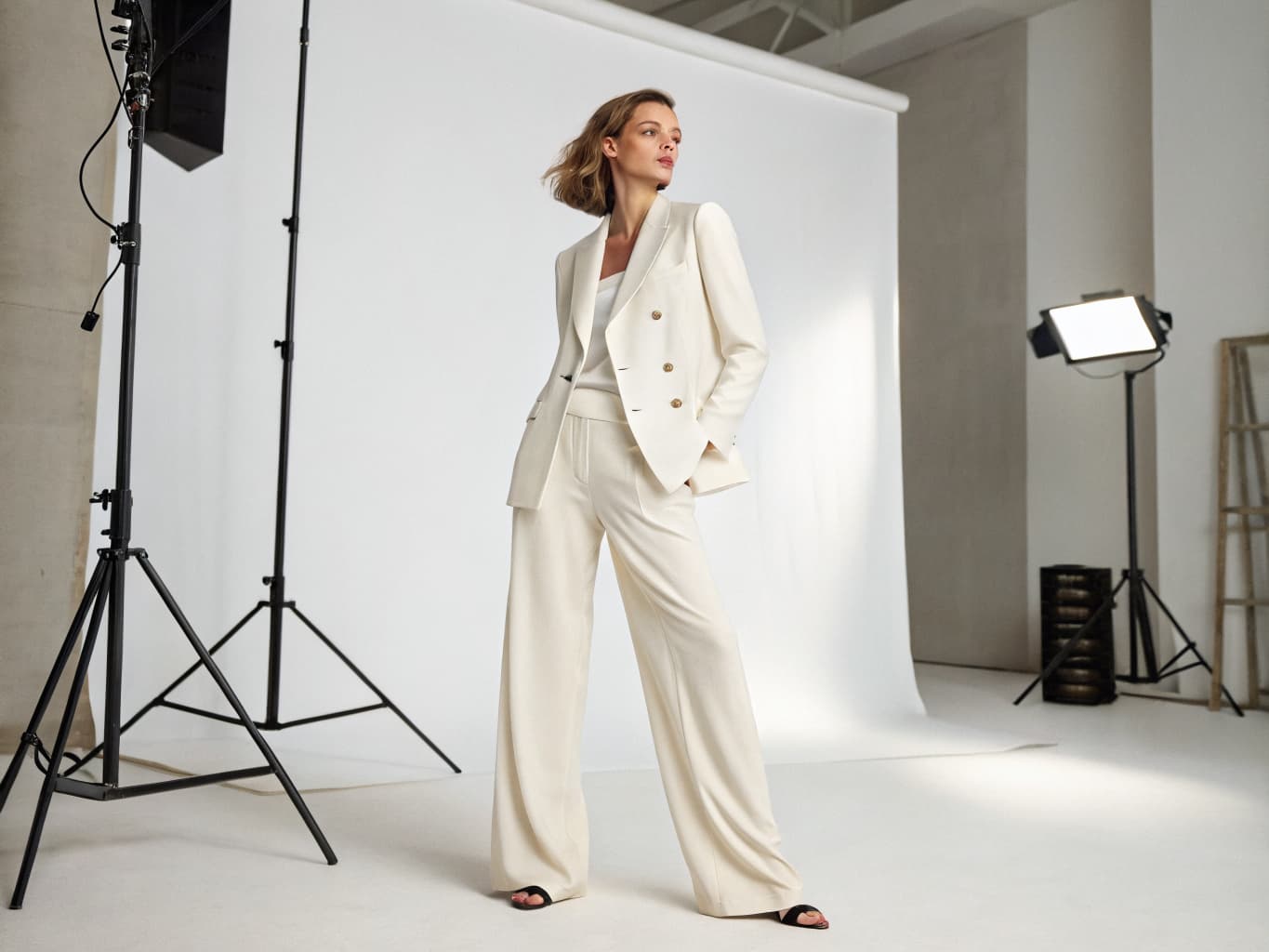
A professional photoshoot at home means generating studio-quality on-model photos from flat-lay images instead of booking a physical studio, photographer, and model. Alovia's AI Fashion Models (/products/ai-fashion-models) generates each photo in 1K, 2K, or 4K resolution directly from your product photos, ready for any platform.
A professional photoshoot at home means generating studio-quality on-model photos from flat-lay images instead of booking a physical studio, photographer, and model. Alovia's AI Fashion Models (/products/ai-fashion-models) generates each photo in 1K, 2K, or 4K resolution directly from your product photos, ready for any platform.
What you get when you do a professional clothing photoshoot at home
What does it cost to do a professional clothing photoshoot at home?
| Line item | Traditional photoshoot | With Alovia | Source |
|---|---|---|---|
| Full-service agency product photography, per image | $100–$300+ | 5–20 credits, 1K to 4K | |
| Photographer, per day | $1,500–$4,000 | Not required | |
| Model, per day | $500–$2,000 | Not required | |
| Turnaround to edited delivery | 5–10 business days | Minutes | |
| Cost per look | Billed by the day, not per look | 10 credits, about $1.00 per look | |
| What you pay monthly | Not a subscription | $49.99 Starter · $149.99 Pro |
What do you need to do a professional clothing photoshoot at home?
No studio rental, no booking
Generate studio-quality on-model photos directly from flat-lay images — no studio rental, location scouting, photographer booking, or shoot-day scheduling.
1K, 2K, or 4K resolution
Choose your resolution upfront: 1K for fast previews, 2K for social and web, or 4K for print and large-format displays. Cost scales per resolution chosen.
Cast from a diverse model library
Filter by gender, ethnicity, and age group, or upload your own reference model — no casting call, agency booking, or model day-rates.
Professional lighting and drape
Every generation includes realistic shadows, fabric creases, and professional lighting — the physical realism that reads as a real shoot, not a composite.
Full outfit or item-by-item
Shoot single garments or composite a full four-category outfit (top, bottom, footwear, accessories) onto one model with Combine Outfit (/products/combine-outfit).
Export for every channel
Download individual images, export social crops for Instagram/Facebook/TikTok, or arrange a full collection with Catalog Generator (/products/catalog-generator) for a lookbook or line sheet.
How do you do a professional clothing photoshoot at home?
1. Take (or gather) flat-lay photos
Photograph each garment flat on a table or surface, or use photos you already have — the input photo never needs professional lighting or a model in it.
2. Upload and pick a model
Upload the flat-lay photo, filter the model library by gender/ethnicity/age group (or upload your own reference model), and choose your resolution: 1K, 2K, or 4K.
3. Generate and download
AI Fashion Models (/products/ai-fashion-models) generates the studio-quality on-model photo in minutes. Download it for your store, or arrange it into a full catalog with Catalog Generator.
What do brands who do a professional clothing photoshoot at home say?
“Running a boutique means we need fresh content for Instagram daily, but booking a model and studio every time new inventory arrives is financially impossible. Alovia completely changed our workflow. I just upload our basic product photos, and within minutes, we have stunning, realistic model shots ready to post. What used to take two weeks of planning and thousands of dollars now takes me 10 minutes over my morning coffee.”

Monica Betz
Women's Clothing Boutique Owner
“As a digital visual merchandiser, my biggest headache used to be the gap between planning a seasonal collection and actually getting the product photos ready. Waiting for physical samples to arrive so we could shoot them meant our digital lookbooks and B2B line sheets were always playing catch-up with the sales calendar. With Alovia, that timeline completely flipped. I can take basic product shots, drop them in, and instantly generate realistic, styled lookbook visuals and clean line sheets. It doesn't take away the creative control—it actually gives me the freedom to test different styling and merchandising combinations in minutes instead of waiting weeks for a studio shoot. It's cut our production costs dramatically and finally keeps our digital storefronts synchronized with our actual drops.”

Elena Sokolov
Digital Visual Merchandiser
Questions about how to do a professional clothing photoshoot at home
What setup do I need to shoot flat-lay photos at home?
Just good lighting and a plain backdrop — a white wall or poster board works. No studio lighting rigs, reflectors, or professional equipment needed; Alovia generates the professional lighting effect on the AI model side.
What is 1K, 2K, and 4K resolution?
1K (1024×1536) for quick previews and social, 2K (2048×3072) for e-commerce and web, 4K (3392×5056) for print and large displays. Cost scales with resolution: 5 credits at 1K, 10 at 2K, 20 at 4K.
How long does it take to generate one photo?
Minutes from upload to finished image, not hours or days. You can download it immediately or regenerate with a different model/pose without re-uploading.
Can I do a full outfit shoot, not just single items?
Yes — Combine Outfit (/products/combine-outfit) composites a top, bottom, footwear, and accessories from separate flat-lay photos onto one AI model in a single image.
Do I need professional flat-lay photography for this to work?
No. A phone photo or simple tabletop shot works — Alovia re-composes the garment onto the model, so the input photo quality matters less than a traditional photoshoot.
How does this compare to renting a studio and hiring a photographer?
A full-service agency shoot costs $100–$300+ per image and takes days to schedule; Alovia generates from a photo you already have in minutes, at a fixed credit cost per resolution.
Can I shoot the same garment in different models or poses?
Yes — regenerate with a different model or use Pose Swap (/products/pose-swap) to re-render the same model in a new pose from a searchable library, keeping the garment unchanged.
What file formats can I use for my flat-lay photos?
JPG, PNG, or WebP, capped at 10MB. Larger files are automatically compressed and re-encoded before generation.
Ready to do a professional clothing photoshoot at home?
Turn your products into buyer-ready catalogs — no photoshoot required.
Sources
- ProShot Media — Full-service agency product photography, per image ($100–$300+). Source dated 2025-08-28.
- Baymard Institute — Apparel benchmark sites with no human-model image, or only one (21%). Source dated 2025-02-25.
Last updated: