Your Season's Story, Told in Minutes
From product flat-lays to a full editorial lookbook with AI-generated model shots, brand templates, and PDF or flipbook export — in one workflow.
No credit card required · Cancel any time
Everything you need
How it works
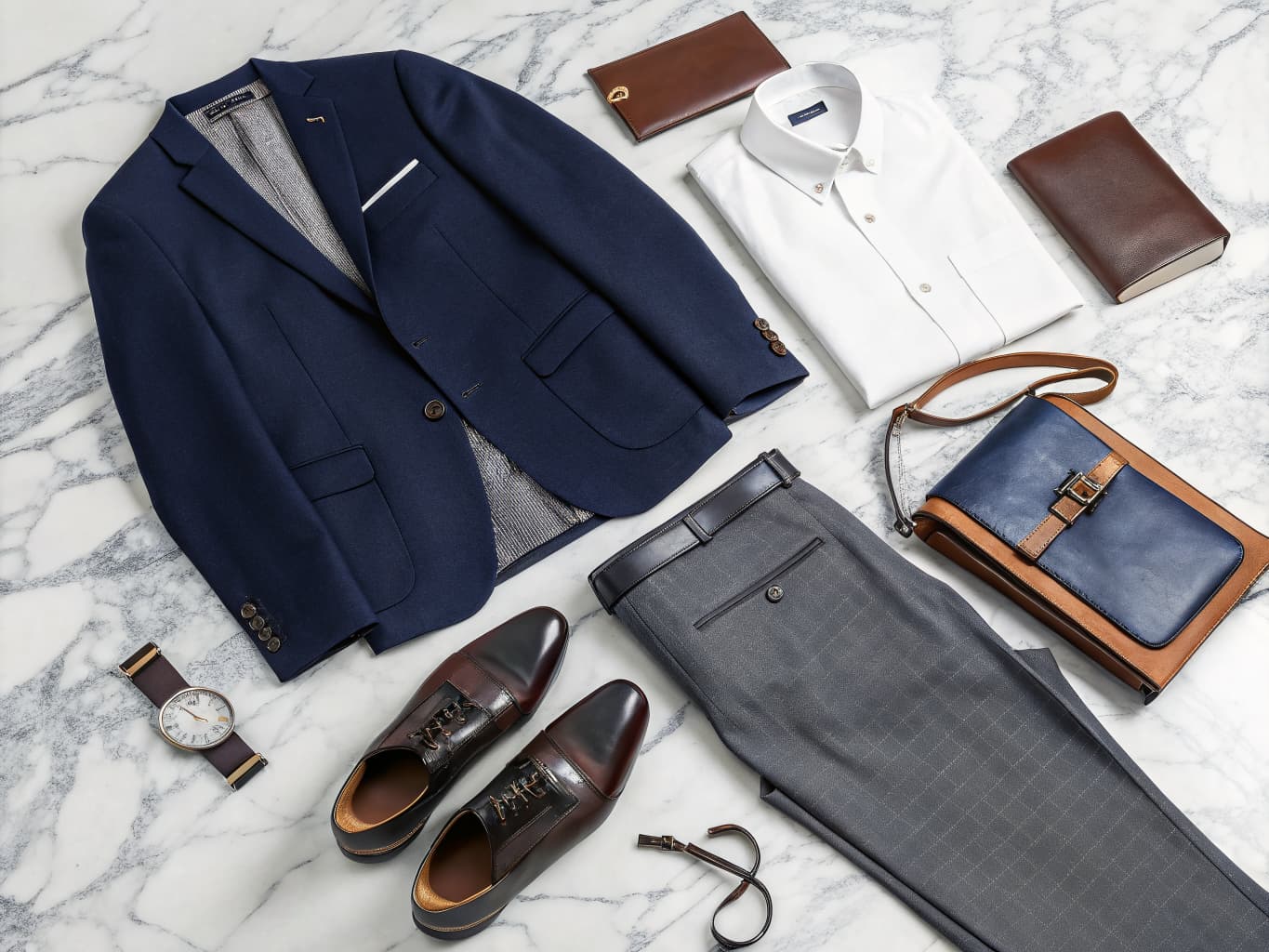
Upload Garments & Define Brief
Upload your product images and set your creative brief — season, brand tone, model casting direction, and color story.
AI Generates Editorial Photography
Alovia generates professional model shots for each look in 10 seconds. Choose poses, backgrounds, and styling direction.
Arrange, Export & Publish
Choose your template, arrange pages, then export as a print-ready PDF or publish as an interactive flipbook with one click.
Frequently asked questions
An AI fashion lookbook uses AI-generated model photography to present your collection in an editorial, story-driven format — different from a standard product catalog. Alovia generates professional model shots from flat-lay photos and assembles them into designed pages, which you export as PDF or publish as an interactive flipbook.
Yes. Every Alovia lookbook template is fully customizable. Upload your logo, set your brand color palette, choose your typography, and apply your visual identity across every page. You can also build a custom template from scratch and save it for future collections.
Alovia offers two export options: a print-ready PDF (high-resolution, suitable for A4, letter, or custom dimensions) and an interactive flipbook published to a shareable URL. Both are generated from the same lookbook without any additional work.
There is no hard limit. Most brands create lookbooks with 10–40 looks per seasonal collection. Alovia generates AI model photography for each look individually, so adding more looks costs additional credits (10 credits per look) but no additional time for planning or production.