Solution
A shareable link that takes orders — not just a look
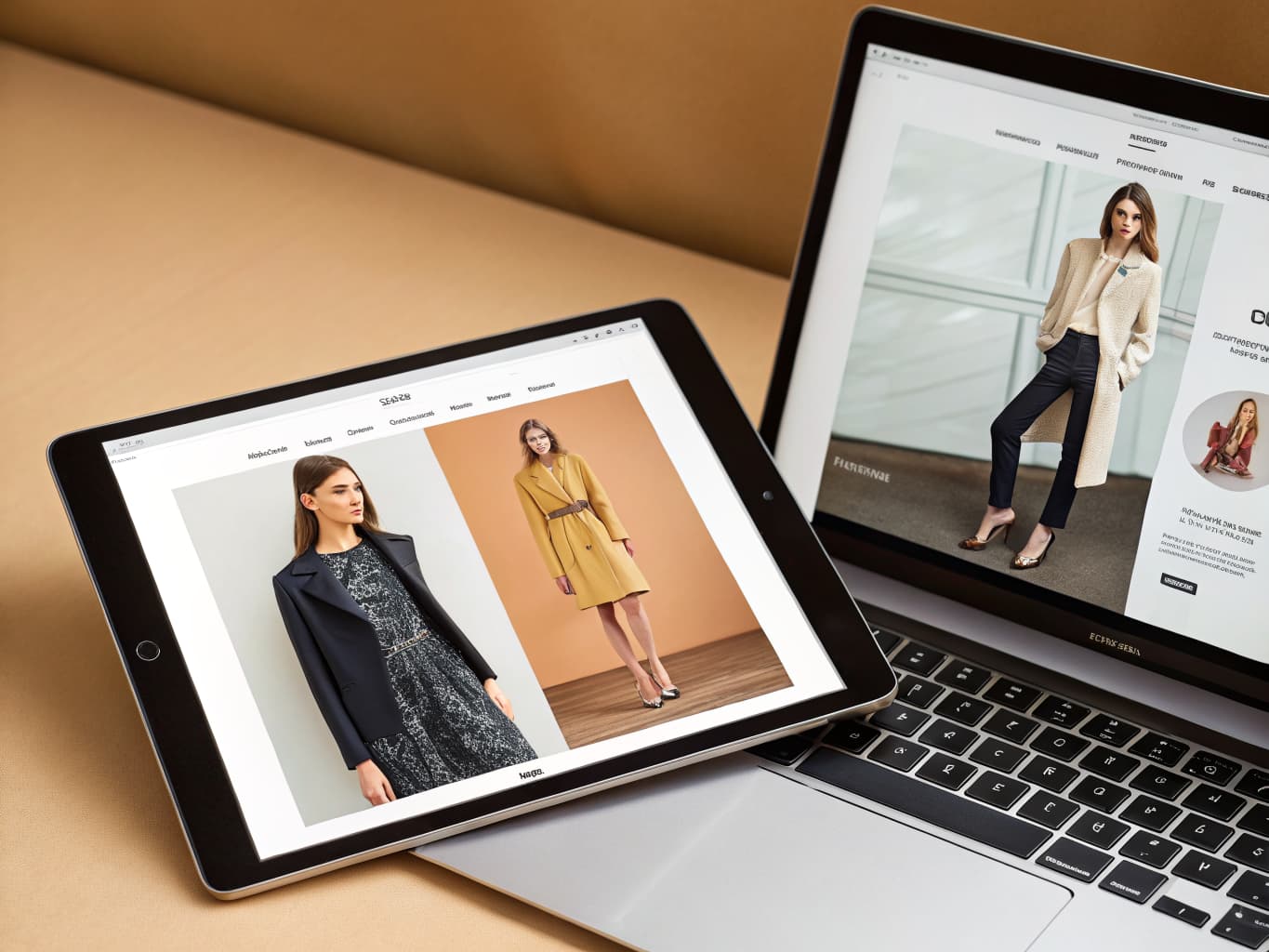
A digital showroom is a shareable, interactive flipbook version of your catalog, lookbook, or line sheet — buyers open one link, browse without an account, and submit an order from the page. Publish it for a set window, track total and daily views, and manage every order from your dashboard.
A digital showroom is a shareable, interactive flipbook version of your catalog, lookbook, or line sheet — buyers open one link, browse without an account, and submit an order from the page. Publish it for a set window, track total and daily views, and manage every order from your dashboard.
What you get when you create a digital showroom for wholesale buyers
- B2B buyers willing to spend over $50,000 on a single order
- 73%
- Digital Commerce 360, on McKinsey's B2B Pulse Survey
What does it cost to create a digital showroom for wholesale buyers?
| Line item | Traditional photoshoot | With Alovia | Source |
|---|---|---|---|
| Full-service agency product photography, per image | $100–$300+ | 5–20 credits, 1K to 4K | |
| Photographer, per day | $1,500–$4,000 | Not required | |
| Model, per day | $500–$2,000 | Not required | |
| Turnaround to edited delivery | 5–10 business days | Minutes | |
| Cost per look | Billed by the day, not per look | 10 credits, about $1.00 per look | |
| What you pay monthly | Not a subscription | $49.99 Starter · $149.99 Pro |
What do you need to create a digital showroom for wholesale buyers?
One link, no account needed
Digital Showroom (/products/digital-showroom) publishes any catalog, lookbook, or line sheet as a shareable flipbook — buyers open it directly, with no login, download, or app required.
Buyers submit orders from the page
Buyers add styles to a cart and submit an order with their name, business, email, phone, and notes — every line carries product name, SKU, color, size, quantity, and unit price. It is an order submission, not a checkout: no payment is taken in the showroom.
MOQ enforced automatically
The server re-derives the minimum order quantity from the published showroom itself and rejects an order that falls short, naming the product and the shortfall.
Views tracked automatically
Every published showroom tracks total views since it went live, plus a daily view chart covering the last 30 days.
Orders flow into one dashboard
Each order lands in your dashboard with full line items and moves through new, reviewed, confirmed, processing, delivered, and archived — export the list as CSV or Excel anytime.
Update the content, keep the link
Build the source document in Catalog Generator (/products/catalog-generator) or Line Sheet Generator (/products/line-sheet-generator), then edit it after publishing — the same showroom link reflects the change.
How do you create a digital showroom for wholesale buyers?
1. Build the catalog, lookbook, or line sheet
Create the source document in the Catalog Builder — upload product photos, generate on-model imagery, and lay out the pages.
2. Publish it as a showroom
Choose a publishing window — 1 week, 15 days, or 1 month — and Alovia turns it into a live flipbook at its own shareable URL.
3. Share the link and manage orders
Send the link to buyers, watch total and daily views update, and review submitted orders as they land in your dashboard.
What do brands who create a digital showroom for wholesale buyers say?
“Our wholesale process was constantly delayed by static PDF linesheets that took days for our team to format. If a color variant or MOQ changed, it meant another bottleneck before we could pitch to international buyers. Alovia completely modernized our B2B sales. Using the studio, we now generate dynamic, up-to-date linesheets and high-quality campaign presentations in seconds. Our distributors get a professional, instantly adaptable catalog without waiting for traditional physical shoots, and it has noticeably shortened our wholesale order cycles.”

Leonard Kho
Head of Wholesale & B2B Sales
“The biggest bottleneck in visual merchandising is waiting for physical samples just to start building our seasonal stories. With Alovia, we've completely bypassed that waiting period. Long before production finishes, I can virtually test outfit combinations and build our entire campaign aesthetic. The platform gives me complete control—I can design custom lookbook templates exactly how I envision them and instantly publish them as interactive flipbooks and e-catalogs. Now, our marketing team has polished, ready-to-use content months in advance, keeping us perfectly ahead of schedule.”

Matteo Rossi
Senior Visual Merchandising Specialist
Questions about how to create a digital showroom for wholesale buyers
How is a digital showroom different from emailing a PDF?
A PDF is a static file — no ordering, no view tracking, and any change means resending it. Digital Showroom (/products/digital-showroom) publishes the same catalog as a live, page-flip flipbook at its own link: buyers submit orders straight from the page and you see total views plus a 30-day daily view chart for as long as it stays published.
Do buyers need to log in or create an account?
No — the published showroom page is anonymous. Buyers open the link, browse, and submit an order with their name, business, and contact details; there are no buyer logins or password-protected showrooms.
Does a digital showroom stay live forever once published?
No. Publishing is a paid, time-limited plan — a 1-week, 15-day, or 1-month window, each costing credits — and the showroom expires at the end of it. Republish whenever you need it live again.
What do I need before I can publish a digital showroom?
Any catalog, lookbook, or line sheet built in the Catalog Builder can be published as a showroom without redesigning it — see How to Create Wholesale Line Sheets (/solutions/create-wholesale-line-sheets) or How to Create a Clothing Catalog (/solutions/create-a-clothing-catalog) for how to build the source document first.
How many credits does each publishing window cost?
50 credits for 1 week, 80 for 15 days, or 120 for 1 month. Republishing after it expires costs credits again at whichever window you choose.
Does 'total views' count unique visitors, or every time someone opens the link?
Every page load. The counter logs a new view each time the flipbook page opens, with no unique-visitor or repeat-visit deduplication — so a buyer who reopens the link twice adds two views, not one.
If one product in an order falls short of its MOQ, does that block the whole order?
Yes. The server checks every product in the cart against its own minimum before the order is created, and rejects the whole submission at the first one that falls short — naming that product and the shortfall so the buyer knows what to fix.
If I've already exported a PDF, do I still need to publish separately to get a shareable link?
Yes — they're two independent actions. PDF export is a flat 10 credits and gives you a downloadable file; publishing a showroom is a separate, time-limited action (50/80/120 credits) that gives you a live, orderable link. You can do either, both, or neither.
Ready to create a digital showroom for wholesale buyers?
Turn your products into buyer-ready catalogs — no photoshoot required.
Sources
- Business Research Insights — Fashion B2B e-commerce market size, 2026 ($14.47B). Source dated 2026-07-06.
- Digital Commerce 360, on McKinsey's B2B Pulse Survey — B2B buyers willing to spend over $50,000 on a single order (73%). Source dated 2024-09-12.
Last updated: