Solution
Turn flat-lay photos into a finished clothing catalog
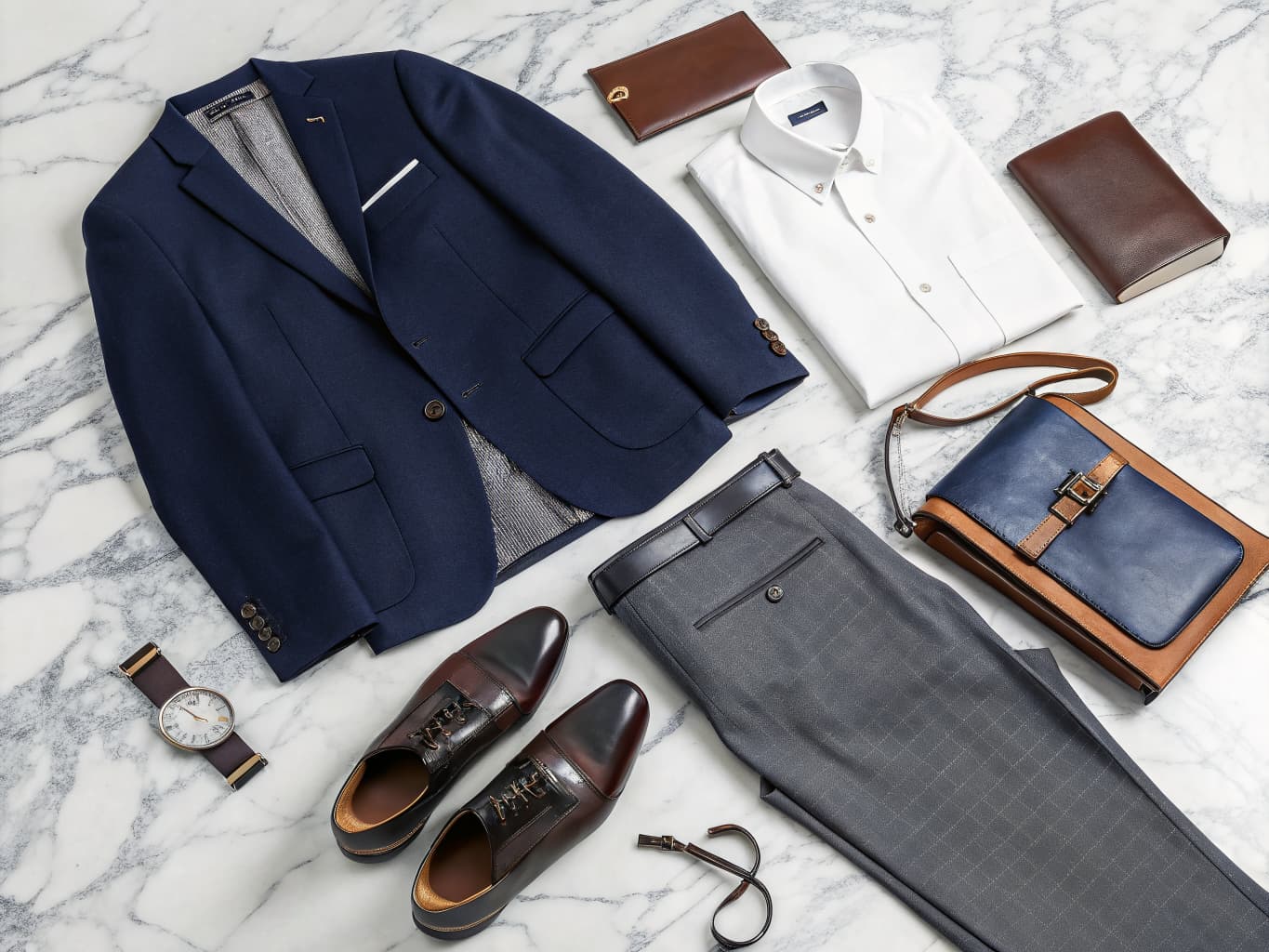
To create a clothing catalog you need consistent photography for every item, a structured layout, and an exportable format buyers can browse. Alovia's Catalog Generator builds this from flat-lay photos alone — it generates on-model imagery for each item, arranges a branded layout automatically, and exports a PDF or shareable flipbook link, without a photoshoot.
To create a clothing catalog you need consistent photography for every item, a structured layout, and an exportable format buyers can browse. Alovia's Catalog Generator builds this from flat-lay photos alone — it generates on-model imagery for each item, arranges a branded layout automatically, and exports a PDF or shareable flipbook link, without a photoshoot.
What you get when you create a clothing catalog
What does it cost to create a clothing catalog?
| Line item | Traditional photoshoot | With Alovia | Source |
|---|---|---|---|
| Full-service agency product photography, per image | $100–$300+ | 5–20 credits, 1K to 4K | |
| Photographer, per day | $1,500–$4,000 | Not required | |
| Model, per day | $500–$2,000 | Not required | |
| Turnaround to edited delivery | 5–10 business days | Minutes | |
| Cost per look | Billed by the day, not per look | 10 credits, about $1.00 per look | |
| What you pay monthly | Not a subscription | $49.99 Starter · $149.99 Pro |
What do you need to create a clothing catalog?
Skip the photoshoot
Upload flat-lay or product photos and Alovia generates on-model photography for every item — no studio, model booking, or shoot day.
One brief drives the whole catalog
Set collection name, season, concept keywords, brand tone, and a color story once — Alovia applies it across every page.
Start from a ready-made template
Choose a catalog template built for lookbooks, B2B line sheets, or seasonal campaigns, or save your own layout to reuse next season.
Your branding, every page
Logo, brand colors, typography, and per-slot font settings carry across the whole catalog automatically.
Export the way you sell
Download a print-ready PDF, or publish the catalog as a shareable flipbook link buyers open in any browser.
Social crops included
Export the same catalog images pre-cropped for Instagram, Facebook, and TikTok — no separate resizing pass.
How do you create a clothing catalog?
1. Set your creative brief
Define collection name, season, concept keywords, brand tone, and color story, then upload flat-lay photos for each item.
2. AI generates every look
Alovia creates on-model photography for each item and arranges it into a branded layout using a template or your own saved design.
3. Export or publish
Download a PDF, export social crops, or publish the catalog as a shareable flipbook link — update it anytime without resending a file.
What do brands who create a clothing catalog say?
“Shooting hundreds of items on models was financially impossible for us. With Alovia, we automated the whole process using our basic product shots. Our entire 500-SKU catalog now has consistent, professional model photography. Conversion rates jumped 42% in the first month alone. It's a very practical tool that directly impacts the bottom line.”

Jake Peterson
E-commerce Store Owner, STYLE DIRECT
“In the surf and streetwear market, trends change almost every week. Our biggest challenge was that by the time we finished shooting, arranging, and formatting a new collection, we had already missed the most valuable selling days. Alovia completely solved our speed-to-market problem. Using the ready-made seasonal and promotional templates in the Catalog Studio, we can now instantly create complete product line sheets and lookbooks. Instead of scrambling to arrange a last-minute photoshoot for a fast launch, we update our digital catalog in seconds and publish it immediately. It's a very practical, agile solution to one of the most frustrating bottlenecks in fast-paced retail.”

Isabella Wright
Head of E-commerce, SYDNEY SURF & STREET
Questions about how to create a clothing catalog
Do I need a photographer to make a clothing catalog?
No. Alovia's Catalog Generator (/products/catalog-generator) creates on-model photography directly from flat-lay photos, so you can build a full catalog without booking a photographer, model, or studio.
What's the difference between a clothing catalog and a lookbook?
A catalog is the broader term — the same creative brief can be arranged as an editorial lookbook, a seasonal campaign, or a B2B line sheet. See How to Create a Lookbook (/solutions/create-a-lookbook) if you specifically want the editorial, story-driven format.
Can I reuse the same catalog design for future seasons?
Yes. Save your branding, layout, and template as a custom template in the Catalog Builder, then apply it to a new season's products without rebuilding the design from scratch.
How do I share a finished catalog with buyers or customers?
Publish it as a digital flipbook at a shareable link — anyone opens it in a browser with no account or download — or export a PDF for email and print.
How many ready-made templates can I start a catalog from?
14 in total: 4 wholesale line-sheet layouts (including Commercial Grid and Wholesale Catalog) and 10 editorial lookbook layouts. Pick whichever fits the document you are building, or save your own once you have customized one.
Can I get the catalog images pre-cropped for social media too?
Yes — Social Crops (/features/social-crops) takes every successfully generated image in the catalog and downloads Instagram, Facebook, and TikTok-sized versions alongside the catalog itself, without a separate resizing pass.
Does the exported catalog PDF match a standard size like A4 or Letter?
No. Every export uses Tabloid/Ledger paper — 17×11 in landscape if you're using a lookbook-style template, 11×17 in portrait if you're using a line-sheet-style template. There is no A4 or Letter option.
How many credits does generating one look in the catalog cost?
10 credits per look, a flat rate that doesn't change with output resolution. Adding an optional close-up detail shot to a look costs 5 credits more.
Ready to create a clothing catalog?
Turn your products into buyer-ready catalogs — no photoshoot required.
Sources
- Baymard Institute — Apparel benchmark sites with no human-model image, or only one (21%). Source dated 2025-02-25.
- ProShot Media — Full-service agency product photography, per image ($100–$300+). Source dated 2025-08-28.
Last updated: