Product
Your season's story, told in minutes
Lookbook Generator turns flat-lay product photos into a full editorial lookbook — AI model photography for every look, arranged into a branded template, exported as a PDF or published as an interactive flipbook. One creative brief produces the whole season's story, without booking a photographer, model, or studio.
Lookbook Generator turns flat-lay product photos into a full editorial lookbook — AI model photography for every look, arranged into a branded template, exported as a PDF or published as an interactive flipbook. One creative brief produces the whole season's story, without booking a photographer, model, or studio.
What can Lookbook Generator do?
Editorial templates, ready to use
Start from the Alovia Template Library or build a custom layout with your own brand elements.
Your brand, your layout
Upload your logo and set brand colors and typography — every page reflects your visual identity.
AI model photography for every look
Generate editorial model shots for each outfit — no photoshoot, model booking, or studio rental.
PDF export
Export a high-resolution PDF on Tabloid/Ledger landscape pages, ready for print.
Interactive flipbook publishing
Publish as a shareable flipbook URL that buyers and customers flip through on any device.
One brief, full collection
Upload garments and set a brief — Alovia generates and arranges every look across the pages automatically.
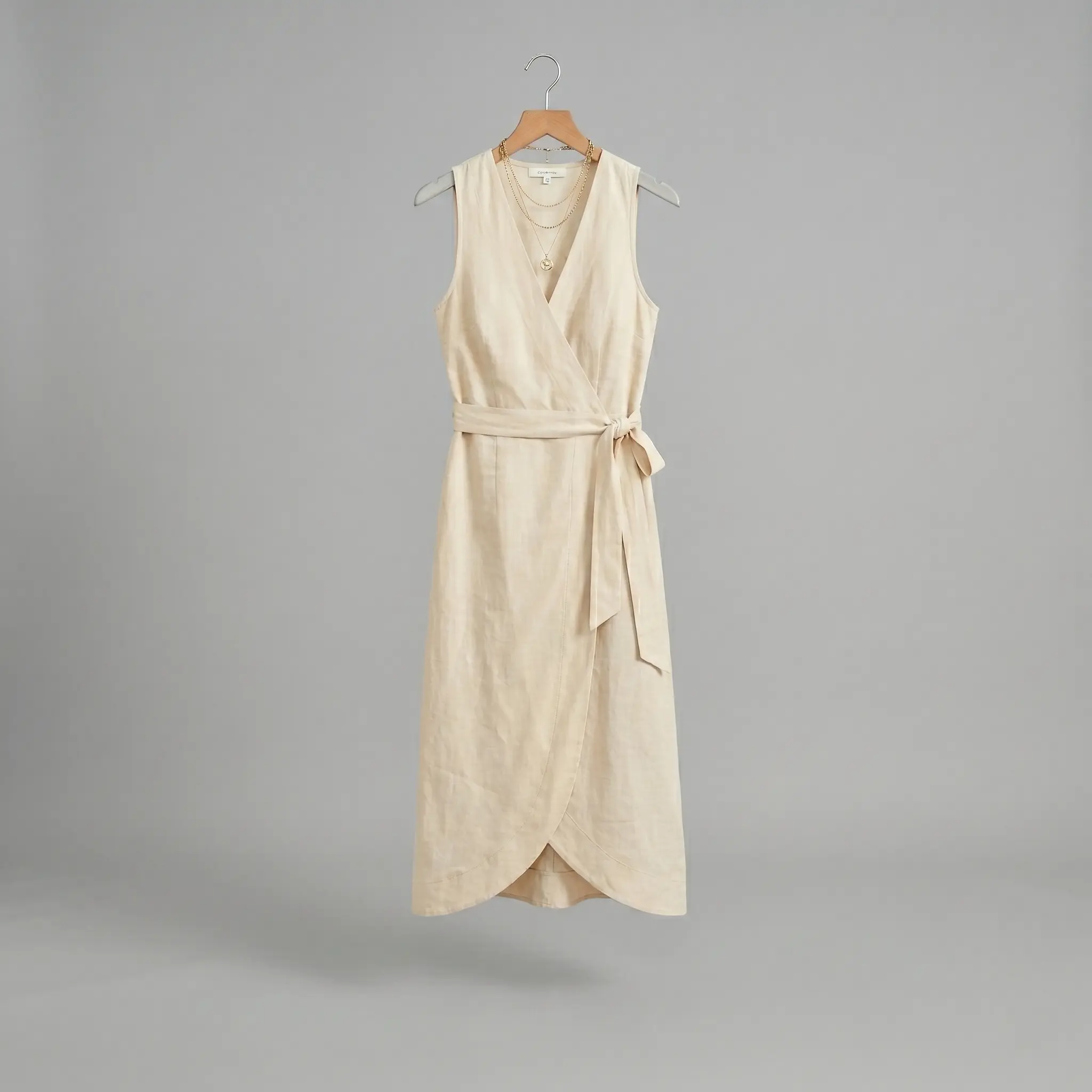
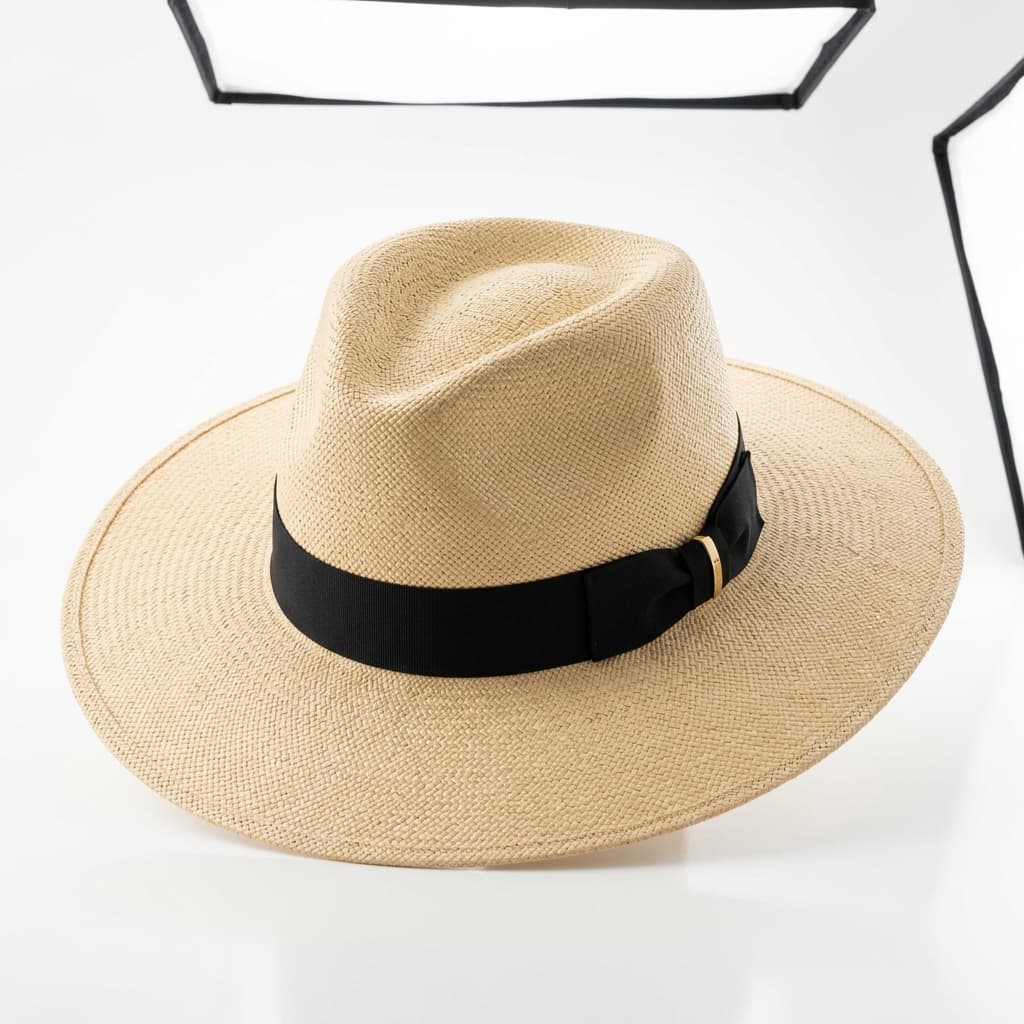
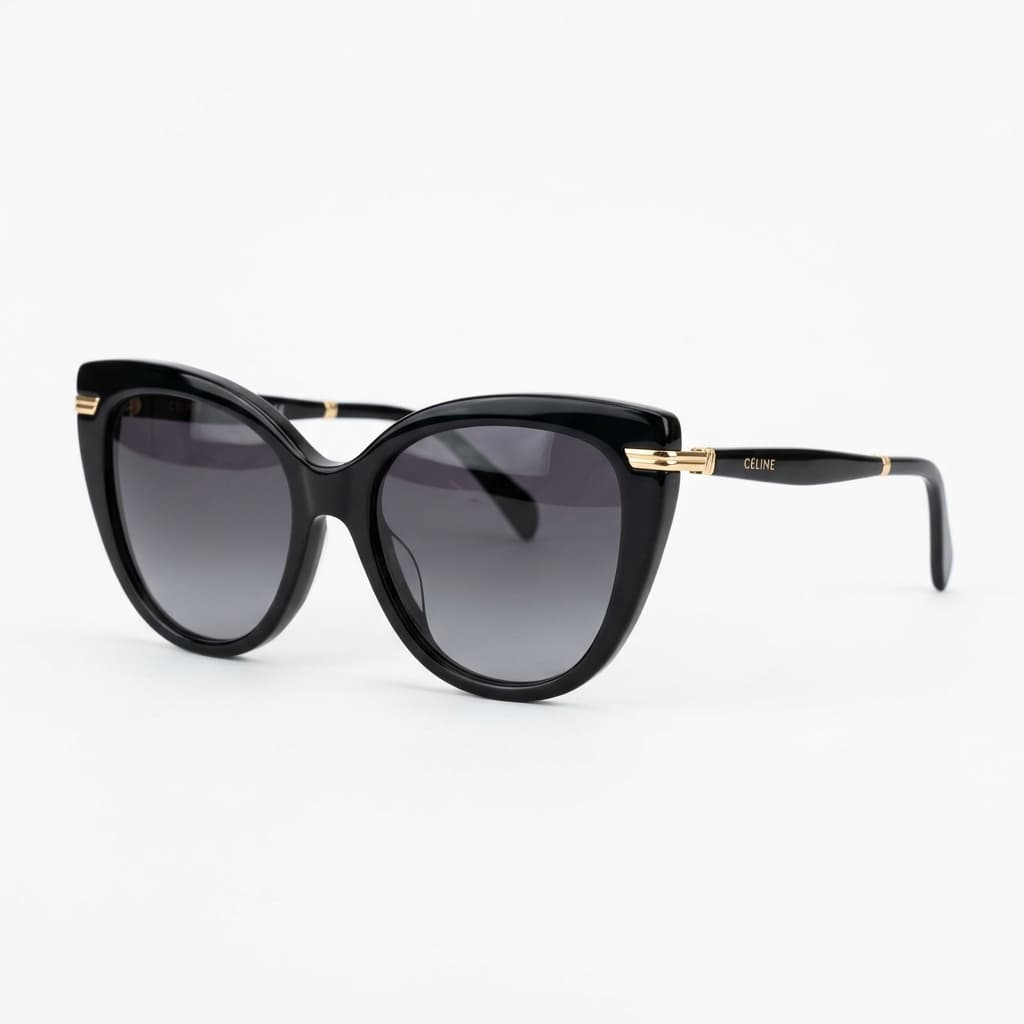
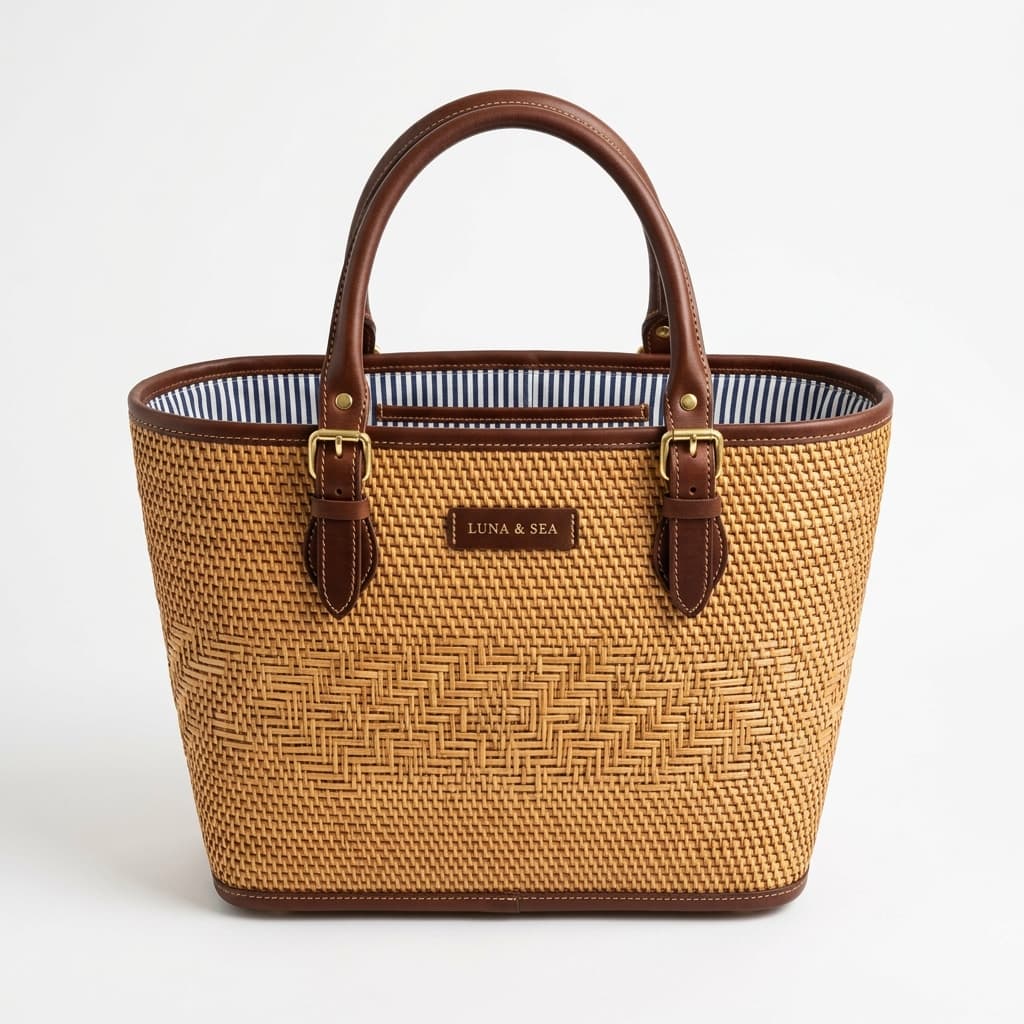
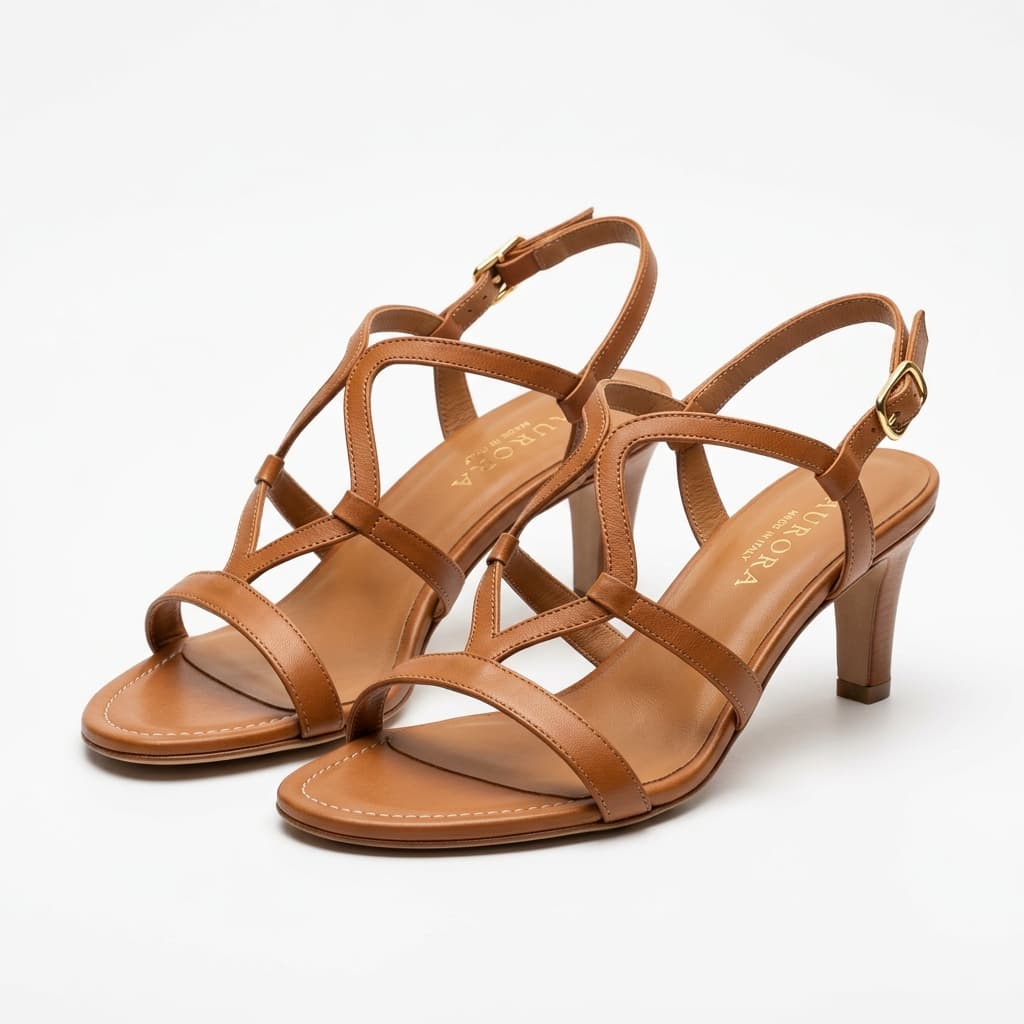
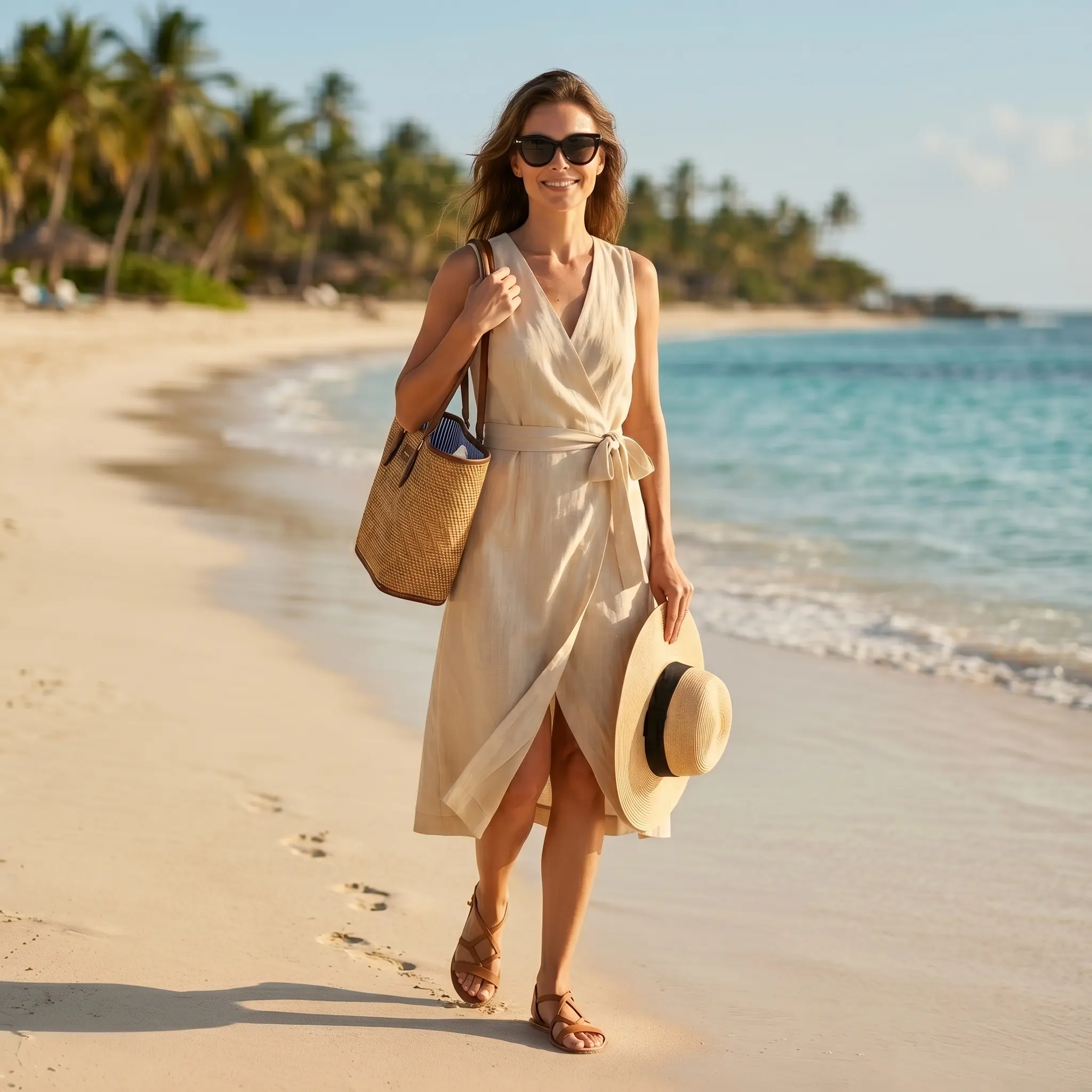
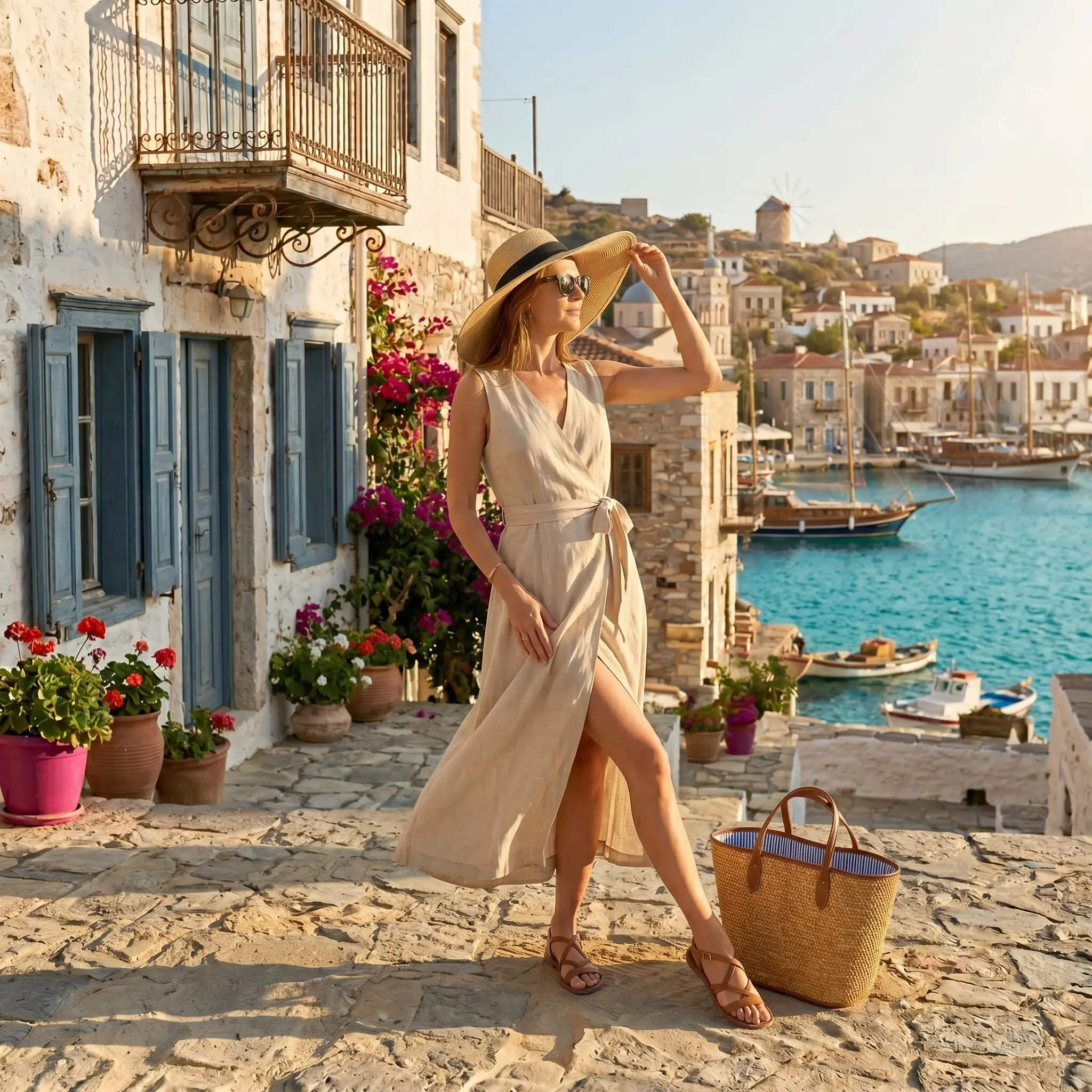
A summer campaign built from five product photos
Five flat lays became a full themed campaign. The same five files can be re-run against any other theme.

How does Lookbook Generator work?
1. Upload garments & set the brief
Upload product images and set season, brand tone, and casting direction.
2. AI generates editorial photography
Alovia generates model shots for each look — choose poses, backgrounds, and styling.
3. Arrange, export & publish
Pick a template, arrange the pages, then export as a PDF or publish as a flipbook.
Where do brands use Lookbook Generator?
How to Create a Lookbook
A lookbook is one styled look per page, ordered as a season's story. Alovia generates the on-model photography and exports a PDF or a shareable flipbook.
Boutiques & Independent Brands
Turn new stock into on-model product photos without booking a model or a studio, then export Instagram, Facebook and TikTok crops the same day.
Print-on-Demand Sellers
Generate a model wearing the garment in your existing mockup or sample photo, then upscale it. Alovia does not print or place designs onto a garment.
How do brands rate Lookbook Generator?
“Scaling digital campaigns across international markets used to mean juggling endless photoshoots, waiting weeks for post-production, and struggling to coordinate seasonal line sheets with our wholesale partners. With Alovia, that bottleneck is completely gone. We now generate hyper-realistic, diverse lookbook visuals and structured B2B linesheets aligned directly with our e-commerce sales calendar—all in a matter of minutes. It has eliminated the massive traditional studio expenses, slashed our time-to-market, and allowed us to deliver a seamless, high-end visual experience that keeps our digital commerce operations agile and ahead of the curve.”

Chloe Taylor
Head of Digital Commerce
“As a digital visual merchandiser, my biggest headache used to be the gap between planning a seasonal collection and actually getting the product photos ready. Waiting for physical samples to arrive so we could shoot them meant our digital lookbooks and B2B line sheets were always playing catch-up with the sales calendar. With Alovia, that timeline completely flipped. I can take basic product shots, drop them in, and instantly generate realistic, styled lookbook visuals and clean line sheets. It doesn't take away the creative control—it actually gives me the freedom to test different styling and merchandising combinations in minutes instead of waiting weeks for a studio shoot. It's cut our production costs dramatically and finally keeps our digital storefronts synchronized with our actual drops.”

Elena Sokolov
Digital Visual Merchandiser
Frequently asked questions about Lookbook Generator
What is an AI fashion lookbook and how is it different from a catalog?
An AI lookbook presents a collection in an editorial, story-driven format using AI-generated model photography, rather than a plain product grid. Alovia generates model shots from flat-lay photos and arranges them into designed pages you export as PDF or publish as a flipbook.
Can I customize the lookbook with my own brand colors and logo?
Yes. Every template is fully customizable — upload your logo, set your color palette and typography, and apply your visual identity across every page. You can also build a layout from scratch and save it for future collections.
How do I export a lookbook?
Export a high-resolution PDF on Tabloid/Ledger landscape pages (17×11″), or publish an interactive flipbook to a shareable URL — both generated from the same lookbook.
How many looks can I include in a lookbook?
Page count depends on how many looks you add to the brief and the template you choose — Alovia generates AI model photography for each one individually, so adding more looks costs additional credits (10 credits per look) but no extra planning time.
Can I keep the same model across every look in the lookbook for visual consistency?
Yes. Set a global model once in the creative brief and turn on model consistency — every look in the lookbook then uses that same model instead of a new one per look.
Can I add an optional detail shot to a look, and does it cost extra?
Yes — each look can include an optional close-up detail shot in addition to the main photo, for 5 extra credits on top of the look's 10-credit base cost.
Can I save a custom layout as a template for a future season?
Yes — name and save a customized page layout as a template from the layout editor, so you can reuse it for a later collection instead of rebuilding it from scratch.
What image formats can I upload for each look?
JPG, PNG, and WebP, up to 10MB per upload.
What works alongside Lookbook Generator?
Catalog Generator
Turn a creative brief and flat-lay photos into a finished lookbook, campaign or B2B line sheet, exported as a PDF or a shareable flipbook link.
Digital Showroom
Publish a catalog, lookbook or line sheet as an interactive flipbook: buyers open one link, browse on any device, and submit orders from the page.
Ready to try Lookbook Generator?
Turn your products into buyer-ready catalogs — no photoshoot required.
Sources
- Baymard Institute — Apparel benchmark sites with no human-model image, or only one (21%). Source dated 2025-02-25.
- ProShot Media — Full-service agency product photography, per image ($100–$300+). Source dated 2025-08-28.
Last updated: