AI Fashion Campaign Studio: Build a Campaign in 5 Minutes
AI Fashion Campaign Studio: Build a Complete Campaign in Under 5 Minutes
A seasonal fashion campaign used to require months of planning, tens of thousands of dollars, and a full production team — art directors, photographers, stylists, models, location scouts, and post-production editors, often 15 to 20 people for one shoot. AI campaign generation replaces that production line with a written brief and your existing flat-lay product photos.
Last updated: July 15, 2026.
AI campaign studio tools are compressing this workflow dramatically. Today, fashion brands are producing complete, professional campaign visuals in hours — not months. This isn't a hypothetical shift: major retailers are already running AI-generated imagery in live campaigns, as the examples below show.
What is an AI Fashion Campaign Studio?
An AI fashion campaign studio is a platform that enables brands to define a creative concept (mood, color story, model direction, setting) and generate cohesive campaign imagery across an entire collection — all without a physical production shoot.
The key difference between a campaign studio and basic AI image generation is cohesion. A campaign isn't a collection of individual product images — it's a unified visual story. The best AI campaign tools maintain that cohesion across every image in the set.
The Traditional Campaign Production Process
To understand the impact of AI, consider what a traditional seasonal campaign involves:
Creative development (2–4 weeks): Concept development, mood board creation, creative direction approval
Pre-production (2–4 weeks): Model casting, location scouting, styling preparation, crew coordination
Production (2–5 days): Shoot days with full crew
Post-production (2–4 weeks): Culling, editing, retouching, layout
Total: 6–13 weeks and $10,000–$100,000+ for a professional campaign
Why Brands Are Already Moving to AI Campaign Production
Fashion retailers of significant scale have moved past pilot projects and into production use of AI-generated campaign imagery:
- Zalando has said that roughly 70% of its editorial campaign assets were AI-generated in Q4 2024, produced using digital "twins" of real models placed in virtual environments. The company cites speed as the primary driver — moving from a spotted trend to tailored campaign content in under 24 hours (Zalando).
- H&M has run a consent-based digital-twin program covering 30 models, where each model retains ownership of their likeness and is compensated on a structure similar to traditional image licensing (H&M Group, Apparel Resources).
- In August 2025, Guess ran a two-page AI-generated ad in Vogue, produced by the AI studio Seraphinne Vallora. The campaign drew real backlash over how clearly the AI credit was disclosed, but it also put AI-generated fashion imagery in one of the industry's most visible outlets. The same reporting notes that AI production can cut campaign costs by up to 70% and compress timelines from months to days — though, as a single-outlet estimate, that figure should be treated as directional rather than guaranteed for every production (Forbes).
The Guess disclosure controversy is worth calling out on its own: the AI credit ran in small print, and readers who felt misled were louder than readers who didn't notice. Whatever tool a brand uses to produce campaign imagery, clear disclosure protects trust that speed alone can't buy back.
None of this means photography disappears. It means the fixed, once- or twice-a-year campaign shoot is no longer the only path from concept to finished imagery — and brands at Zalando and H&M's scale are already proving that out in production, not just testing it internally.
How AI Campaign Studios Compress This Timeline
Step 1: Define Your Creative Brief
In a structured brief, you establish:
- Season and concept: What story does this campaign tell?
- Brand tone: The emotional register of the imagery
- Color story: The palette that unifies the campaign
- Model selection: Which AI models represent the campaign's cast
- Environment: Studio, lifestyle, architectural, natural
- Mood reference: The visual direction you want to achieve
This replaces weeks of creative development with a focused 30-minute brief session.
Step 2: Garment Upload and Look Configuration
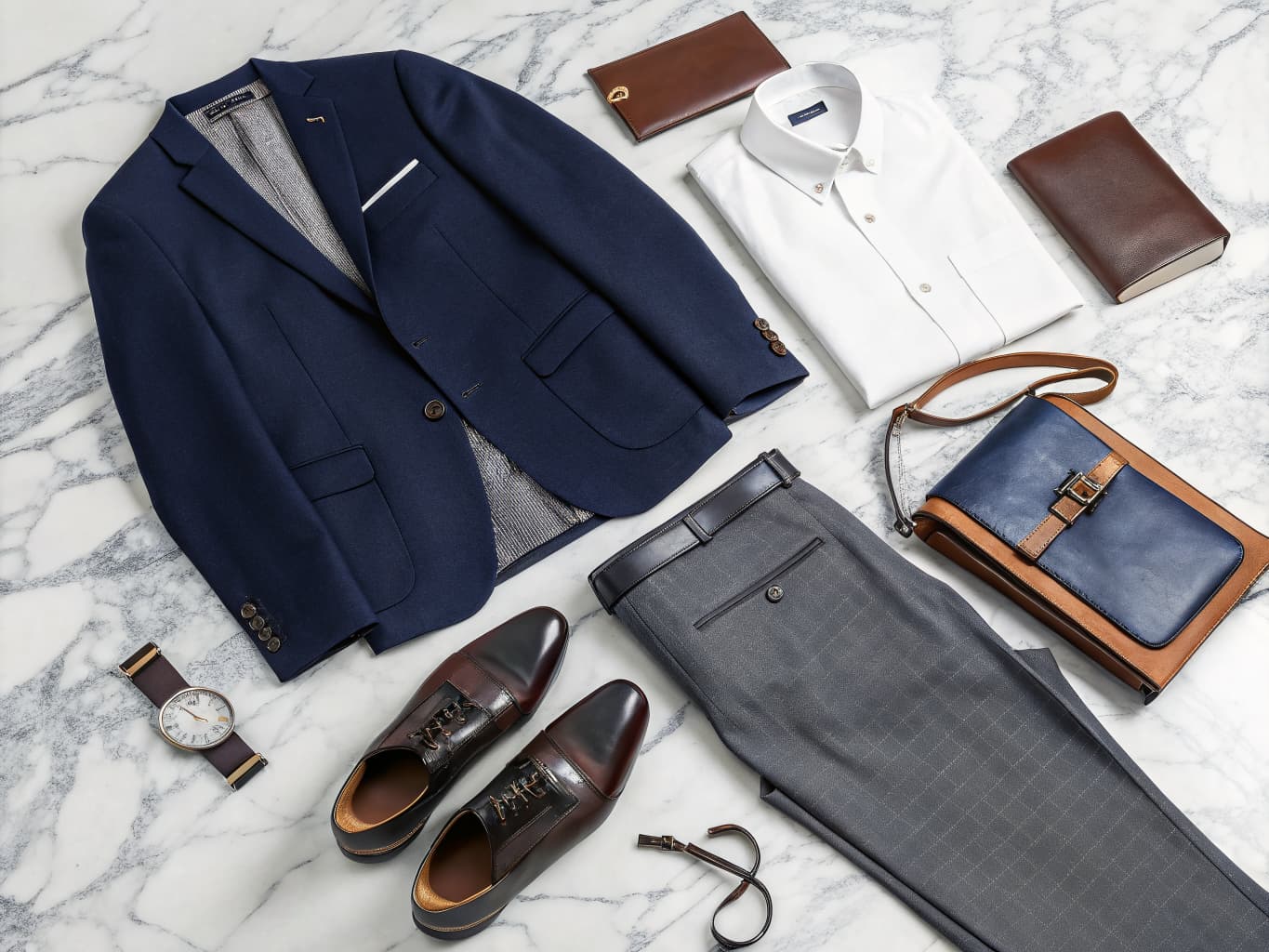
For each campaign look, upload your garment assets (flat-lay or product photos). The platform extracts garment data and prepares it for generation.
Configure each look:
- Which garments combine for this outfit
- Which AI model wears this look
- Which pose fits the campaign direction
- Which scene or background suits the moment
Step 3: Campaign Generation
The AI generates all campaign looks with cohesive visual treatment — consistent lighting, color grading reference, and scene direction across every image.
A 15-look campaign generates in approximately 15–30 minutes.
Step 4: Review and Refinement
Review the generated campaign imagery. Unlike traditional shoots where reshoots mean scheduling a new production day, AI regeneration is instant and free. Adjust model, pose, background, or styling and regenerate immediately.
Step 5: Export for All Channels
From campaign imagery, export directly to:
- Print: High-resolution files for lookbook and marketing material printing
- Digital: Web-optimized assets for email, social media, and advertising
- Catalog: Integrated into lookbook or line sheet layout
- Video: Some platforms animate campaign images into short-form video content
What Makes a Strong AI Campaign?
Visual Cohesion
The most important quality in campaign imagery is consistency across looks. Every image should feel like it belongs to the same story — same light quality, same color palette, same world.
Achieve this by:
- Selecting one background setting and using it consistently
- Choosing a consistent lighting direction (soft, dramatic, natural)
- Using a limited color palette in both garments and styling
- Maintaining consistent model presentation (posture style, expression energy)
Story Before Product
The best campaigns create desire before they show product details. Lead with imagery that establishes the campaign's emotional world — the lifestyle, the feeling, the moment. Product specifics can follow.
Consistency Across Channels
Once you have your campaign imagery, you need assets optimized for each channel: square crops for Instagram feed, vertical for Stories, horizontal for email headers, high-resolution for print.
AI campaign platforms that include export presets for different channel dimensions save significant additional production time.
Campaign Studio vs. Standard AI Image Generation
Standard AI image generation creates individual images on demand. A campaign studio creates a cohesive set of images that work together.
| Feature | Standard AI Generation | AI Campaign Studio |
|---|---|---|
| Visual cohesion | Manual effort | Built-in |
| Creative brief | Not applicable | Structured template |
| Batch generation | Sequential | Coordinated batch |
| Layout integration | External tool needed | Integrated |
| Export to catalog | Manual | Direct |
Alovia's Campaign Studio integrates creative brief, AI generation, layout, and multi-format export in a single workflow.
Common questions about building a fashion campaign with AI
Q: How long does it take to create a fashion campaign with AI? A: With AI campaign studio tools, a complete campaign visual set for a 15-look collection can be created in 2–4 hours — from creative brief to exported assets. This compares to 6–13 weeks for traditional campaign production.
Q: Can AI maintain consistent visual style across a campaign? A: Yes. Modern AI campaign tools are designed specifically to maintain visual cohesion — consistent lighting, color treatment, and scene direction — across all images in a campaign set. This is the key differentiator between campaign studio tools and basic AI image generators.
Q: What channels can I use AI campaign imagery for? A: AI campaign imagery is suitable for all standard marketing channels: e-commerce product pages, social media (Instagram, Pinterest, TikTok), email marketing, digital advertising, printed lookbooks and line sheets, PR and press materials, and wholesale buyer presentations.
Q: How many looks can I include in an AI fashion campaign? A: Most AI campaign platforms have no hard limit on campaign size. Brands typically create 10–30 looks per seasonal campaign. Larger collections can be organized into multiple campaign sets with different creative directions.
Q: Are major fashion brands actually using AI for campaign imagery, or is this still experimental? A: It's already in production at scale. Zalando has said roughly 70% of its Q4 2024 editorial campaign assets were AI-generated, and H&M runs a consent-based digital-twin program with 30 models. Guess also ran an AI-generated ad in Vogue in August 2025, though that campaign drew criticism over how clearly the AI credit was disclosed — a reminder that speed and disclosure need to move together.
Q: What is a creative brief, and why does it matter for AI campaign generation? A: A creative brief is a structured document that defines your campaign's season, concept, brand tone, color story, model selection, environment, and mood reference. The article shows this can replace weeks of traditional creative development with a focused 30-minute session, making it the foundation of cohesive AI campaign output.
Q: How does AI campaign generation differ from just combining individual product images? A: Standard AI image generation creates isolated product shots one at a time, requiring manual effort to create visual cohesion across a set. Campaign studios generate coordinated batches with built-in consistency — consistent lighting, color treatment, and scene direction — across all images simultaneously, which is why the result feels like a unified visual story rather than a collection of separate images.
Q: Why should brands disclose that campaign imagery is AI-generated? A: The Guess/Vogue example shows that readers who feel misled about image origin lose trust, and that backlash can damage brand reputation. Transparent disclosure of AI credit protects customer trust — speed and disclosure need to move together for sustainable use of AI campaign tools.
Q: What makes visual cohesion the most important quality in campaign imagery? A: Every image in a campaign should feel like it belongs to the same story — same light quality, color palette, and world. This creates a unified emotional narrative that helps customers understand your brand's aesthetic point of view, which is why consistent lighting, limited color palettes, and coherent model presentation are emphasized throughout the workflow.
Q: Can you adjust individual campaign images after generation if you're not satisfied? A: Yes. Unlike traditional photoshoots where reshoots require scheduling a new production day, AI regeneration is instant and free. You can adjust the model, pose, background, or styling for any image and regenerate immediately, giving brands complete creative control without reshoot costs.
Conclusion
AI fashion campaign studios are democratizing professional campaign production. Capabilities that once required a $50,000–$100,000 production budget and 10+ weeks are now accessible in hours at subscription pricing — and, as Zalando and H&M's production-scale adoption shows, this shift is no longer limited to smaller or emerging brands.
For fashion brands — particularly emerging brands and those managing multiple seasonal collections — this shift represents a fundamental change in what's operationally possible.
Ready to build your first AI fashion campaign? Try Alovia's Campaign Studio demo — no sign-up required.
Related: How to Create a Lookbook with AI · Campaign Builder How-To Guide · Try Campaign Studio →
İsmail spent years building product and technology at Altın Yıldız — Turkey's benchmark for premium menswear — before founding Alovia to bring AI-powered content creation to fashion brands worldwide.
Connect on LinkedIn →